3-24 TM-500 User’s Guide
The Setup Screens D292144.6.fm
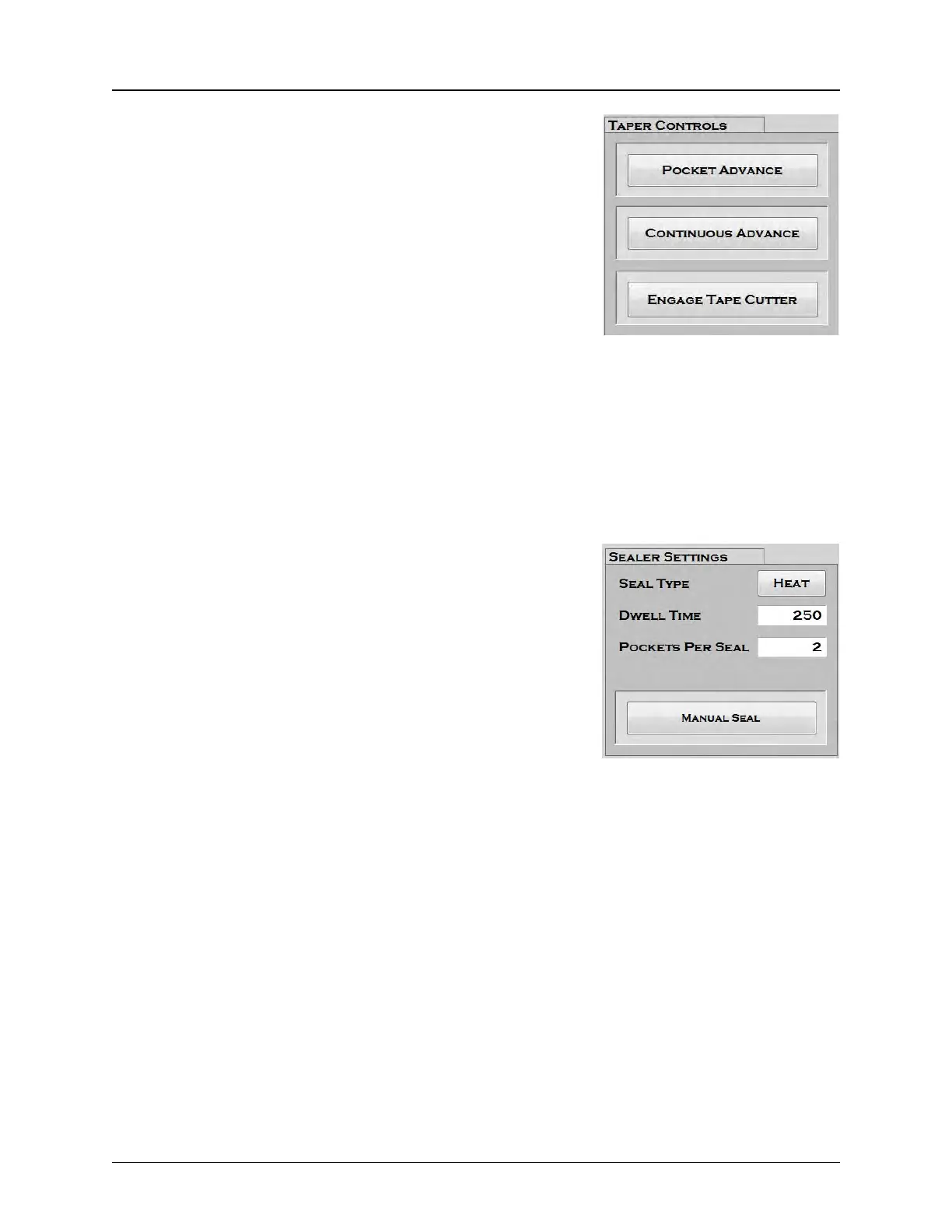
2. Taper Controls
The Pocket Advance button advances the tape one pocket at
a time.
The Continuous Advance button advances the tape through
the taper and onto the take-up reel. It will continue to advance
until the Stop button is pressed or the Continuous Advance
is pressed a second time.
Note: Continuous Advance is useful for creating a
trailer or loading tape at the beginning of a job.
The Engage/Disengage Tape Cutter button turns the Automatic Tape Cutter ON. When Single
Reel Mode is selected (see Step 4), the Taper will complete the job and run the pre-set Leader
amount out, then cut the tape. When Multiple Reel Mode is selected, the Taper will complete the
current reel and run the pre-set Leader amount out, then run out the Trailer for the next reel. The
Cutter will automatically cut the tape between the Leader of the first reel and the Trailer of the
next reel.
3. Sealer Settings
The Seal Type button toggles between Heat seal and PSA
seal.
The Dwell Time (MS) field is only active when Heat seal is
enabled. Dwell time refers to the amount of time that the Heat
Seal Shoes are in contact with the Cover Tape. Enter the
desired dwell time in milliseconds in this field.
The Pockets Per Seal field refers to the number of pockets
the taper advances through the sealer with each seal.
Note: The Sealer anvil is about 48 mm in length. Typically the sealer is set to activate
twice per pocket.To determine the correct Pockets Per Seal setting, determine the pocket
size and then calculate how many pockets the taper should advance in order to activate
twice per pocket.
The Manual Seal button activates the sealer to perform one seal.



 To Next Page