D292144.7.fm Tray Setup
Chapter 4: Machine Setup 4- 11
Enter the number of columns and rows, then press the Right Arrow to continue.
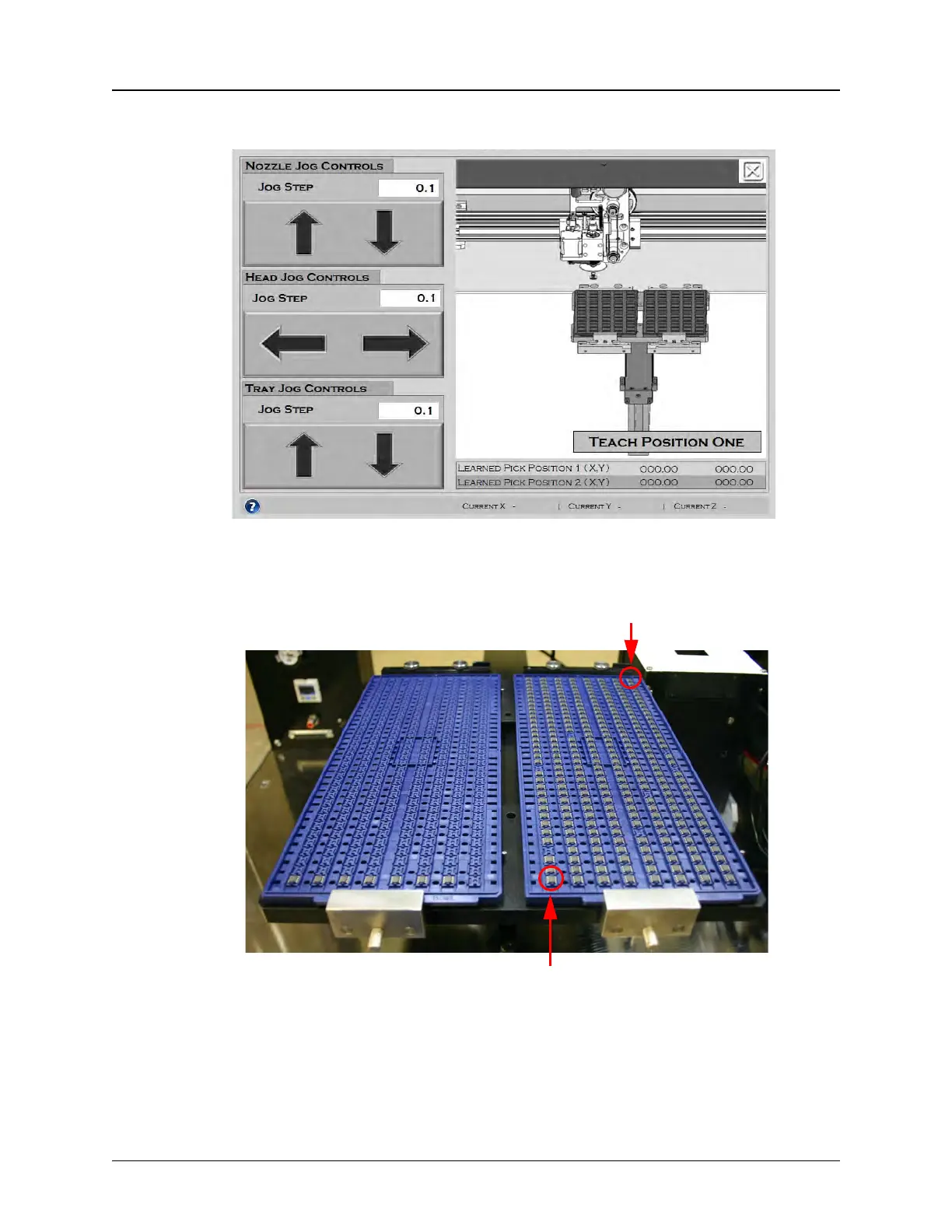
With the doors open to deactivate the motors, use the Jog buttons to center the
nozzle over the top, right pocket in Tray 1. This is Pick Position 1 (Origin).
Note: The TM-500 will use the Origin position to automatically calculate Reject
To Tray and Output To Tray positions.
First Pick Pocket
Tray 2 Tray 1
Last Pick Pocket



 To Next Page