4-16 TM-500 User’s Guide
Taper Setup D292144.7.fm
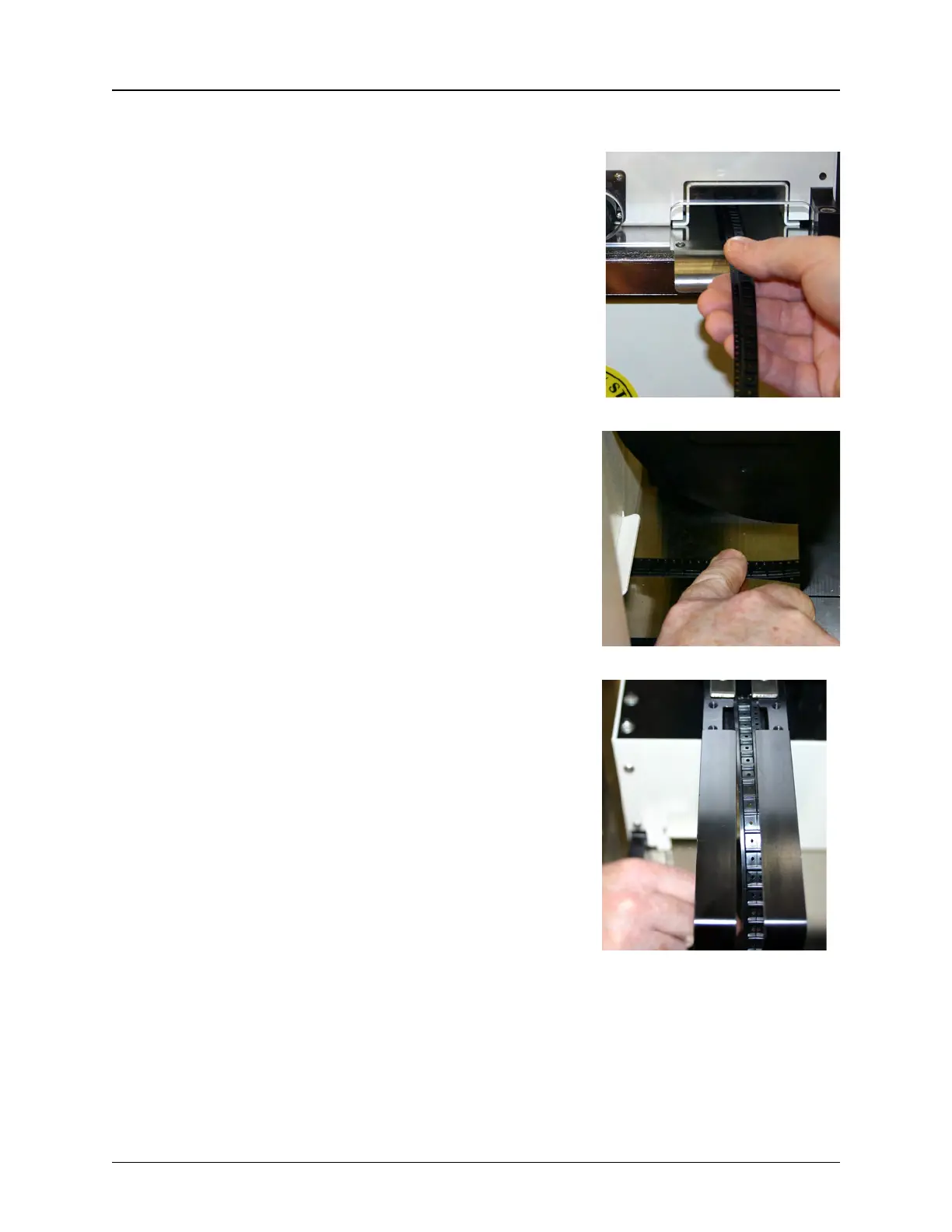
3. Trim the end of the carrier tape so it is clean and straight.
4. Guide the carrier tape under the input tape
guide and then feed it through the carrier tape
channel under the taper.
5. Once the carrier tape emerges from the
channel on the other side of the taper, feed it
through the tape guide.
6. Press the carrier tape against the base plate
to reduce the tension as it is fed into the tape
guide. If it is still difficult to feed the carrier
tape, gently widen the track width until it
slides freely into the track.
7. As the carrier tape reaches the top of the
wheel guide, feed it into the carrier tape track.
The pockets will now be facing up.
Note: A sharp instrument, such as a pair of
tweezers may aid in guiding the carrier tape
into the loading track.
Step 5:
Setup
Output
CARRIER
TA PE



 To Next Page