D292144.7.fm Taper Setup
Chapter 4: Machine Setup 4- 17
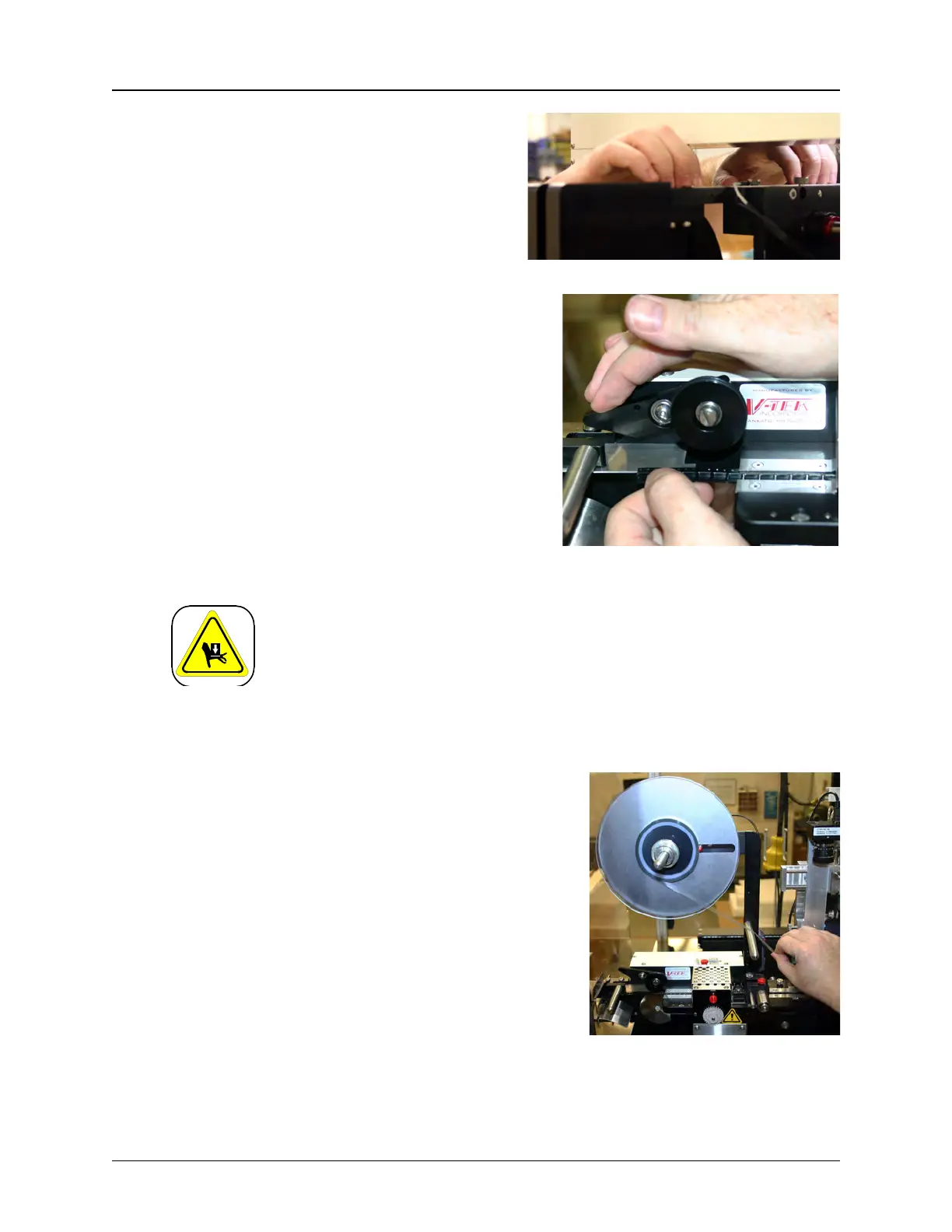
8. Use your fingertips to continue to
guide the carrier tape forward
through the loading track and the
sealer until it reaches the sprocket.
9. Lift the idler wheel and place the
carrier tape onto the sprocket so that the
holes engage the teeth. Release the
idler wheel so that it is secured in place.
Mechanical Hazard!
Do not attempt to activate the sprocket while tape is being routed
through the sealer. Pinching or entrapment may occur if safety precau-
tions are not observed.
LOAD COVER TAPE
1. Remove the reel lock mechanism and place
a reel of cover tape of the correct width to
match the carrier tape on the cover tape
spindle. The tape should unwind to the right
from the bottom of the reel. Ensure that
there is sufficient tape for the batch to be
run. The reel should be pushed onto the
holder so that it is flush with the back.
2. Replace the reel lock and position it so the
reel is supported and spins freely on the
spindle with little or no drag.
Step 5:
Setup
Output
CARRIER
TA PE
Step 5:
Setup
Output
COVER
TA PE



 To Next Page