TROUBLESHOOTING
Vertical Express Product Manual 4-11 88500 v.1.0
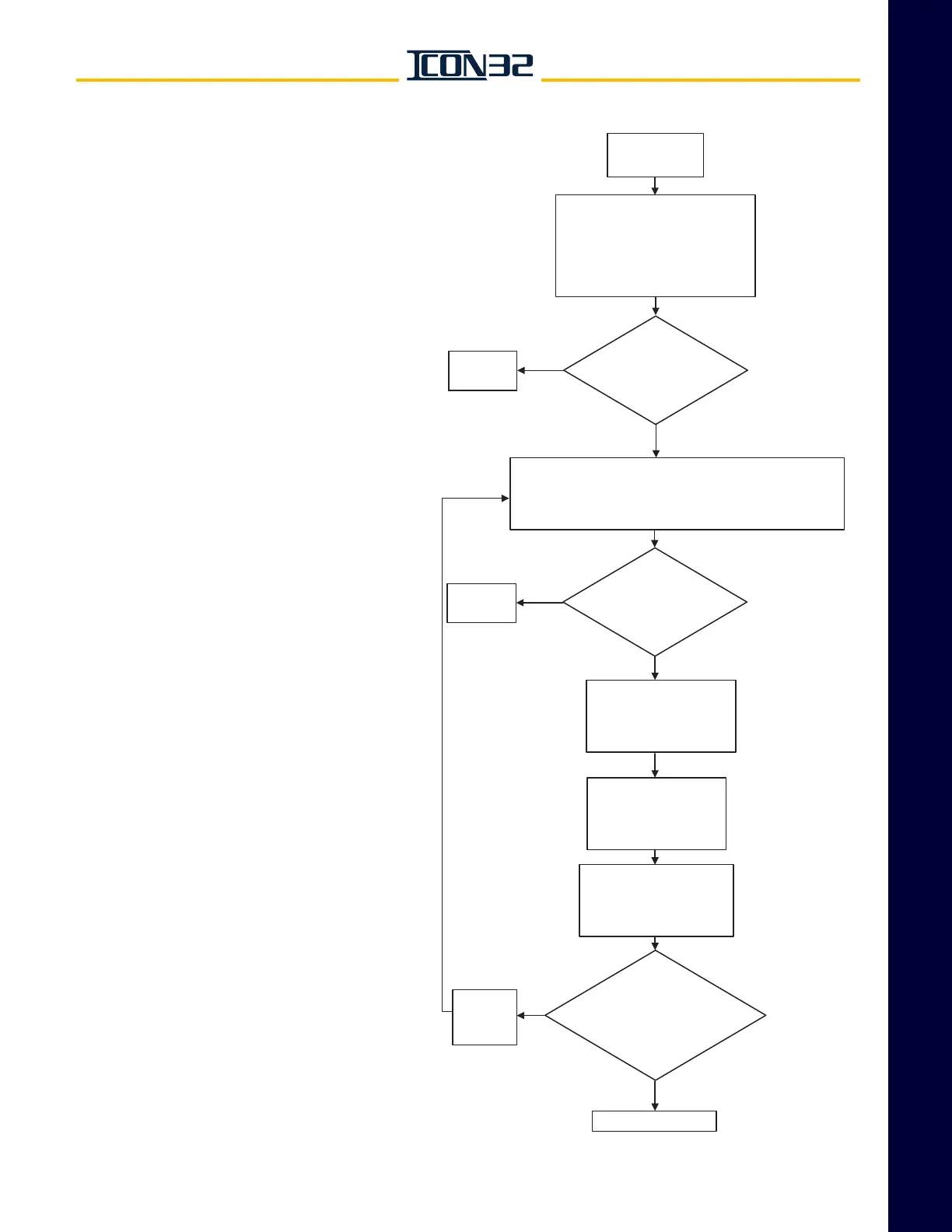
Troubleshooting Section Correct an Offline CAN Node
Issue a DCN
Command
The CAN nodes and status
will display either a
1 = online
or a
0 = offline
right side of the node name.
Does the node status
indicate 0 = offline?
Process
Complete
IF NO
IF YES
IF YES
IF YES
IF NO
1. Place the controller on Inspection Service.
2. Issue a TECC Command, then a DCN Command.
3. Verify the node status.
Locate the node and
confirm that the node
has power and that
the fuses are good.
Confirm that the
logical address
jumpers of the
node are correct.
With power OFF,
check the resistive
load on the respective
CAN channel.
With all plugs properly
landed, is the resistive load
appx. 60 ohms?
Correct
Resistive
Loading
Replace the node.
Does the node status
indicate 0 = offline?
Process
Complete
IF NO
Correct an Offline CAN Node
1. Before performing this procedure, verify the following:
a. THY02 Card: SW1-3 = ON.
b. Every CAN Node JP14 =1-2.
2. Cycle power to the system (if it was necessary
to correct a jumper position).



 To Next Page