Temporary Operation Installation Section
©Vertical Express 1-10 Printed in USA April 2020
Electronic Starter Setup
For Across the Line Motor Starting, see Mechanical Starter Set Up with ESP200 Overloads on page 1 - 11.
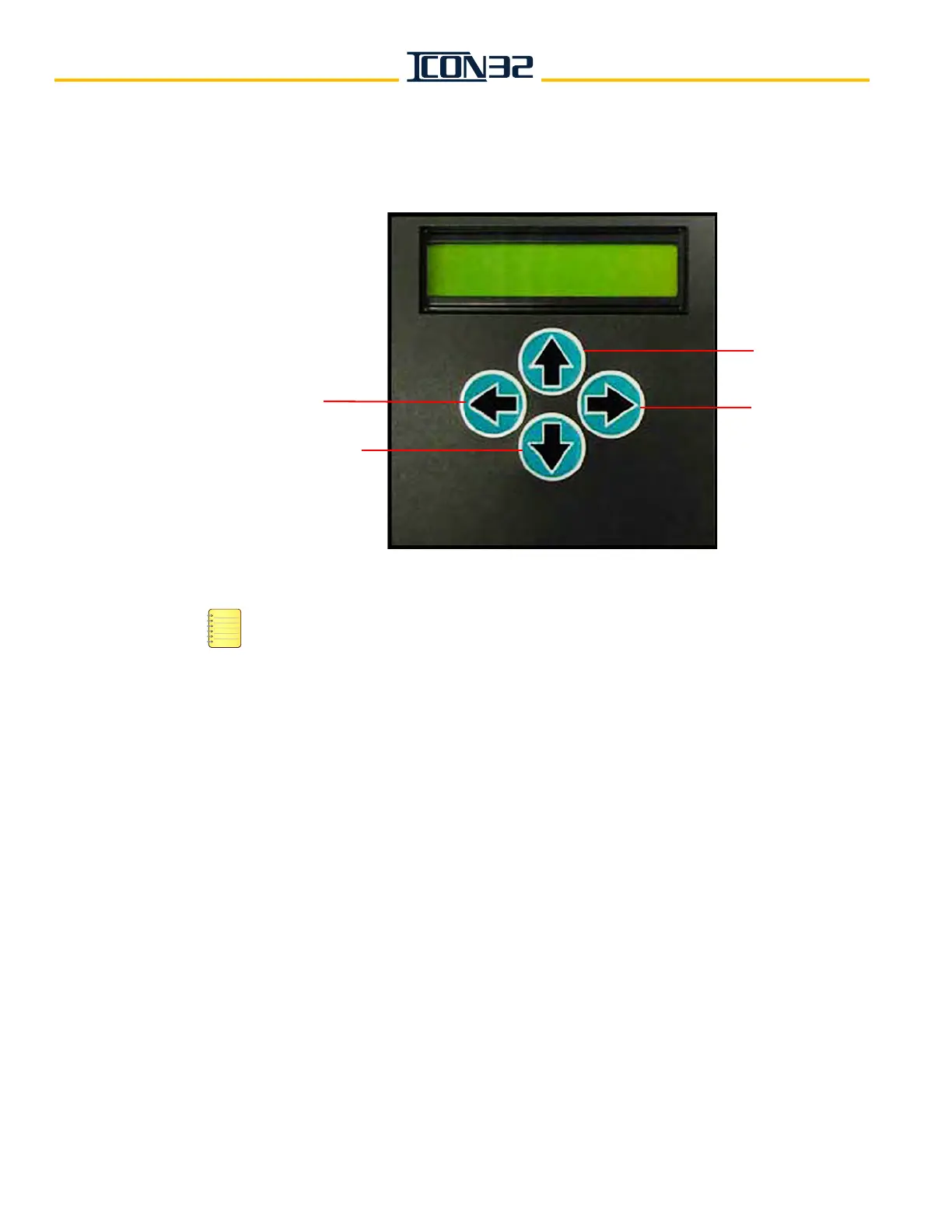
Electronic Starter Display
• The electronic starter displays MOTOR STATUS STOPPED when the system is normal.
Reset the starter if it reads otherwise and, before continuing, correct any problem indi-
cated on the display.
• The starter display reverts to MOTOR STATUS STOPPED after 5 minutes of inactivity.
1. Verify that the Starting Amps = the Motor Nameplate Amps x 3 (Mfg. default).
Optional: 2 x FLA = minimum setting, 4.5 x FLA = maximum setting.
2. From the MOTOR STATUS menu, press
. The STATUS menu displays.
3. Press
twice to display the PARAMETERS menu.
4. From the PARAMETERS menu, press
once. STARTING AMPS displays.
5. Set the starting amps value equal to three times the nameplate FLA.
a. Press
once to access the value.
b. Press
or to adjust the value of the flashing digit. Press to move to the
next digit.
c. Press
to exit the starting amps parameter.
A prompt to ACCEPT or REJECT the change displays. Press
to accept or to reject
and correct the parameter.
EXIT MENU
OR SAVE
SCROLL DOWN
SCROLL UP
ENTER MENU
MOTOR STATUS
STOPPED



 To Next Page