ADJUSTMENT
Vertical Express Product Manual 2-13 88500 v.1.0
Adjustment Section CAN Node Configuration via the Startup Wizard
CAN Node Configuration via the Startup Wizard
The Startup Wizard will guide the user through the set up, configure all CAN Nodes,
execute a hoistway scan, and save parameter changes.
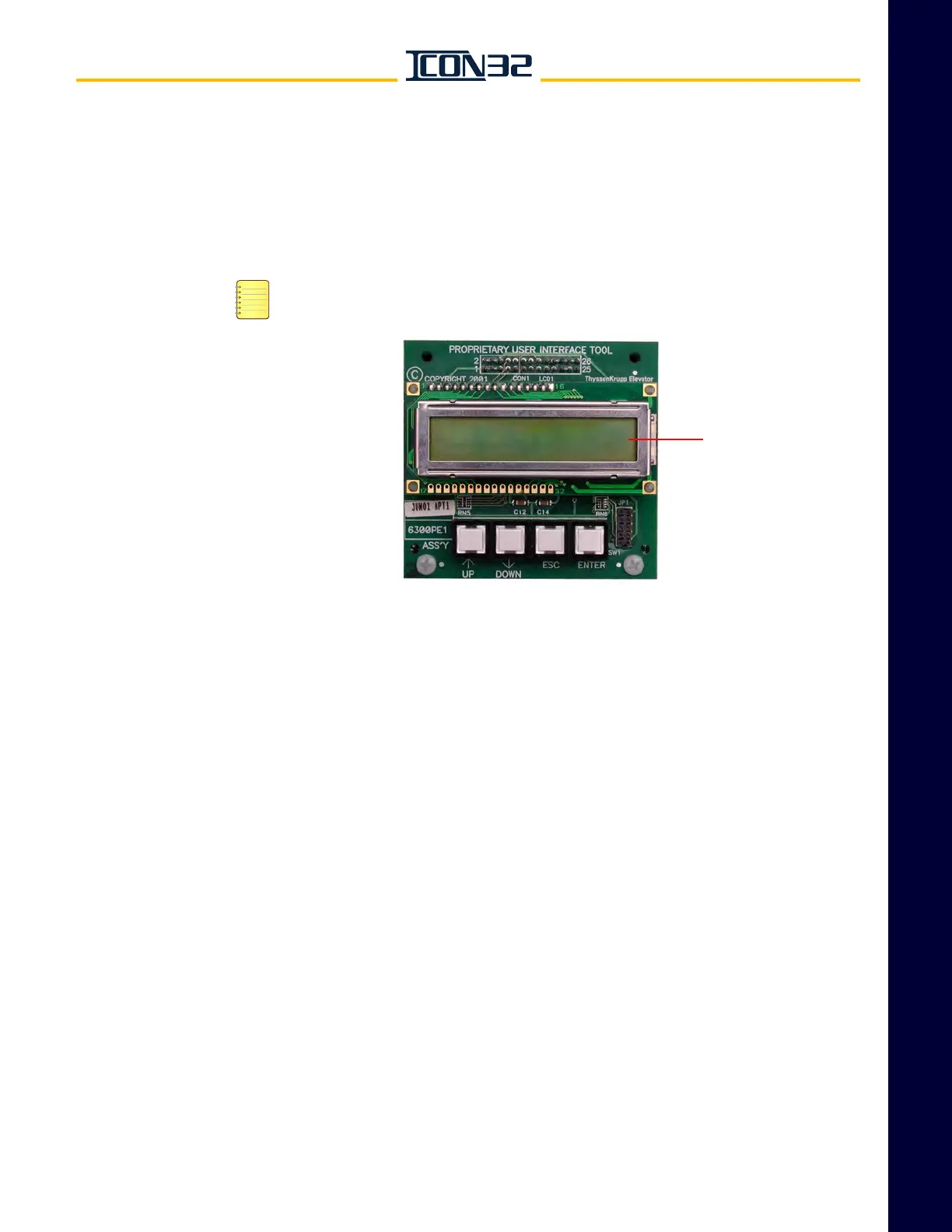
1. Press any button while Vertical Express is displayed in the UIT window, and
enter the pin number - 1234144. See Figure 3.
If the wrong pin number is entered, continue to press UP until Vertical Express
appears in the display window, then enter the pin number again.
Figure 3 - UIT Main Menu Screen
2. Access the Startup Wizard.
a. Press UP or DOWN until Block Select Startup Wizard displays, and then
press ENTER.
b. When Start Wizard? displays, press UP.
3. Issue a Clear CN Config Command.
a. When Clear CN Config? displays, press ENTER.
b. When TECCR only allowed from the riser Master displays, press ENTER
(NEXT TEST).
4. Configure the CN’s.
a. When Config CN displays, press ENTER.
b. When TECCR only allowed from the riser Master displays, press ENTER
(NEXT TEST).
5. When Auto Hoistway Scan? displays, displays, press UP to skip.
6. Save the parameters.
a. When Write to Flash displays, press ENTER.
b. When Write Complete displays, press ESC.
12
3
4
The numbers on the buttons above are for
illustration and are not printed on the actual UIT.
Vertical Express
Display
Window



 To Next Page