Preliminary Adjustment Adjustment Section
©Vertical Express 2-6 Printed in USA April 2020
Software Verification Procedure
1. Verify that the Controller Inspection Switch in on INSP.
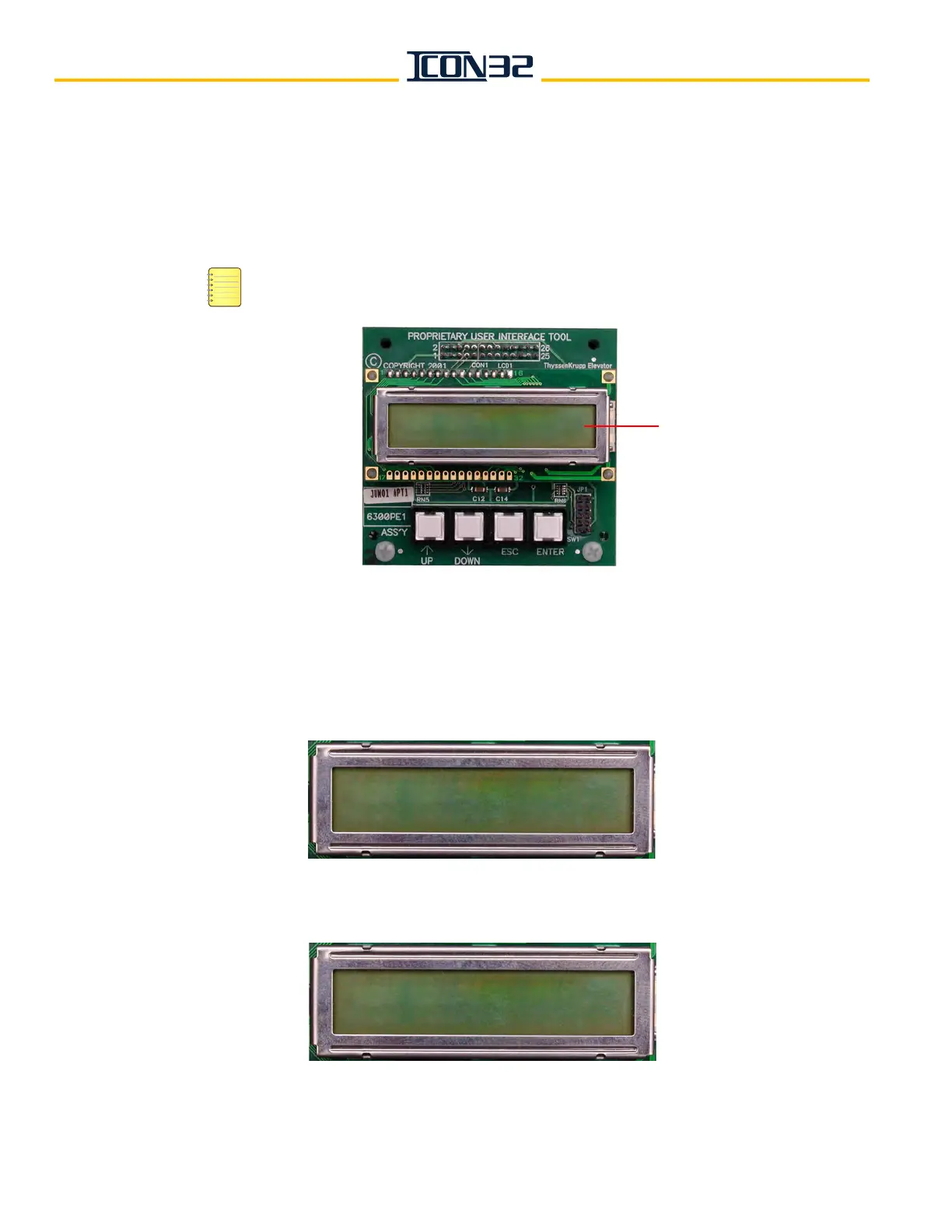
2. Press any button while Vertical Express is displayed in the UIT window, and enter the
pin number - 1234144. See Figure 2.
If the wrong pin number is entered, continue to press UP until Vertical Express appears in
the display window, then enter the pin number again.
Figure 2 - UIT Main Menu Screen
3. Issue a VER Command.
a. When BLOCK SELECT ADJUSTMENTS displays, press ENTER.
b. Press UP until ADJUST MENU COMMANDS COMMON displays.
12
3
4
The numbers on the buttons above are for
illustration and are not printed on the actual UIT.
Display
Window
Vertical Express
ADJUST MENU
COMMANDS COMMON



 To Next Page