Alpha/Delta (Kinetic Operator) Installation and Maintenance Manual Revision 1 - MAY 2023
137
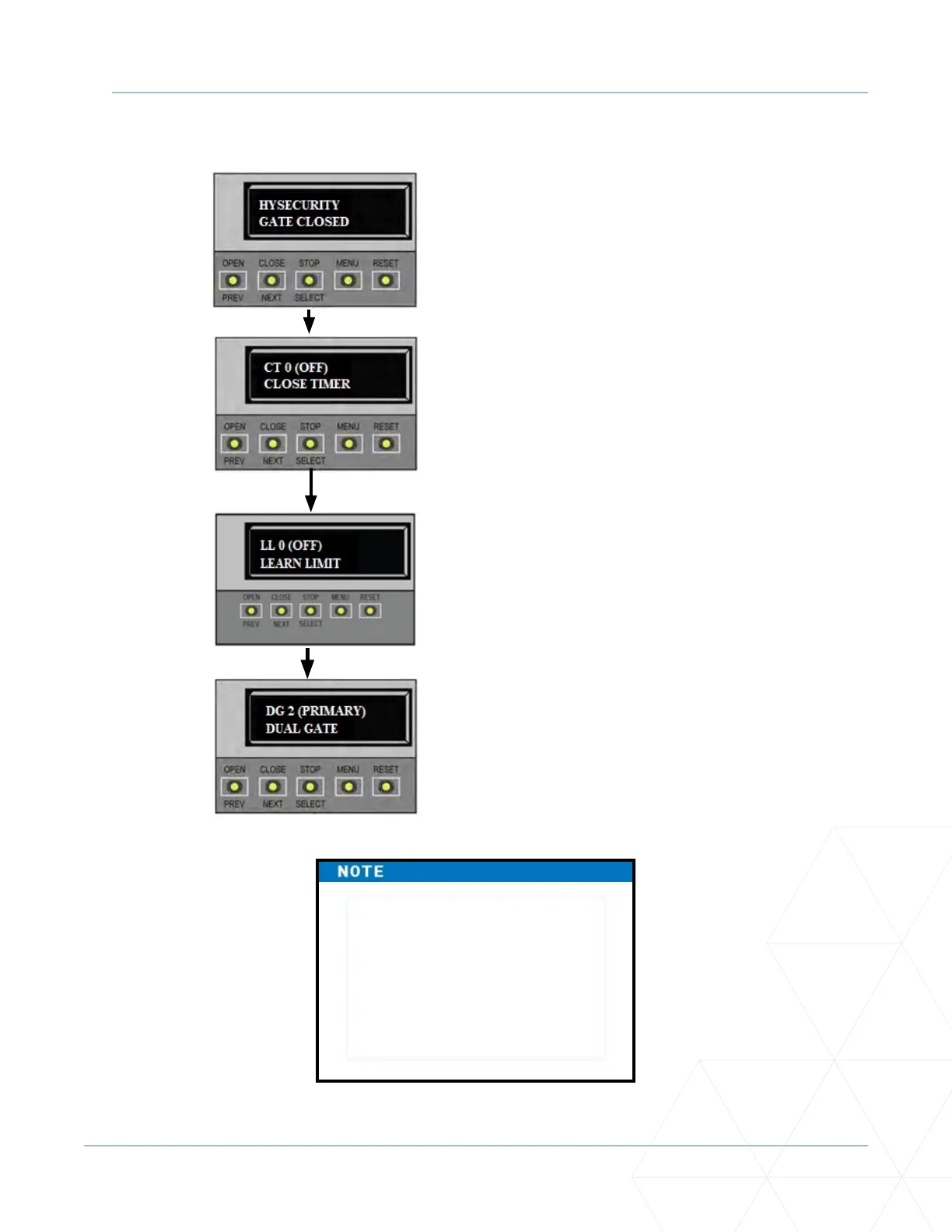
PRIMARY AND SECONDARY MENU SETUP
If the dual-gate communicaon
stops for whatever reason,
(communicaon wire severed or
the power switch is turned o in
one unit), both operators cease to
funcon and an ERROR 4 (Primary/
Secondary Communicaon Error)
appears in the display.
4. Use NEXT to navigate to the
menu display. Change the seng
using the SELECT and NEXT
buons.
2. Access the User Menu by
pressing MENU twice.
1. Start at a gate status display.
3. Access the Installer Menu by
simultaneously pressing OPEN
and RESET. Release the buons.



 To Next Page