80
wallaceperimetersecurity.comPhone: 866.300.1110
INSTALLING THE EXTENDED BATTERY BACKUP KIT
Installing the Extended Baery Backup Kit
Wallace Perimeter Security oers an extended DC
power back up opon with two 50Ah baeries.
Contact Wallace Perimeter Security parts
department to order extended baery backup kit
with base extension.
To install the extended baery backup kit:
1. Turn o the DC and AC power switches.
2. Place the accessory tray on the studs inside
the base riser.
3. To access the 8Ah baeries and disconnect
its wires, cut the two black wire es and slide
the 8Ah baeries through the access window.
Another opon is to remove the four screws
that hold the control box to the chassis.
4. Place the two 50Ah baeries on the tray.
5. Aach the blue wire from the red terminal on
one 50Ah baery to the black terminal on the
other 50Ah baery.
6. Run the red and black wires (disconnected
from the 8Ah baeries) through the hole in
the support bracket.
7. Using the wires supplied in the 50Ah baery
kit, aach the red wire to the red posive
terminal on the 50Ah baery. Connect its
opposite end to the red lead exing the
support bracket.
8. Connect the black wire to the black negave
terminal on the 50Ah baery. Connect its
opposite end to the black lead exing the
support bracket.
9. Access the Installer Menu on the SmartDC
Controller.
10. Change the Baery Seng (BT) in the Installer
Menu to a number 1 (Extended). Follow the
steps in the menu tree shown on the next
page.
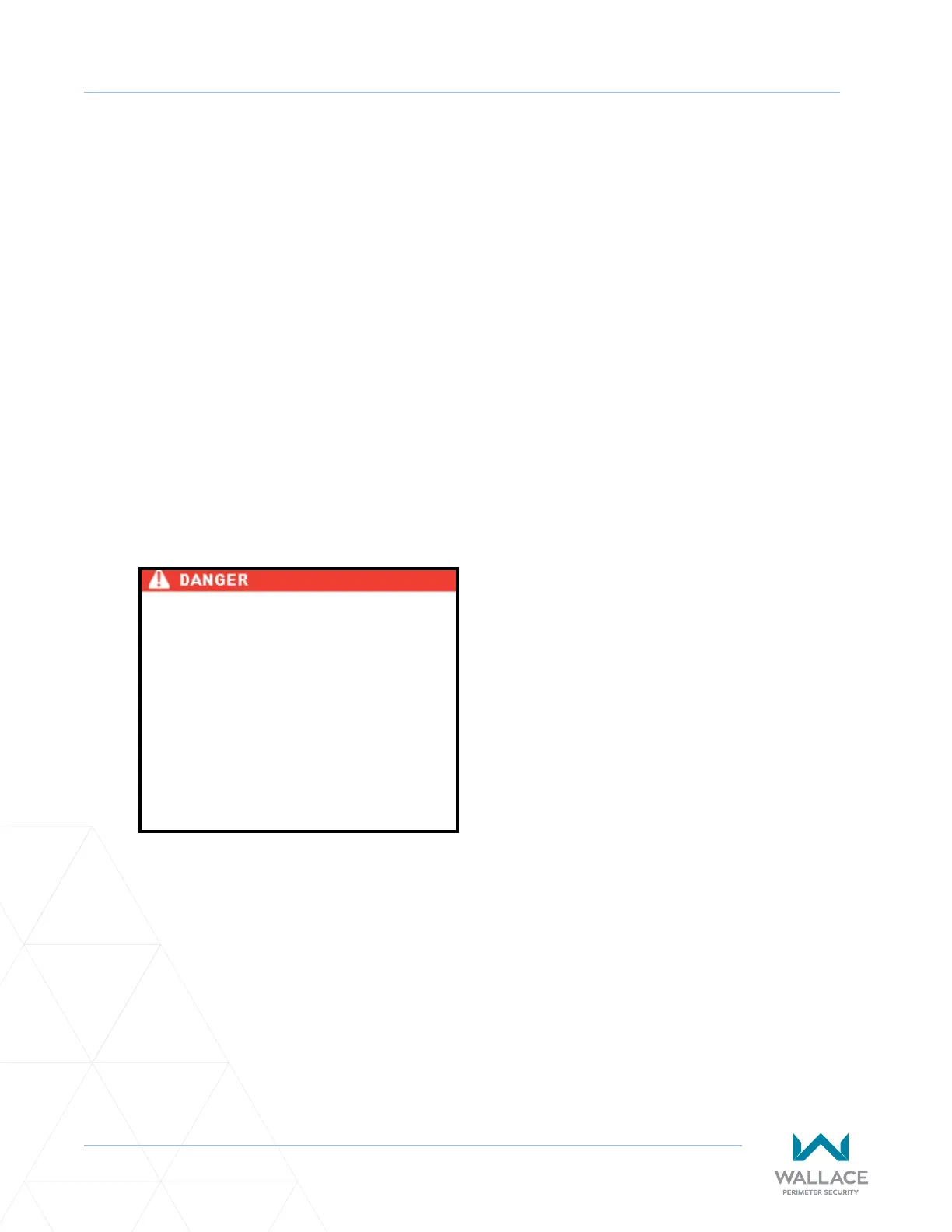
Make sure both the le and right 8Ah DC
baery wires are disconnected. Never
mix baery sizes, types, or brands.
Wallace Perimeter Security strongly
recommends that only sealed AGM
style baeries be used. If you plan to
remove the baeries from the operator,
properly store or discard them. Refer
to “Hazardous Materials and Proper
Disposal” on page 24.



 To Next Page