Alpha/Delta (Kinetic Operator) Installation and Maintenance Manual Revision 1 - MAY 2023
93
ADJUSTING THE DISPLAY CONTRAST
Adjusng the Display Contrast
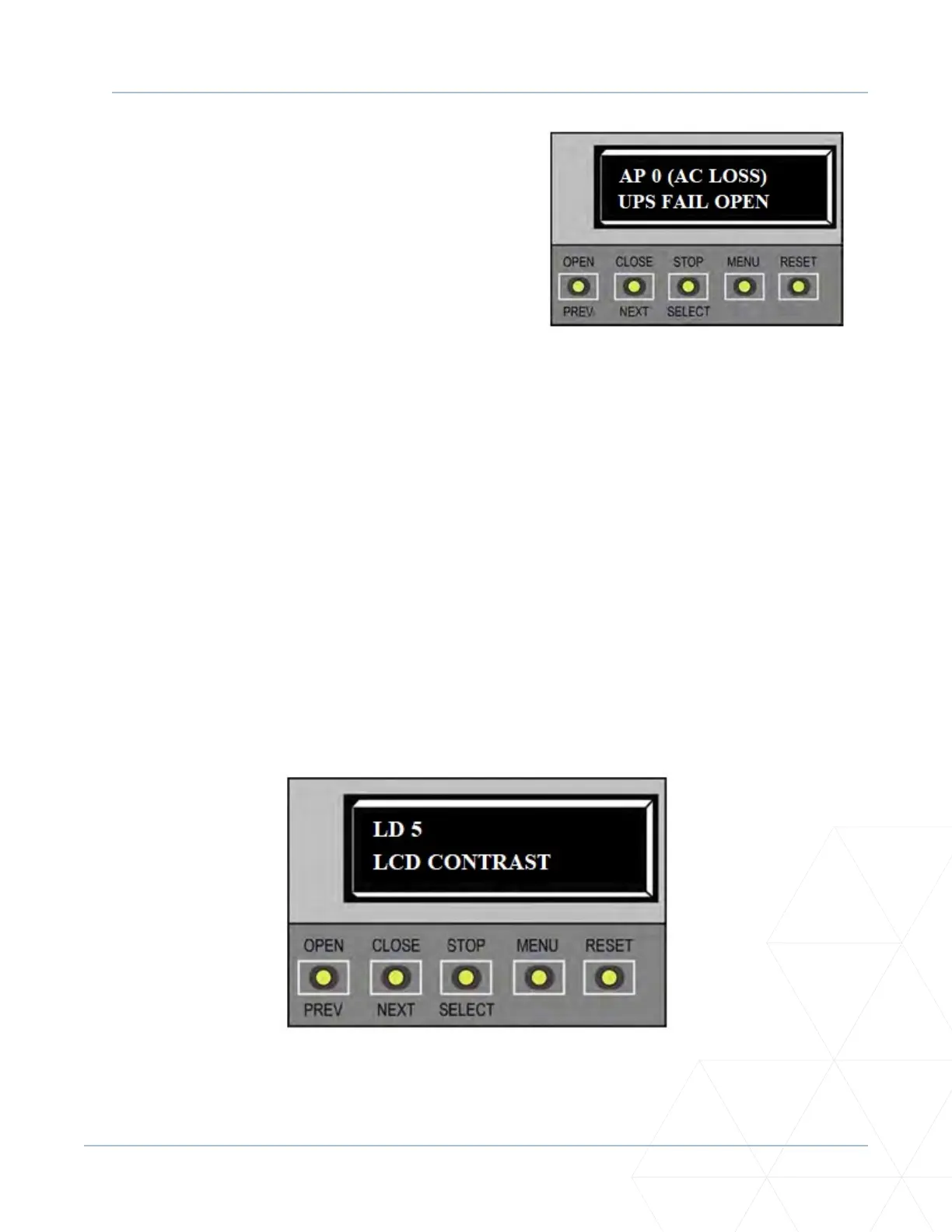
The display contrast can be adjusted from 1 to 9 to increase visibility and ease of use. It is set at the factory
to level 5. The text becomes darker as you go up the scale.
To adjust the contrast (1 to 9), take the following steps:
1. At a gate status display, press the MENU buon. The operator status displays; scroll past and the
CLOSE TIMER display appears. Press the NEXT buon unl the LCD CONTRAST display appears.
2. Use the SELECT and NEXT buons to navigate and change the number on the display.
3. To exit the User Menu, press the MENU buon. A gate status appears in the display indicang you
have returned to Run Mode.
4. To exit the User Menu, press the MENU buon. A gate status appears in the display indicang you
have returned to Run Mode.
1. Use the SELECT and NEXT buons to navigate and
change the number on the display. Review “Using the
SmartDC Controller Buons in Menu Mode” on page
85.
2. To exit the User Menu, press the MENU buon. A
gate status appears in the display indicang you have
returned to Run Mode.



 To Next Page