86
wallaceperimetersecurity.comPhone: 866.300.1110
RUN MODE
RUN MODE
Gate status displays appear when the operator is ready and waing for a gate operaon command. When
the menu display is ashing “GATE OPENING” or “GATE CLOSING” a command has been received which
starts the motor and drives the gate. The command may come from a variety of sources: a card reader,
push-buon remote, or recognion of a vehicle passing over a free exit loop detector. In all cases, the
operator “runs” the motor when it receives a gate operaon command.
Understanding Gate Status Displays
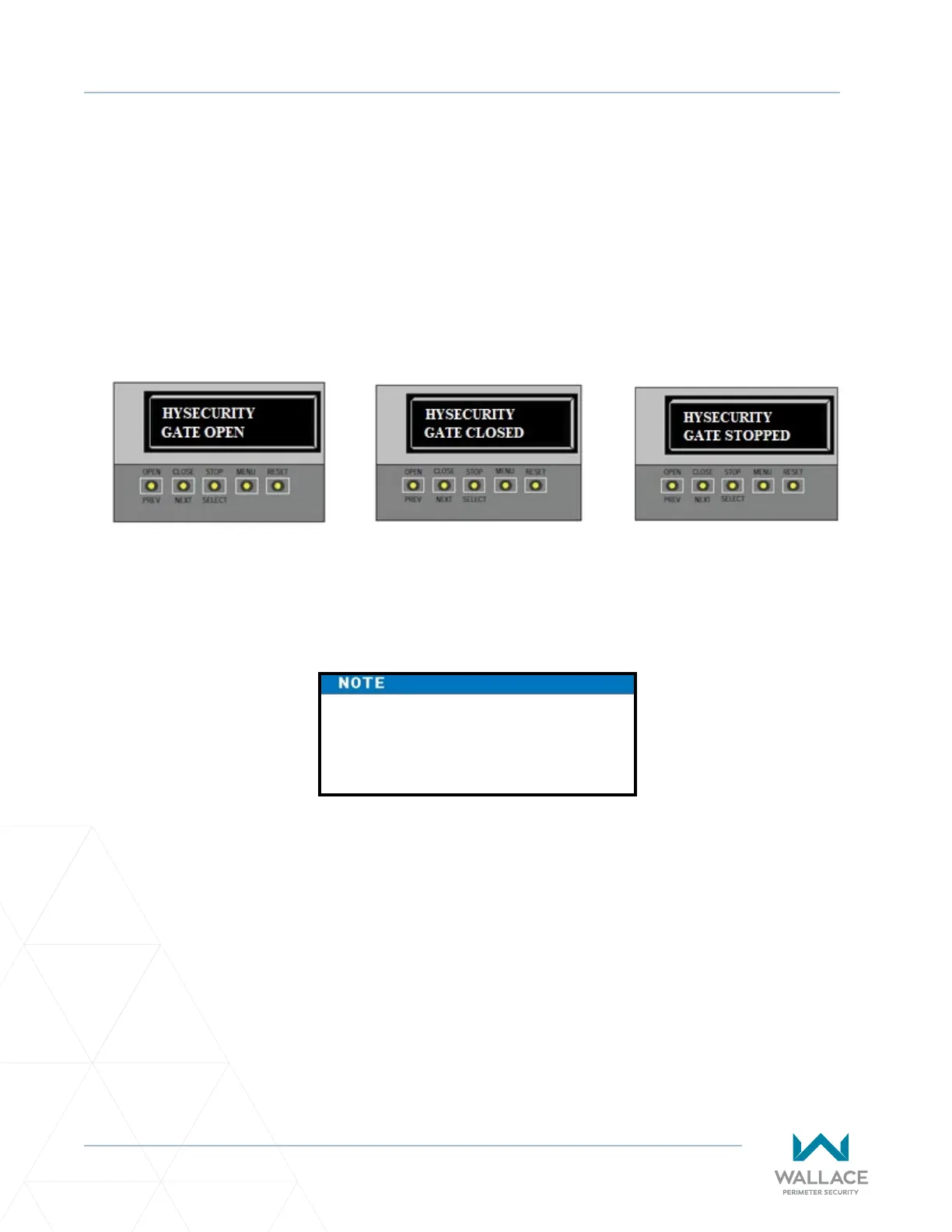
The three gate status displays in Figure 25 indicate the posion or status of the non-moving gate. When
accessing the User or Installer Menus, you must begin at one of these gate status displays.
While accessing the User or Installer
Menus, the motor cannot engage and
the gate will not move.
Figure 25. Gate Status Displays



 To Next Page