90
wallaceperimetersecurity.comPhone: 866.300.1110
ADJUSTING THE CLOSE TIMER
Adjusng the Close Timer
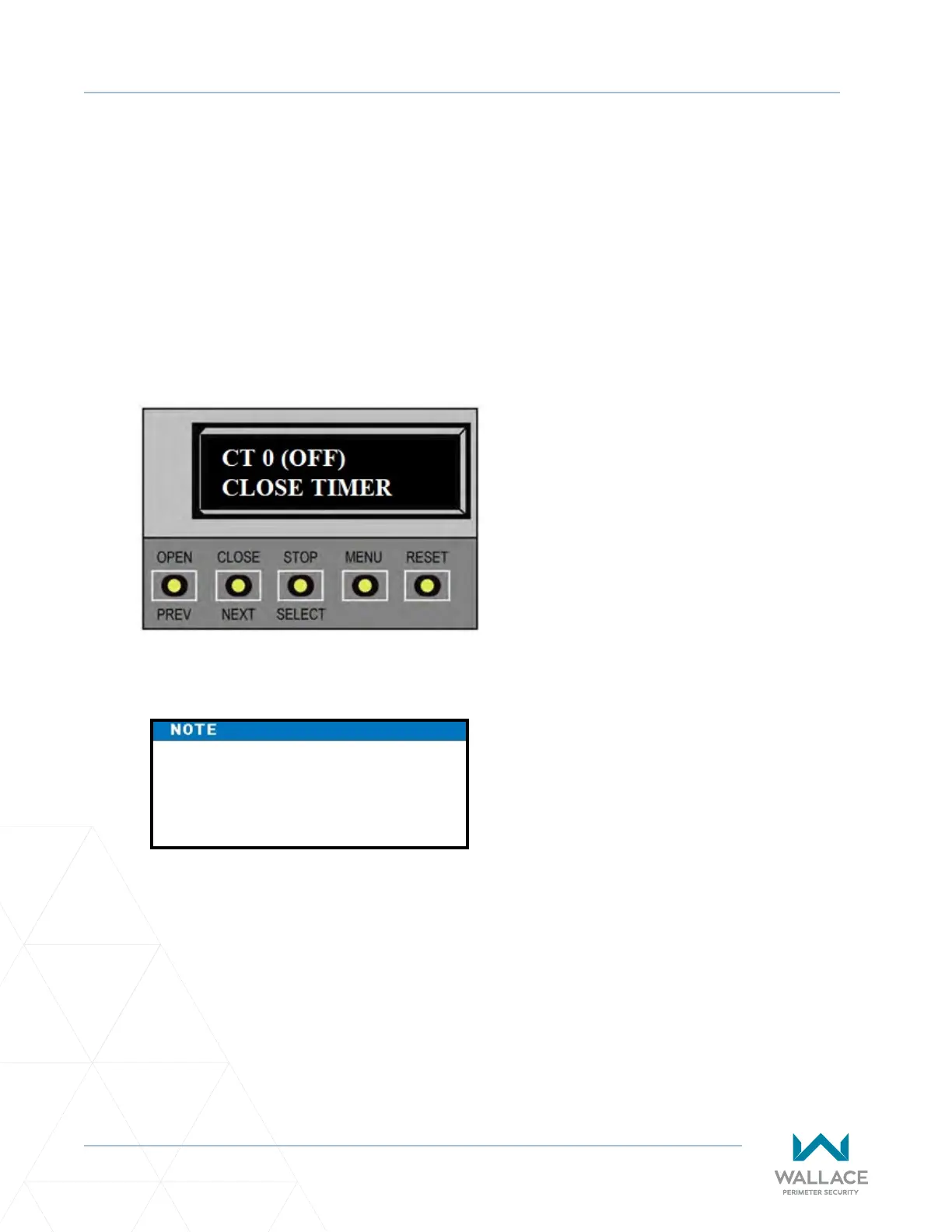
The close mer assigns how many seconds will pass before the operator iniates closure of a fully opened
gate aer all open commands and reversing sensor inputs have ceased. Every gate operator needs to have
the close mer set to a specic number of seconds unless a hard-wired closing device is connected to the
unit such as a push-buon staon.
To adjust the me (1 to 99 seconds) it takes before the operator iniates gate closure, take the following
steps:
1� At a gate status display, press the MENU buon twice.
This accesses the User Menu and the CLOSE TIMER display appears.
2� Use the SELECT and then NEXT or PREV buons to navigate and change the number on the display.
3� To exit the User Menu, press the MENU buon.
The gate status appears in the display indicang you have returned to Run Mode.
Keep the close me at zero if gate
personnel operate the gate or the
owner plans to use a remote control.



 To Next Page