166
wallaceperimetersecurity.comPhone: 866.300.1110
KINETIC SCHEMATICS
set to 2, and the Menu buon is pressed, the LCD display will read Level 0 - 7 Call Level. If the call strength
on the display appears as a level 4 or less, consider increasing the sensivity level by adjusng the rotary
switch on the HY5B detector.
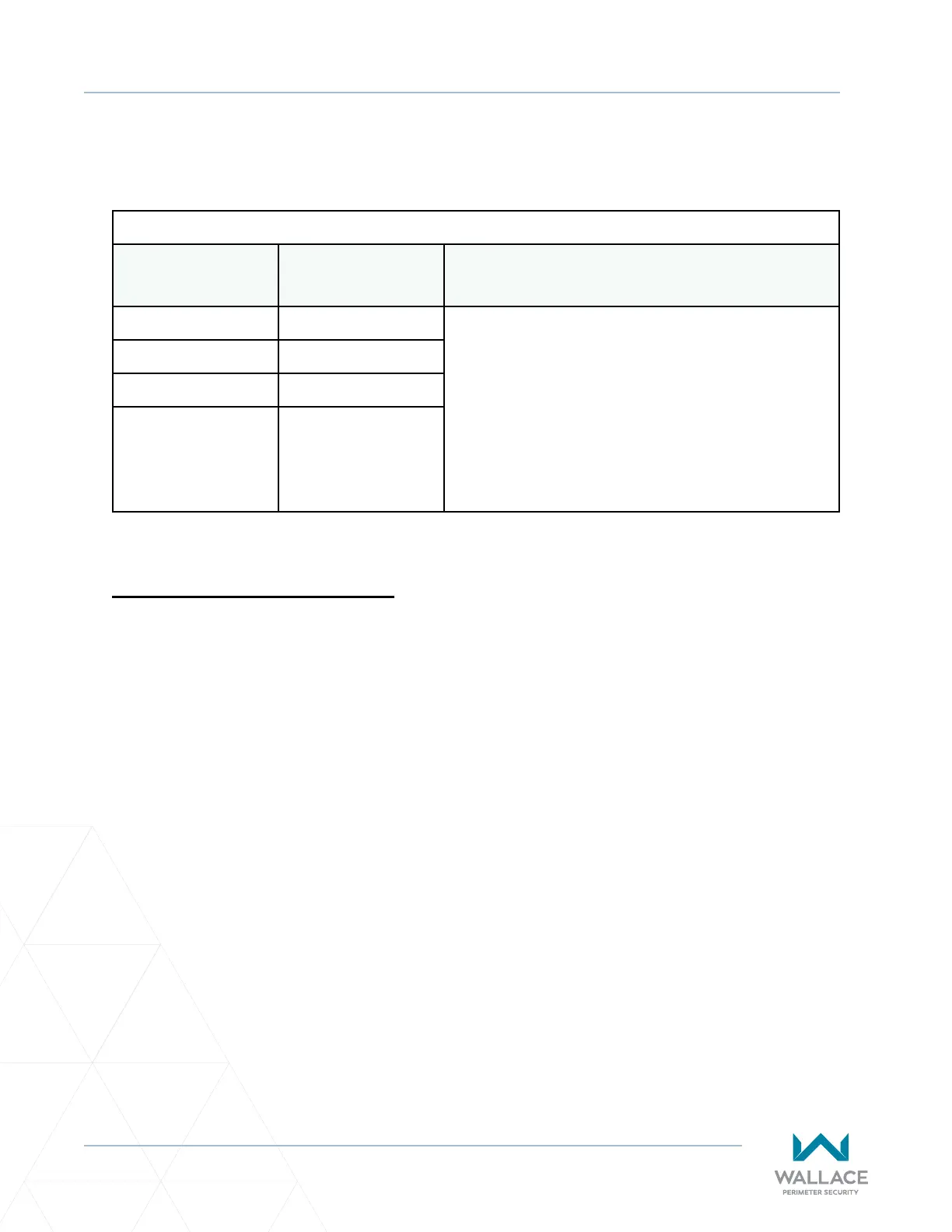
Table 15. HY5B Vehicle Detector Call Level Display
Installer Menu LCD Descripon Seng Opons
(Bold = Factory Sengs)
ELD 0 EXIT LOOP SET 0 = Run Mode
1 = Show frequency
2 = Show call level 0-7
3 = Set Frequency
4 = Show Sensivity
5 = Set Sensivity
6 = Show Inductance
7 = Show Loop Health
8 = Set Presence
ILD 0 IN OBS LOOP SET
OLD 0 OUT OBS LOOP SET
CLD 0 CENTER LOOP SET
(Can be used as an
arming loop with
User Relay 22.)
Kinec Schemacs
On the following page, Figure 47 illustrates the schemac for the Kinec DC 15W [Kinec 1] and Kinec DC
10FW [Kinec 2]. Figure 48 shows the solar version.



 To Next Page