Alpha/Delta (Kinetic Operator) Installation and Maintenance Manual Revision 1 - MAY 2023
141
SETTING THE USER RELAY FUNCTION IN THE INSTALLER MENU
Seng the User Relay Funcon in the Installer Menu
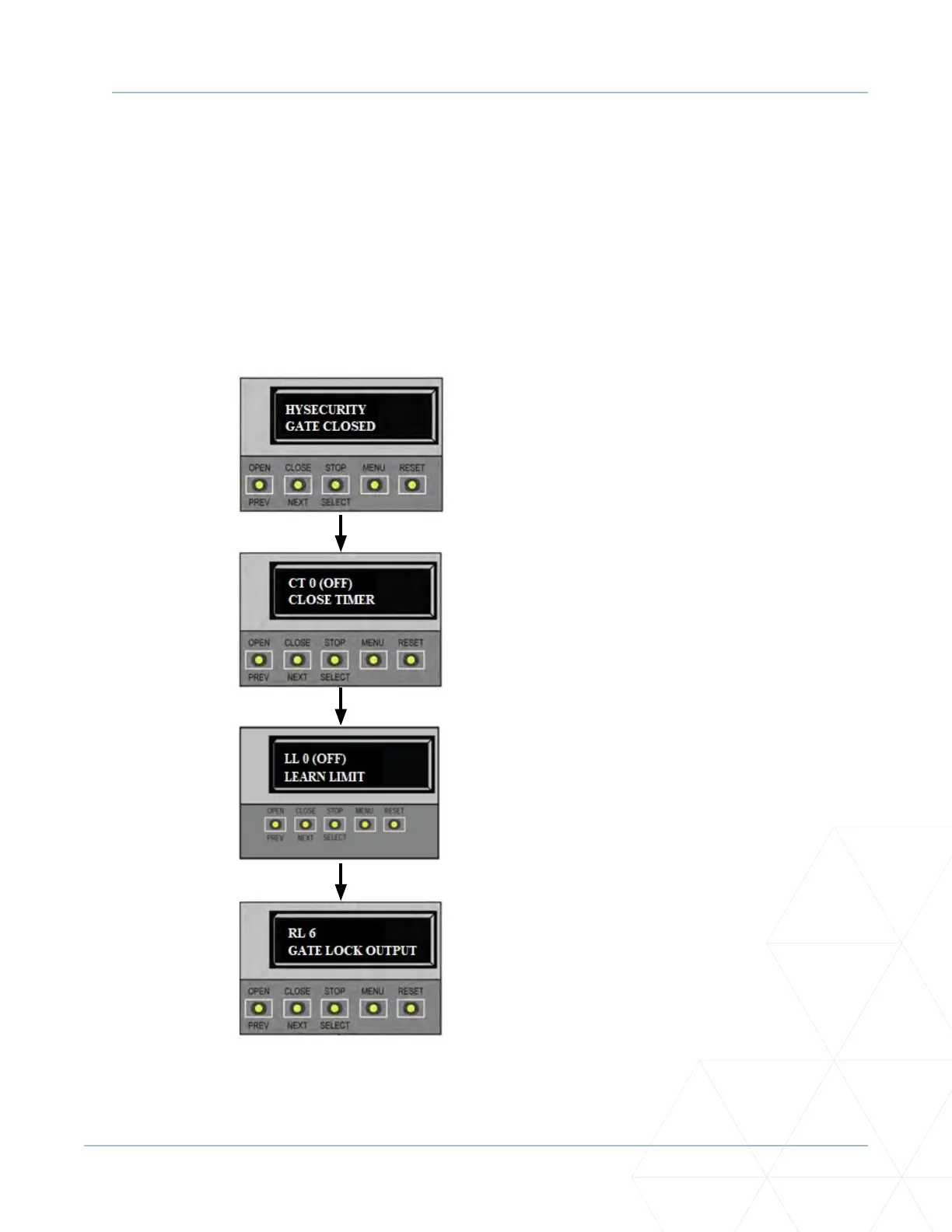
For lock installaon funcons, enter the Installer Menu and set the User 1 Relay to Funcon 6 - GATE LOCK
OUTPUT.
For other installaon opons, use the SmartDC Controller buons to program the user relays by selecng
the relay you wish to use, and entering the appropriate funcon using the associated number listed in
“Table 9. User-Programmable User Relays - Funcon Opons” on page 129. Refer to “User Relays -
Programming Procedure” on page 129 for details.
1. Start at a gate status display.
2. To access the User Menu, press
MENU twice.
3. To access the Installer Menu,
simultaneously press OPEN and
RESET.
4. Use NEXT to navigate to the
menu display. Change the seng
using the SELECT and NEXT
buons.



 To Next Page