Alpha/Delta (Kinetic Operator) Installation and Maintenance Manual Revision 1 - MAY 2023
89
USER MENU
USER MENU
The User Menu consists of several items which can be modied using the SmartDC Controller buons.
Refer to “Using the SmartDC Controller Buons in Menu Mode” on page 85.
To access the User Menu, take the following steps:
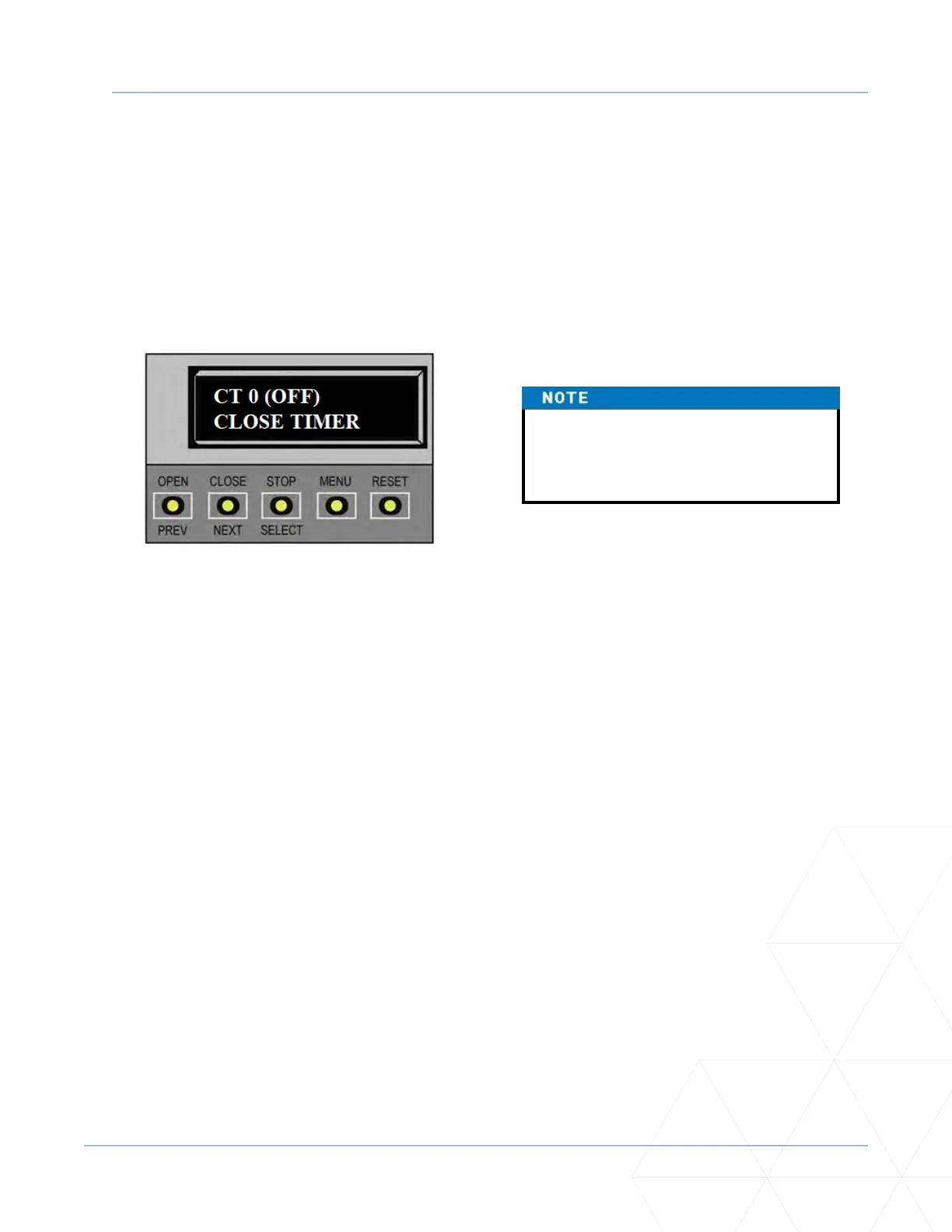
1. At a gate status display, press the MENU buon. The operator status displays; scroll past and the
CLOSE TIMER display appears.
2. Press the NEXT buon to cycle through the available menu items.
3. Review “Table 5. SmartDC Controller - User Menu Funcons” on page 94 which supplies the factory
defaults for the User Menu items and references the hard-wire connecons.
In the pages that follow, a detailed view of the more commonly used menus is provided:
• Adjusng the Close Timer
• Seng the Time & Date
• Seng the AC Power Loss Gate Funcon
• Adjusng the Display Contrast
For informaon on how the menu buons funcon, review “Using the SmartDC Controller Buons in
Menu Mode” on page 85.
To bypass the operator status displays
and access the User Menu, you can
press the MENU buon twice.



 To Next Page