Data Management
Stratus OCT User Manual PN 2660021134133 A
7-10
• If before saving you decide not to create a new category, click the Undo Changes
button or just close the window. You must confirm your choice in the C
ONFIRM
dialog box.
Edit
To edit a category, click the category you wish to edit and then click the Edit Selected
Patient Record Category b
utton. Edit the desired fields and click the Save Patient Record
Category butto
n.
Note: If you edit a category that you have already assigned to one or more patients,
the edited category name is still attached to those patients. Therefore, you can find
those patients by searching for the edited category name.
Delete
To delete a category and remove references to it in all records, click the category you wish
to delete and then click the
Delete Selected Patient Record Category button. You must
confirm your choice in the C
ONFIRM dialog box.
Place Patient Records in Categories
To place patient records into categories you have created, follow these steps:
1. From the M
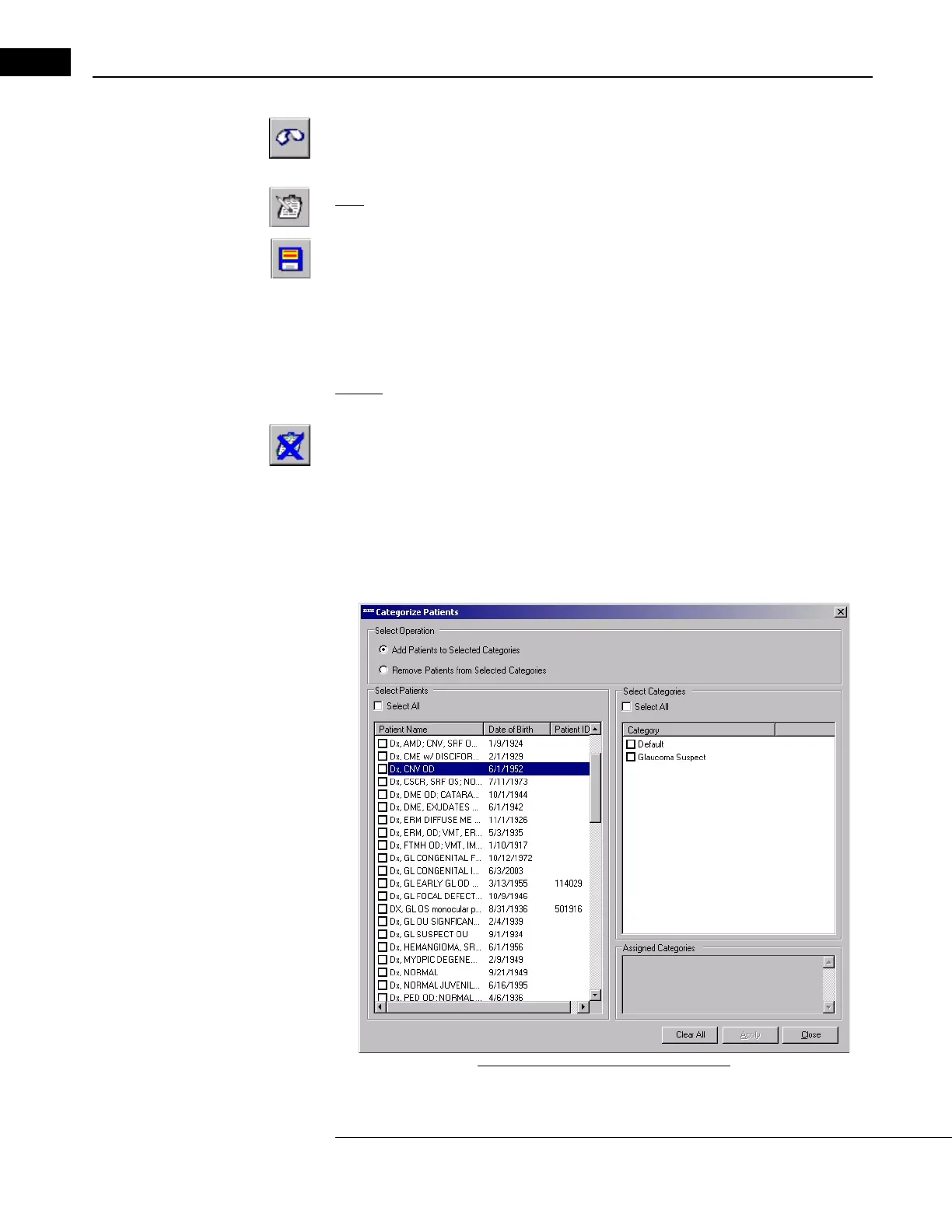
AIN WINDOW, select Categorize Patients from the Patient menu (click
Patient > Categorize Patients). The C
ATEGORIZE PATIENTS WINDOW opens.
Figure 7-8 Categorize Patients Window


 To Next Page