Stratus OCT User Manual PN 2660021134133 A
Archive, Retrieve & Backup
8-9
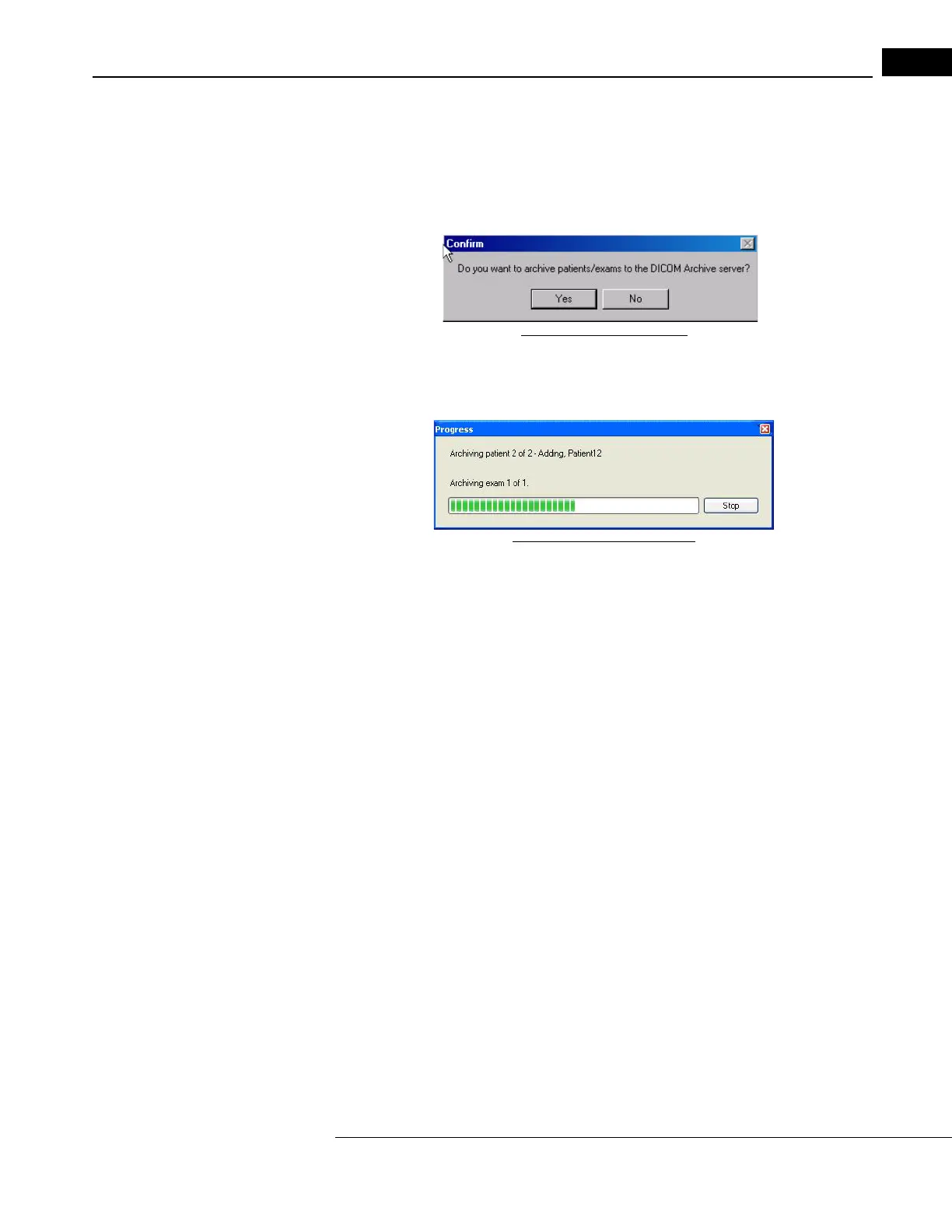
begin the process. Confirm archive process by Clicking Yes on the popup dialog, as shown
below.
Note: If you do not establish an exam date interval to archive, DICOM Archive will
attempt to archive every exam it can find on the instrument which has not been
archived.
Figure 8-11 Popup Dialog
Archive progress is displayed while the archving takes place. You can stop the archive
process at any time by clicking on the Stop button.
Figure 8-12 Archive Progress
When archiving is complete, a summary log is displayed listing successfully archived
patients along with the number of exams that failed archiving and the number of exams
skipped because they were archived to DVD and cleared. Close the Summary Log and
click on the Close button in the archive dialog.
Retrieve from DICOM Server
The auto retrieve feature is not present when the DICOM2 In
tegration license is activated.
With DICOM2, the user must manually retrieve each patient individually through the
DICOM Retrieve form. To retrieve patients from the DICOM Server:



 To Next Page