Stratus OCT User Manual PN 2660021134133 A
Archive, Retrieve & Backup
8-13
3. To select a different source archive, click the Select Source Archive button, or click
File > Select Source Archive.
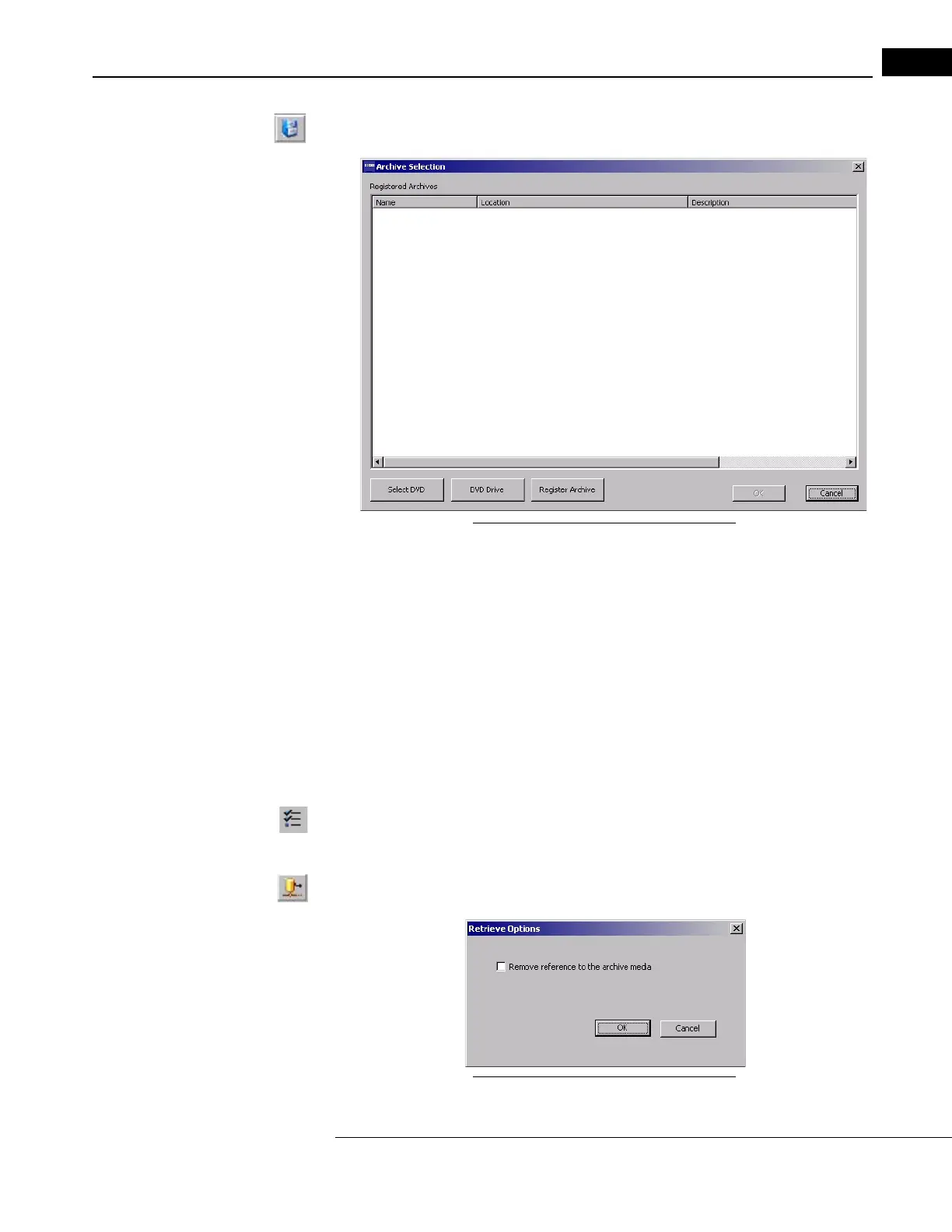
The Archive Selection dialog appears.
Figure 8-16 The Archive Selection Dialog
4. The Archive Selection dialog shows the name, location and description of all
registered network archives. To retrieve from a network archive, select the desired
network archive and click OK.
• To register an existing archive not listed, click Re
gister Archive to open the Archive
Registration dialog.
• To retrieve from the inserted DVD archive, click the Select DVD button.
5. When the R
ETRIEVE WINDOW opens, the Patients list shows the names of all patients
with exams in the archive. Click the checkboxes to select the patients whose exams
you wish to retrieve. To select specific exams to retrieve, click on the selected patient’s
visit date(s), then select the exams.
•
To select all exams at any time, click the Select All/Deselect All button, or click
File > Select All. T
o start over making selections after you have begun, click the Select
All/Deselect All button, or click File > Deselect All.
6.
When you have made your selections, click the Retrieve button, or click
File > Retrieve. The
Retrieve Options dialog appears.
Figure 8-17 The Retrieve Options Dialog



 To Next Page