Stratus OCT User Manual PN 2660021134133 A
Archive, Retrieve & Backup
8-15
WARNING: We recommend that you do not clear scan data unless it has been
archived. If you attempt to clear un-archived scan data, the Stratus OCT will
pr
ompt you twice to confirm your choice before permanently deleting the
scan data.
The Stratus OCT retains patient records on the hard drive to preserve exam data and ensure
fa
st access to it. Therefore, you can clear hard disk space only when the database indicator
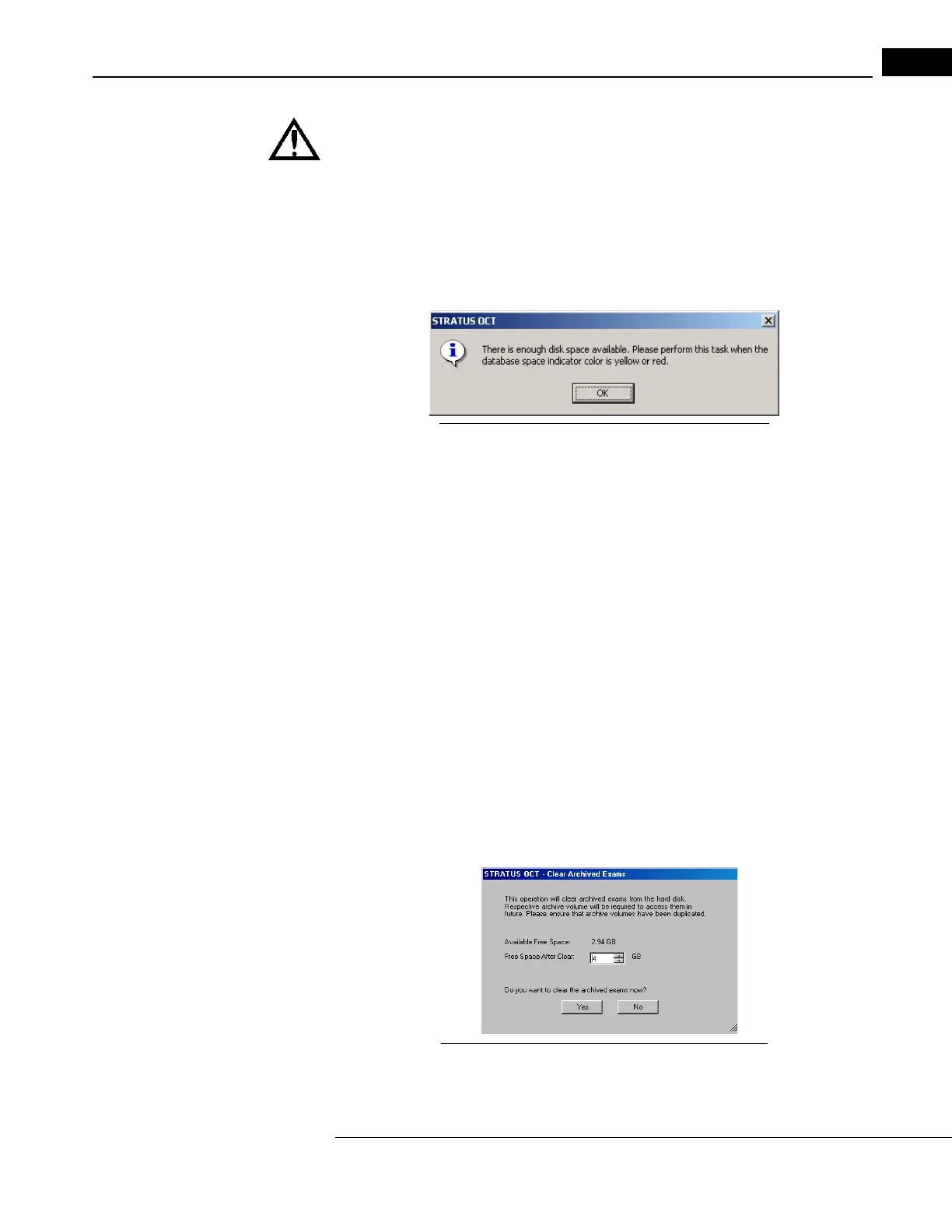
is yellow or red. If you attempt to clear disk space when the database indicator is green,
you will receive the following message:
Figure 8-20 Enough disk space--cannot clear exams
Note: The exam clearance function, whether automatic or manual, has the same
characteristics:
• The Stratus OCT clears only enough exams to forestall the reappearance of the yellow
or
red indicator for several weeks or months, depending on the acquisition rate of
new exams.
• It does not clear exams that have not bee
n archived, nor does it clear exams of
patients for whom you have not allowed clearance of their exams. (For more
information, see Allow Clear Exams on page 7-3.)
• Among those allowed to be cleared, archived exams are cleared oldest first, based on
th
e last modification date. The modification date for an exam is changed when you
change which scans are selected for inclusion in an analysis and run the analysis.
When the database indicator is yel
low or red, perform the following steps to clear disk
space.
1. From the M
AIN WINDOW, select Clear Archived Exams from the Options menu (click
Options > Clear Archived Exams). A
dialog informs you of the details and asks you to
confirm that you wish to clear archived exams.
Figure 8-21 Clear Archived Exams Confirm Dialog
2. Click Yes to clear archived exams now, or click No to cancel exam clearance.



 To Next Page