Stratus OCT User Manual PN 2660021134133 A
Export and Import Scan Data
9-7
2. To a network destination. The export options dialog enables you to select a network
destination. Users are responsible for setting up and maintaining their own networks,
and for selecting the desired network destination when exporting.
3. D
irectly to a Stratus OCT instrument. To do this, the sending and receiving platforms
must be connected by an RJ-45 crossover cable between their respective ethernet
ports. It is the user’s responsibility to acquire and install the necessary crossover
cable, to configure both instruments to communicate (see Networking
Guidelines) and to select the correct export path when exporting.
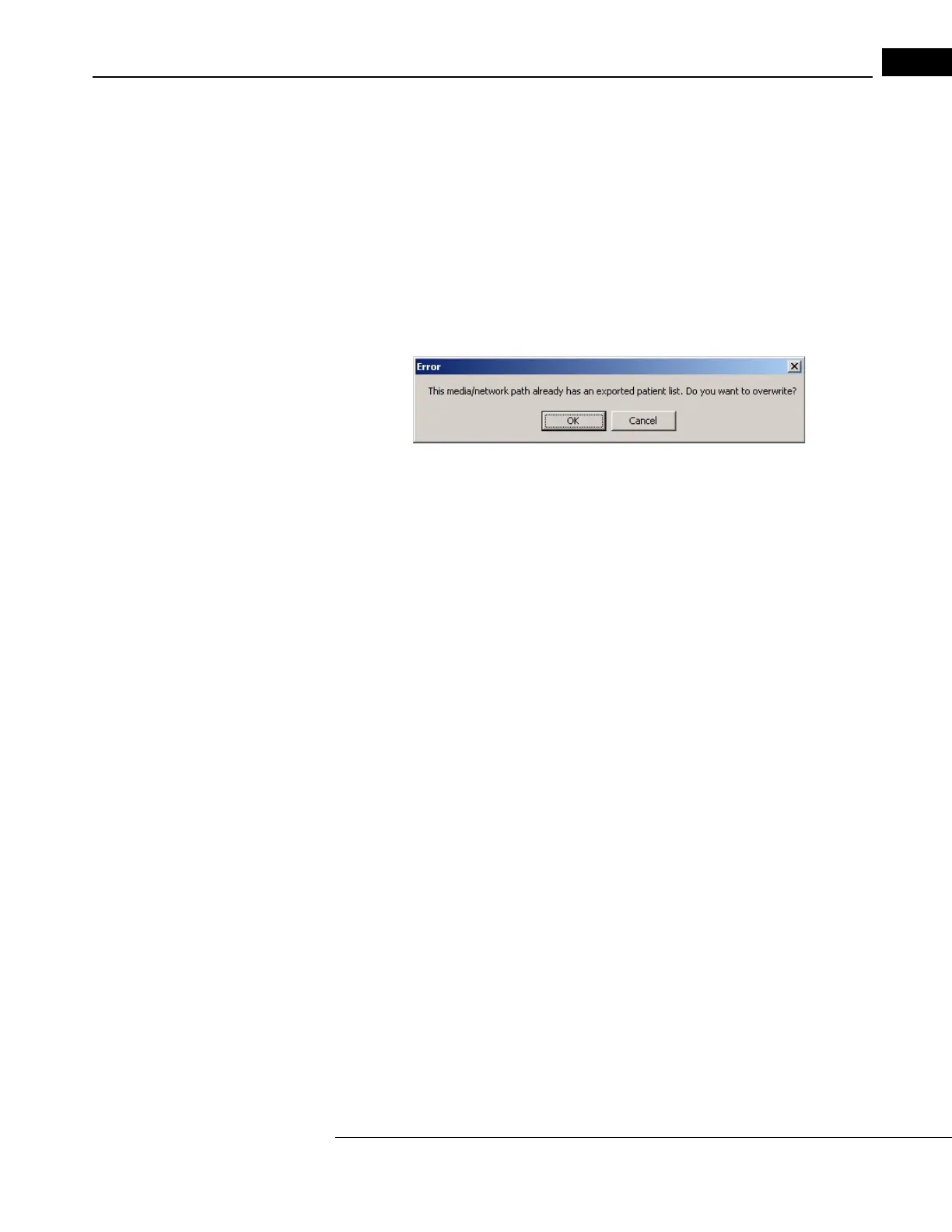
Note: If there is a Stratus export database on the intended export media, the Stratus
OCT warns you first that it will overwrite it.
Click Cancel i
f you do not wish to overwrite the previously exported data. To
successfully export multiple patient records to a single export media, you must
select them during a single export operation.
Export Steps
To export a Stratus database to another Str
atus OCT instrument, follow these steps:
1. If you are exporting to removable media, insert
the media into its drive. If not, skip to
the next step.



 To Next Page