Export and Import Scan Data
Stratus OCT User Manual PN 2660021134133 A
9-8
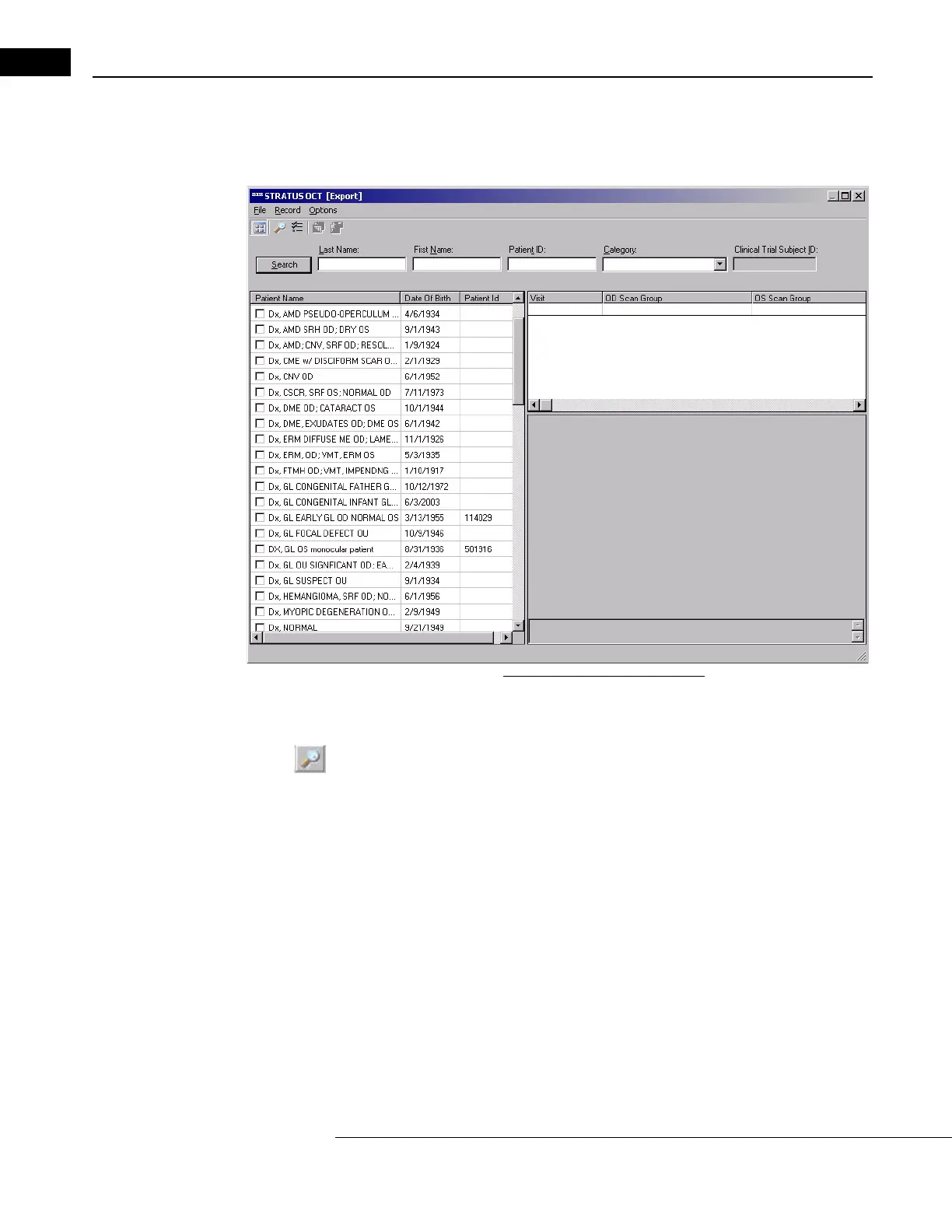
2. From the MAIN WINDOW, select Export from the Data menu (click Data > Export) to
reach the E
XPORT WINDOW. The Patients list displays every name in the patient
database. Each name has an empty checkbox by it.
Figure 9-5 The Export Window
3. Select the checkboxes next to the patients whose exams (scan groups) you wish to
export. If necessary, use the Search button and fields to find and select the patients
whose data you wish to export. To search using additional criteria, click the
Records
Search button or
select Advanced Search in the Record menu (click Record >
Advanced Search). For additional information, see Advanced Search on page 7-2.
For each selected patient, all his exams are select
ed by default. If you do not wish to
export all the exams of the selected patients, use the list on the right to deselect visits
and/or exams.



 To Next Page