Configuration Guide
Stratus OCT User Manual PN 2660021134133 A
B-10
2. Right click on the new folder, and then select Sharing and Security as in Figure B-8.
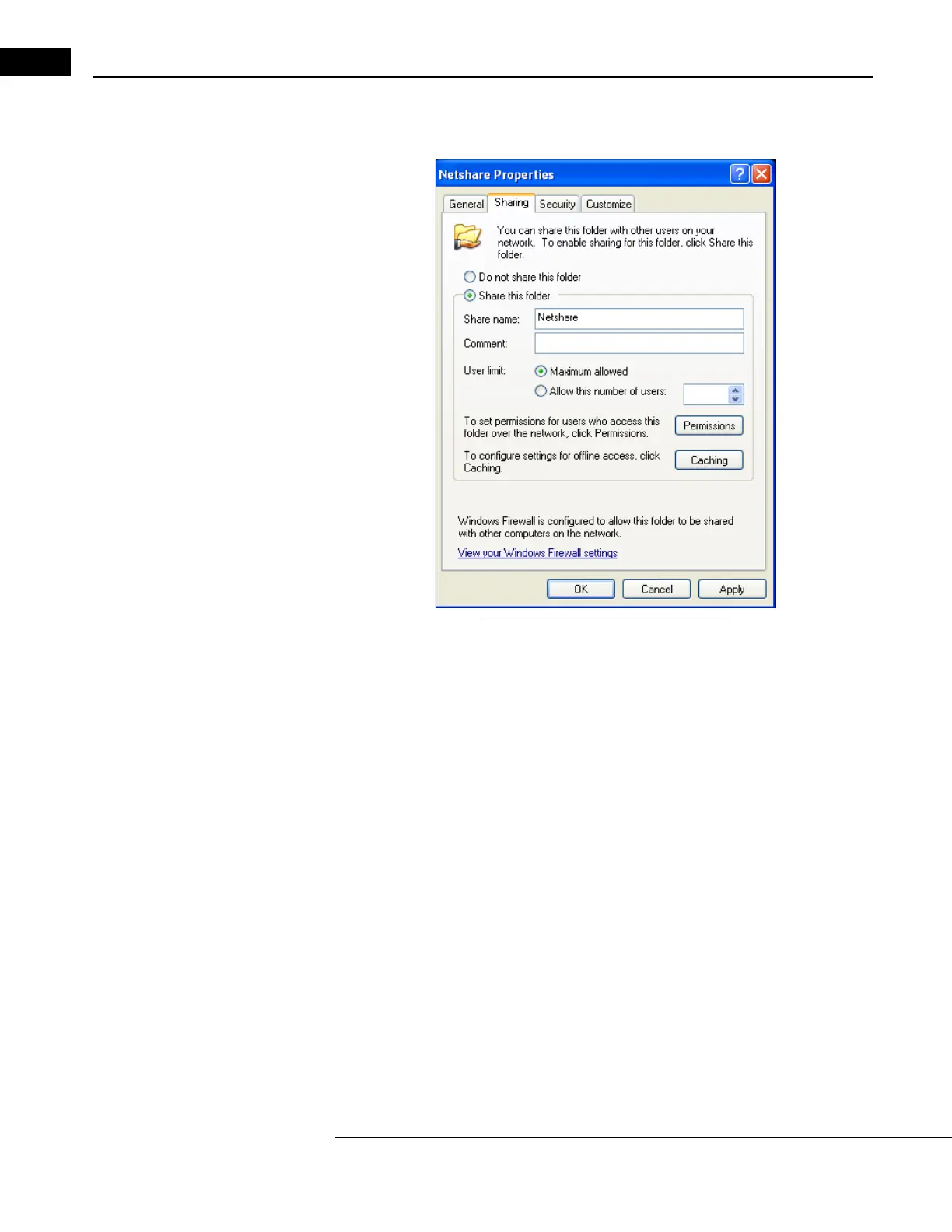
The Netshare Properties dialog opens to the Sh
aring tab (Figure B-9).
Figure B-9 Select the sharing properties
3. Select Share this folder as in Figure B-9. You can change the Share Name if desired.
Note: The default share name is the same as the folder name. We recommended you
use the default share name.



 To Next Page