Stratus OCT User Manual PN 2660021134133 A
Using a Network Storage Device
E-5
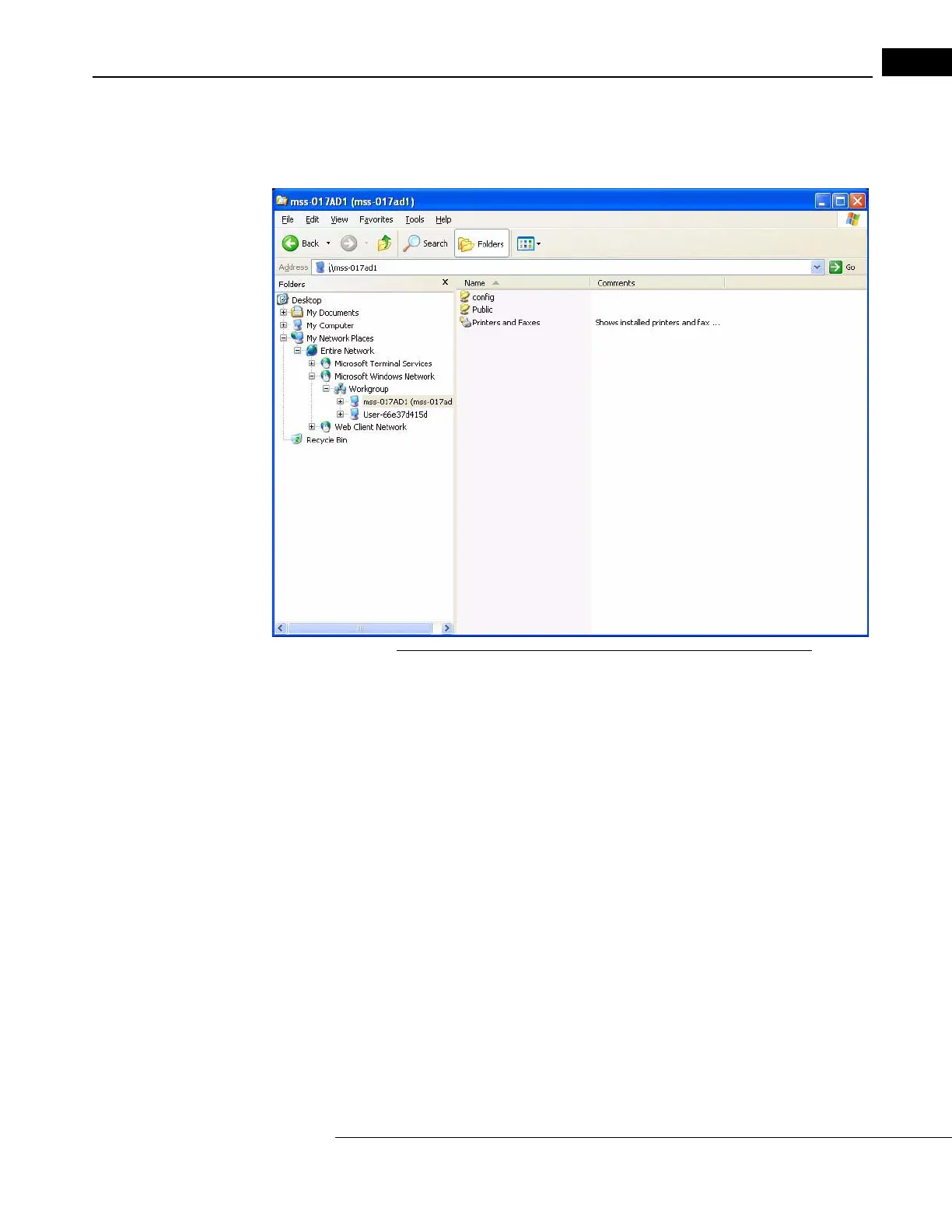
If you have typed the device name correctly, and the NAS device is correctly config-
ured and turned on, when you press En
ter, Explorer should find the NAS device on the
left and display its contents on the right, as in the example below.
Figure E-2 Explorer Finds NAS Device and Displays Its Contents
3. Now you must map a drive on the Stratus OCT to the NAS device folder that is
accessible to all users for storage. In the example above, the folder named Public is
the correct folder. The folder name for your NAS device may be similarly indicative
that it is intended for use as the storage folder. Consult the manufacturer’s
instructions to determine which folder is intended for this purpose.



 To Next Page