Prepare To Scan
Stratus OCT User Manual PN 2660021134133 A
2-8
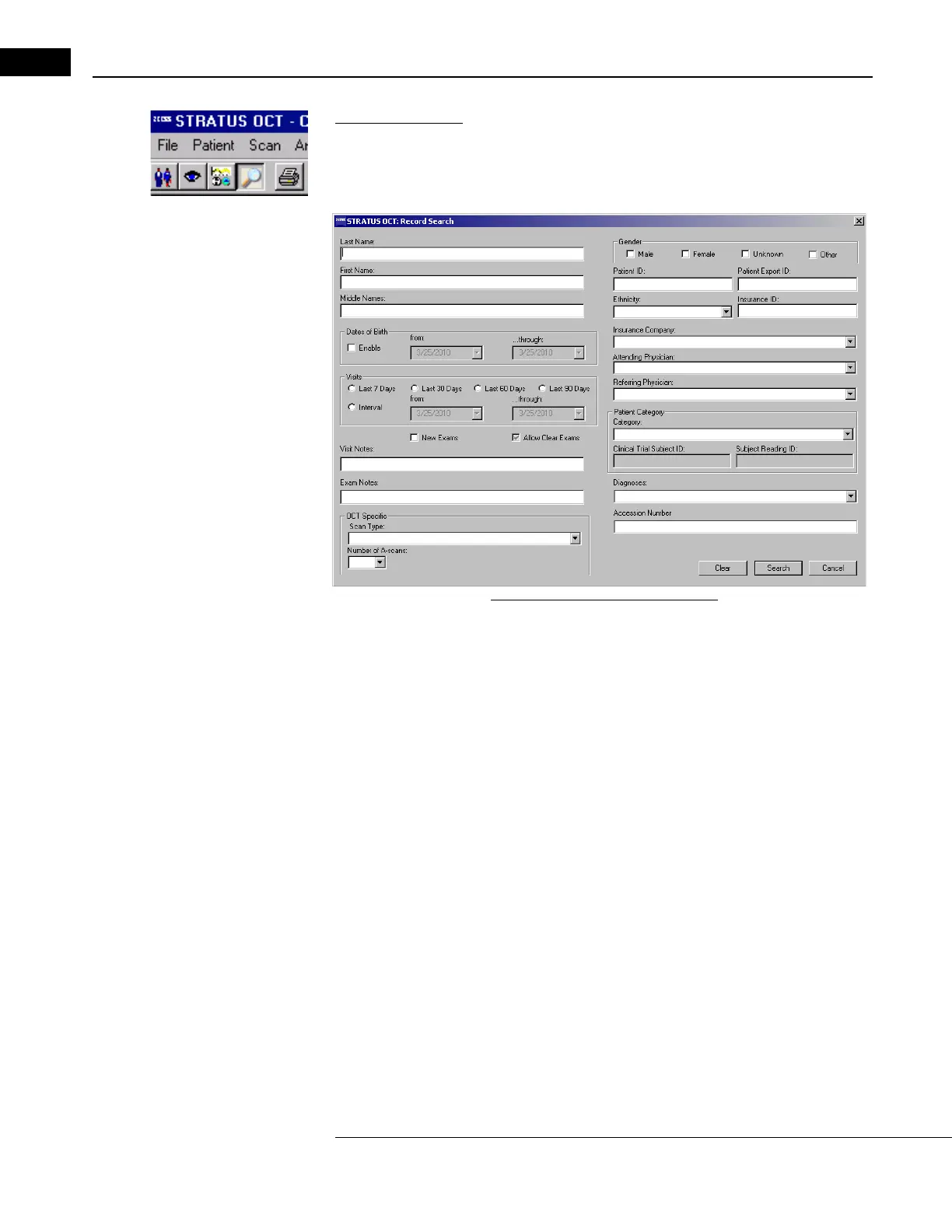
Advanced Search
Stratus OCT provides an Advanced Search dialog to serach for patients using additional
parameters such as patient category, diagnosis,
scan type, insurance company, doctor,
clinical trial ID, or subject reading ID, etc. Advanced Search is available from the Toobar.
Figure 2-6 Advanced Search Dialog
Using the available fields, enter or select search parameters and click Search. Search
parameters are not case-sensitive. The search returns all matching patients in the patient
list where you started.
Note: The search returns only the patients that match all search parameters used. If
your search does not return all patients desired, you may want to broaden your
search by using fewer parameters or partial information. Clicking Search without
using any parameters returns all patients in the source database.



 To Next Page