Stratus OCT User Manual PN 2660021134133 A
Acquire Scans
3-19
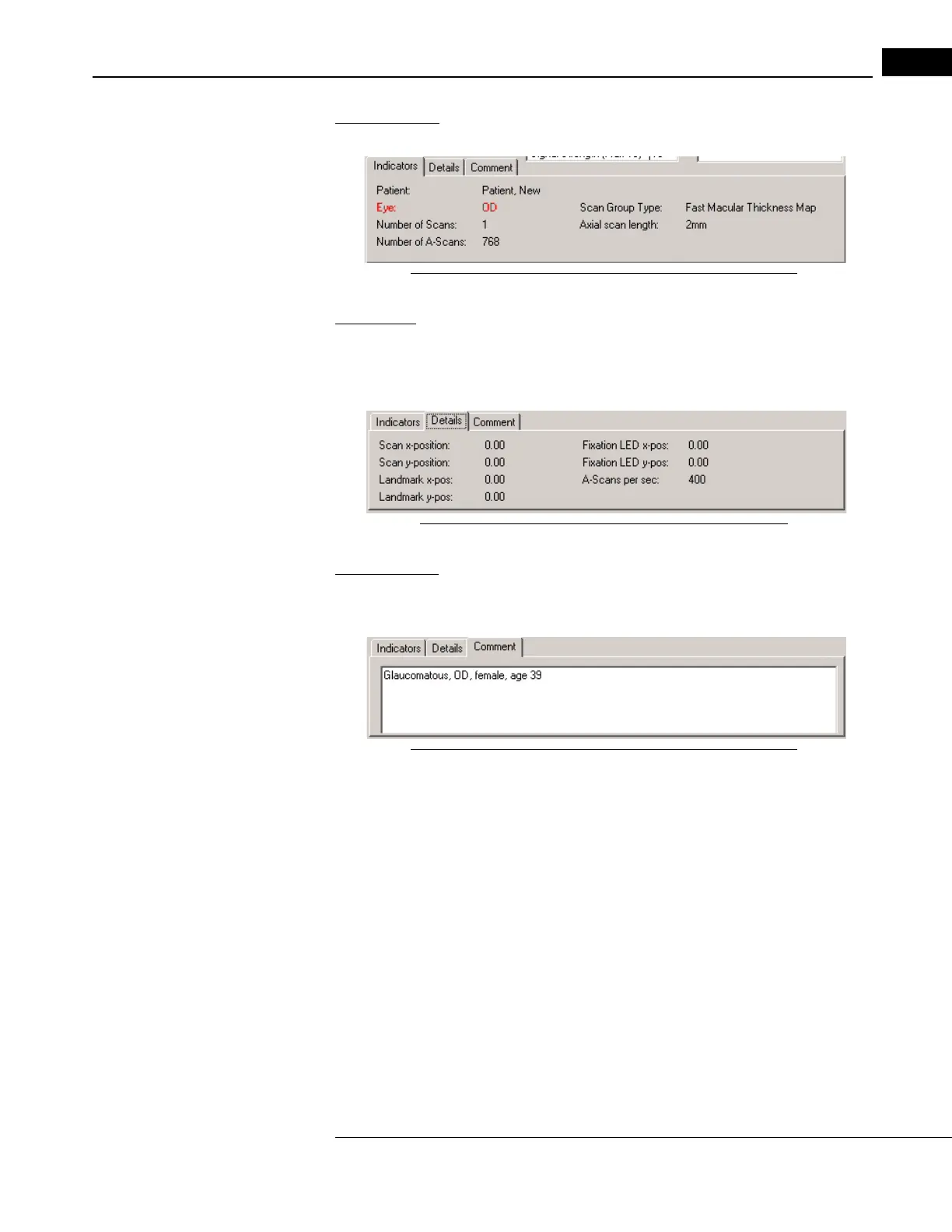
Indicators Tab
This tab provides patient and scan information.
Figure 3-12 The Indicators Tab in Scan Acquisition Window
Details Tab
This tab specifies the x and y position of the scan pattern, the landmark and the fixation
LED, in mm with respect to the center of the video image. The 0,0 position is perfectly
centered. It also shows the number of A-scans per second, which is fixed at 400.
Figure 3-13 The Details Tab in Scan Acquisition Window
Comment Tab
Only the Comment Tab is interactive. Click it to type in comments about the scan or
patient and store this information with the scan.
Figure 3-14 The Comment Tab in Scan Acquisition Window



 To Next Page