Configuration
LITECOM, Commissioning and maintenance instructions 17.0 | 04.2024 | en 138
Note
· The button is greyed out when a zone has been selected as
the effective range.
· If this function is not enabled, the start page can only be
used to recall scenes and control building services
room/zone-wide.
Enable this option to display long scene names on the default start page in
their entirety.
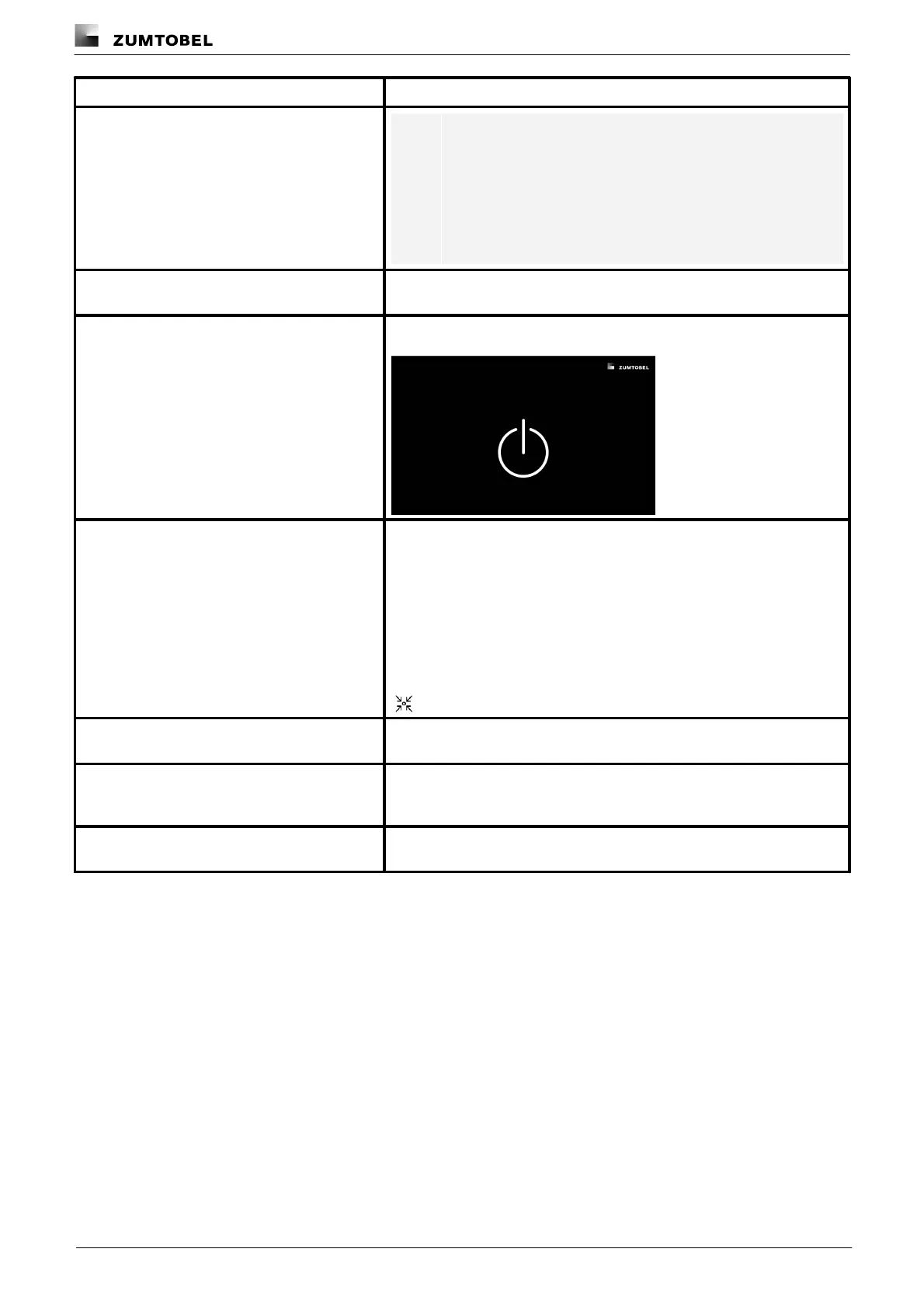
Dark screen when absence scene is active
As soon as the absence scene is recalled a dark screen is displayed.
Use default effective range
A default effective range can be selected for the start page. The default
effective range is the area which contains devices that should be controlled
via the start page as standard. Another effective range can be selected
manually on the start page at any time, e.g. to temporarily control the
luminaires of another room. After a defined time, the default effective range
is automatically applied again.
This function is used mainly for touch panels permanently installed in a
room.
Enable the option to use a default effective range. The selected
group/room/zone is then marked with the following icon on the start page:
Select the default effective range (group/room/zone) containing the devices
you wish to control via the start page.
Define the time after which the default effective range is automatically
recalled. The time starts again after each manual operation on the start
page (e.g. after a scene is recalled, after the effective range is changed).
Tap this button to log out of the web application. It will then only be possible
to log into the web application by entering the user name and password.
Table 74:Functions in the “User settings” view



 To Next Page