Configuration
LITECOM, Commissioning and maintenance instructions 17.0 | 04.2024 | en 140
7. Tap the Save button.
ÜThe Create new profile view is displayed.
8. Tap the Save button.
ÜThe profile is created.
ÜThe User management view is displayed.
9. Tap this button to access the app overview.
Note
The profile can be edited in the User management view:
· Use the pencil icon to the right of the profile to go to the Edit profile view.
· Use the icon to the right of the profile to delete the profile.
Managing the password
Changing the password
The administrator/user/touch panel user can change the password for their own user.
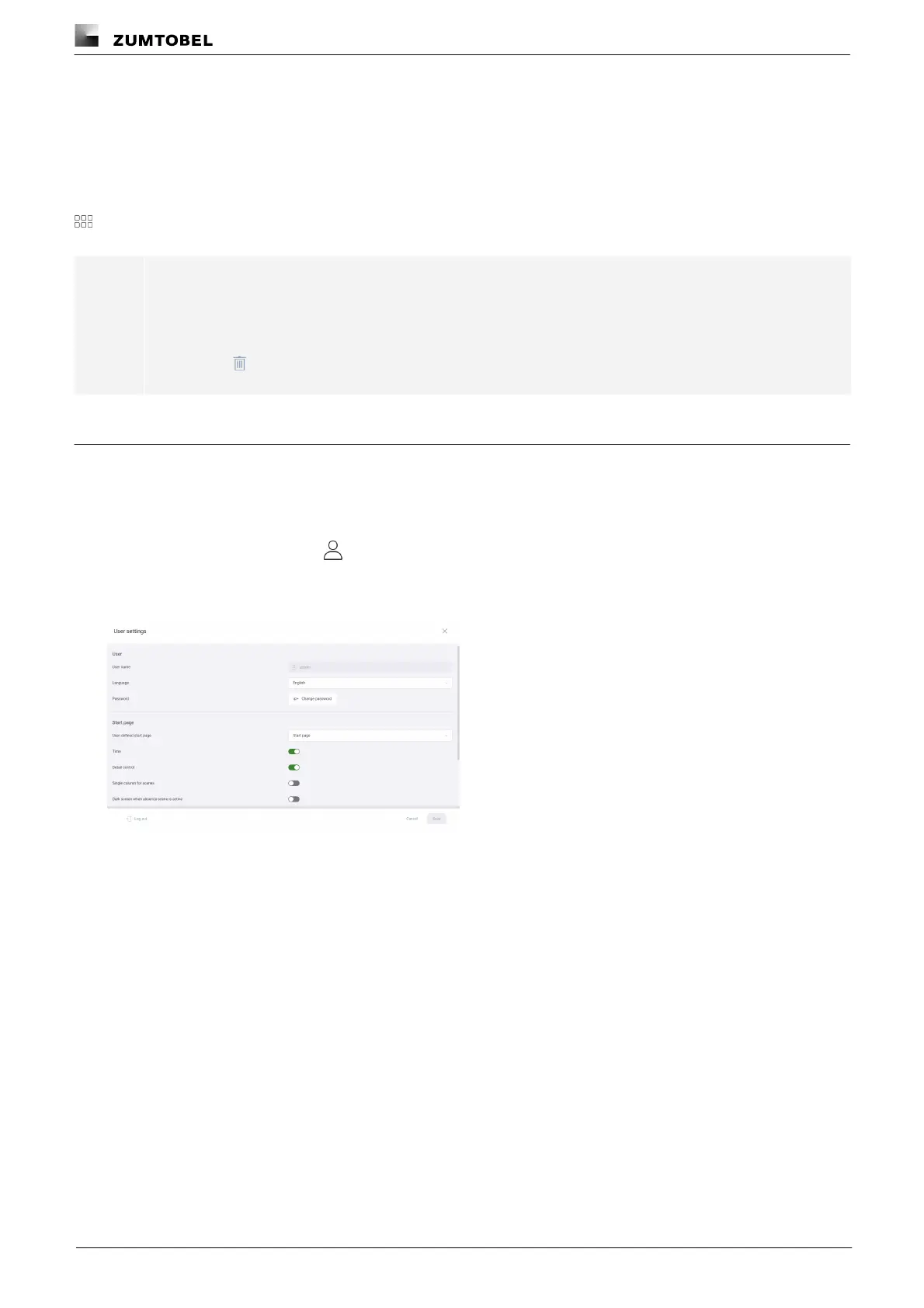
Path: App overview > Start page >
1. Navigate to the path.
ÜThe User settings view is displayed.
2. Tap the Change password button.
ÜThe Change password view is displayed.
3. Enter the old password.
4. Enter a new password.
5. Enter the password a second time to confirm.
6. Tap the Save button.
ÜThe password is changed.
ÜThe login screen is displayed.



 To Next Page