Maintenance
LITECOM, Commissioning and maintenance instructions 17.0 | 04.2024 | en 171
Backing up data
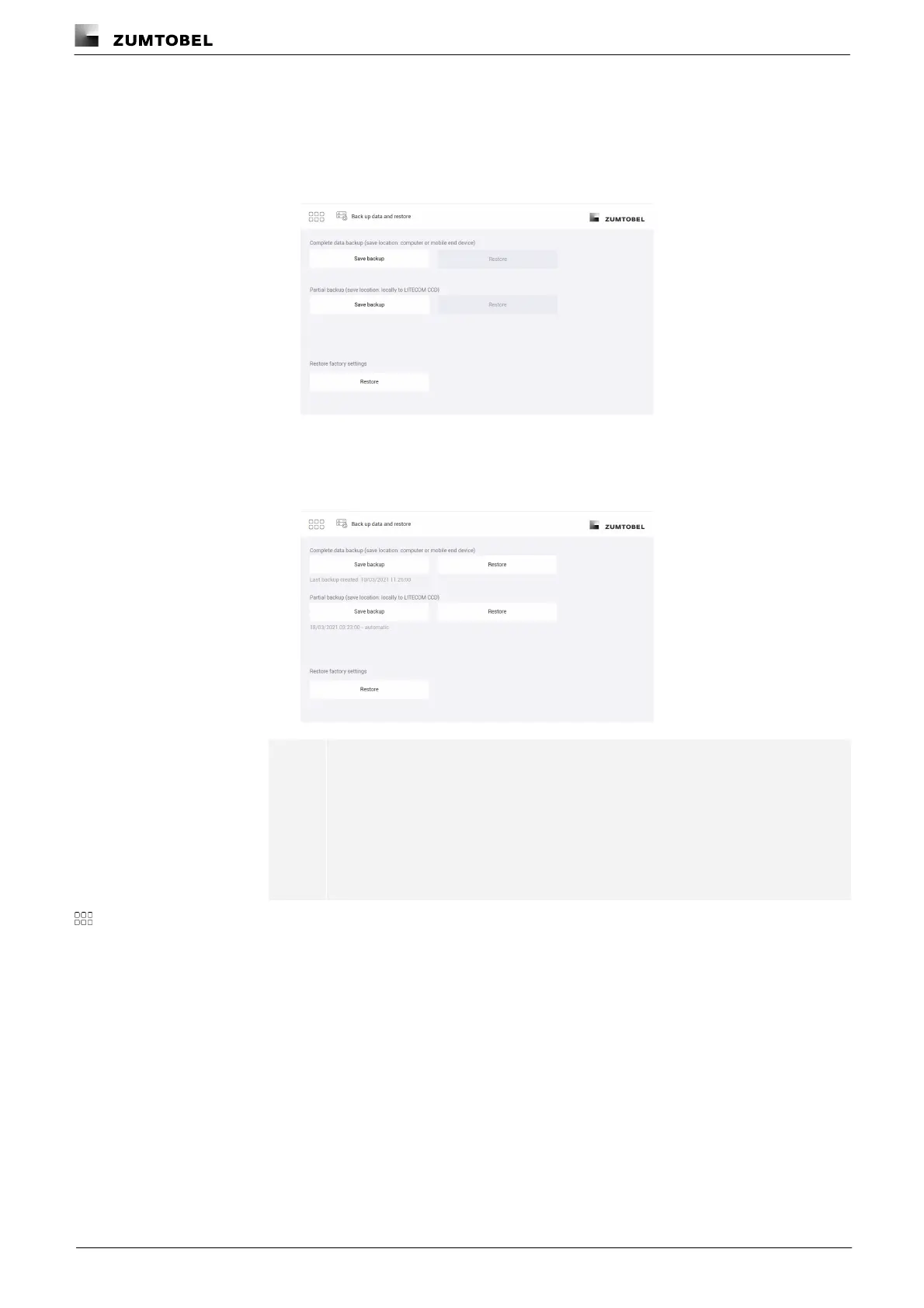
Path: App overview > Data backup
1. Navigate to the path.
ÜThe Back up data and restore view is displayed.
2. Go to Section Complete data backup or Partial data backup and tap the Save
backup button.
ÜThe data backup is created.
ÜThe date and time of the data backup are displayed.
Note
· The scope and save location of the data backup depend on the type
of data backup.
· The date and time of the data backup are displayed. For partial
backups, manual or automatic is also added to indicate how the
partial backup was created.
3. Tap this button to access the app overview.



 To Next Page