Interface description
LITECOM, Commissioning and maintenance instructions 17.0 | 04.2024 | en 17
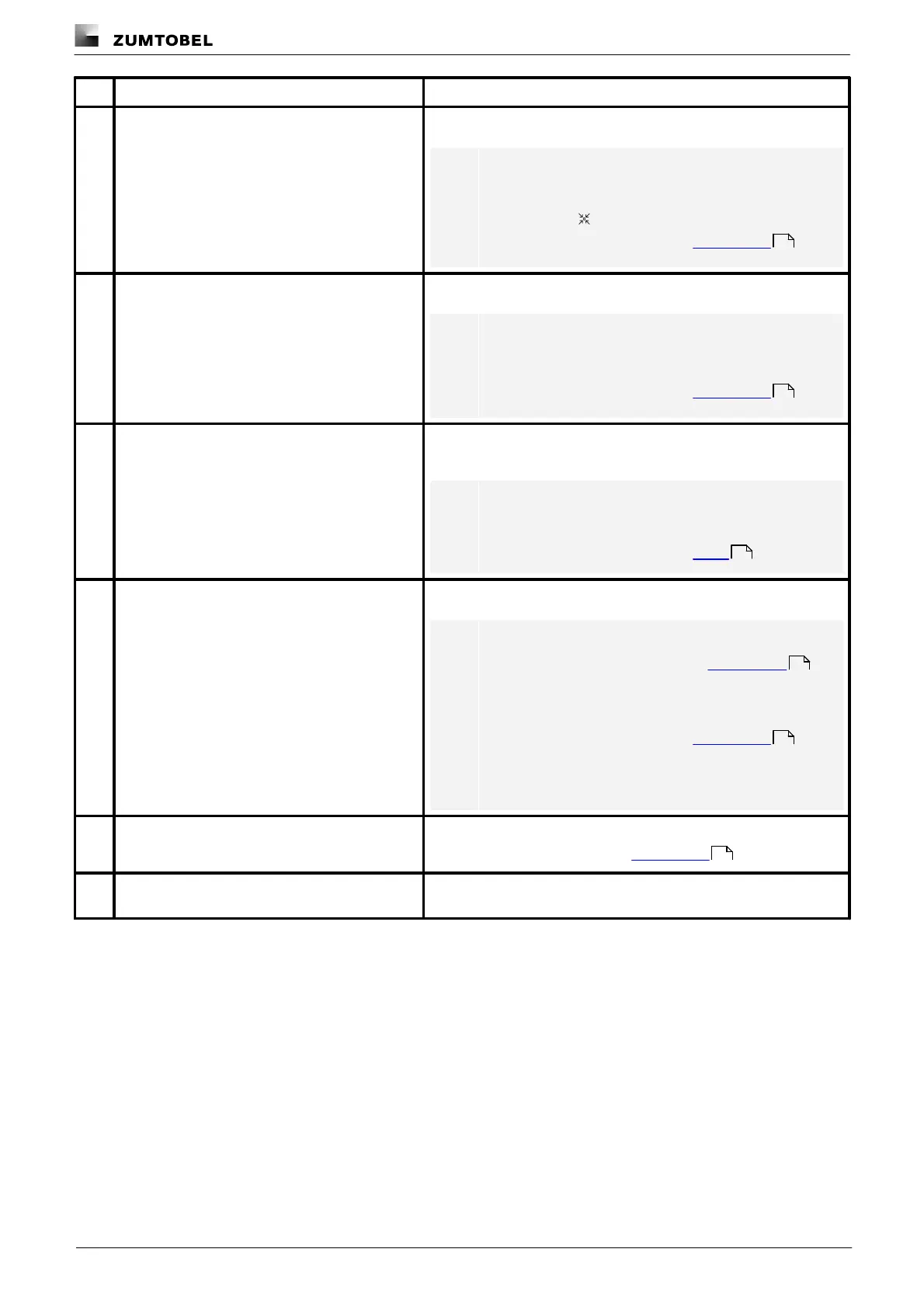
Selecting effective range
Select the area containing the devices to be controlled.
Note
A default effective range can also be selected for the
start page. This effective range can be labelled with the
following icon:
For more information see Section User settings
The current time is displayed.
Note
Whether the time is displayed on the start page is
defined separately in the user settings for each user.
For more information see Section User settings
This button can be used to display the current faults in the selected
effective range.
Note
The Faults app contains an overview of all current faults
in the LITECOM system.
For more information see Section Faults
Access detail control via this button.
Note
· For more information see Section Detail control
· If the button is greyed out, this function is disabled in
the user settings.
For more information see Section User settings
· The button is greyed out when a zone has been
selected as the effective range.
This button takes you to the user settings.
For more information see Section User settings
All scenes for the selected effective range are listed in this column.
Tap a scene to recall it.
137
137
168
16
137
137



 To Next Page