Interface description
LITECOM, Commissioning and maintenance instructions 17.0 | 04.2024 | en 18
As soon as the on/off key is tapped, the system alternates between
recalling the absence scene and recalling the Working scene.
It is also possible to recall the most recently active scene or a
permanently defined scene. This behaviour is defined in the Scenes
app.
A dark screen can also be displayed when the absence scene is
recalled. This behaviour is defined in the User settings app.
Note
For more information see Section User settings
Select a setting for a scene
A scene can comprise different settings, depending on the devices
installed (e.g. intensity).
Note
· Different configuration options are available.
For more information see Section Configuration
options
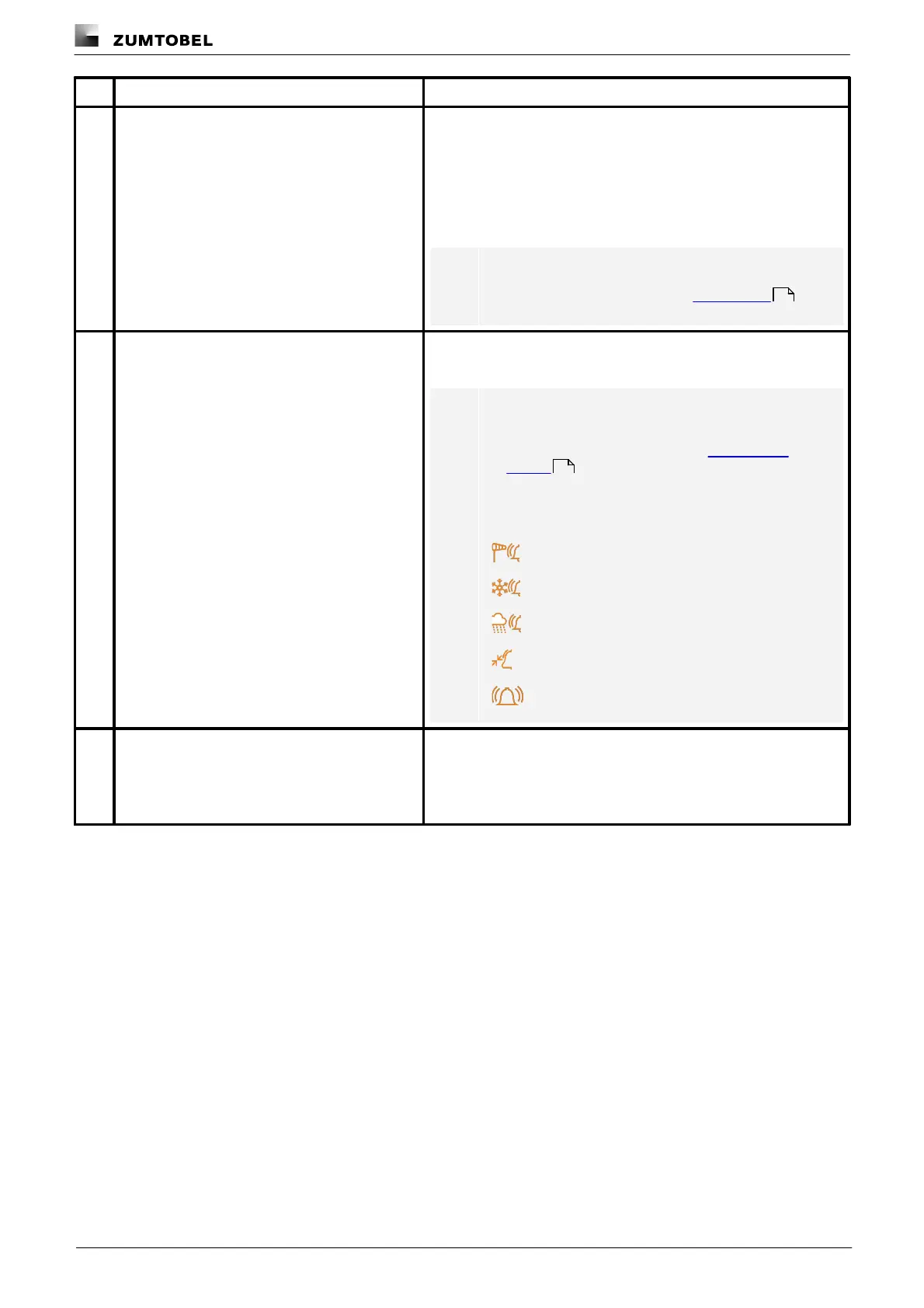
· As long as a protective function is enabled, the
relevant protective function icon is displayed on the
start page to the right of the blind position or intensity:
General alarm protective function
Protective functions with different triggers; e.g. rain
alarm in group 1 and wind alarm in group 2
Temporarily change a setting for a scene in the
entire effective range
As soon as a setting is tapped (e.g. Intensity), a control element
(such as a click area) appears below. This control element can be
used to temporarily change the scene. This change affects the entire
effective range.The changes applied remain in place until the next
scene is recalled.
Table 8:Functions on the start page
137
94



 To Next Page