Commissioning
LITECOM, Commissioning and maintenance instructions 17.0 | 04.2024 | en 45
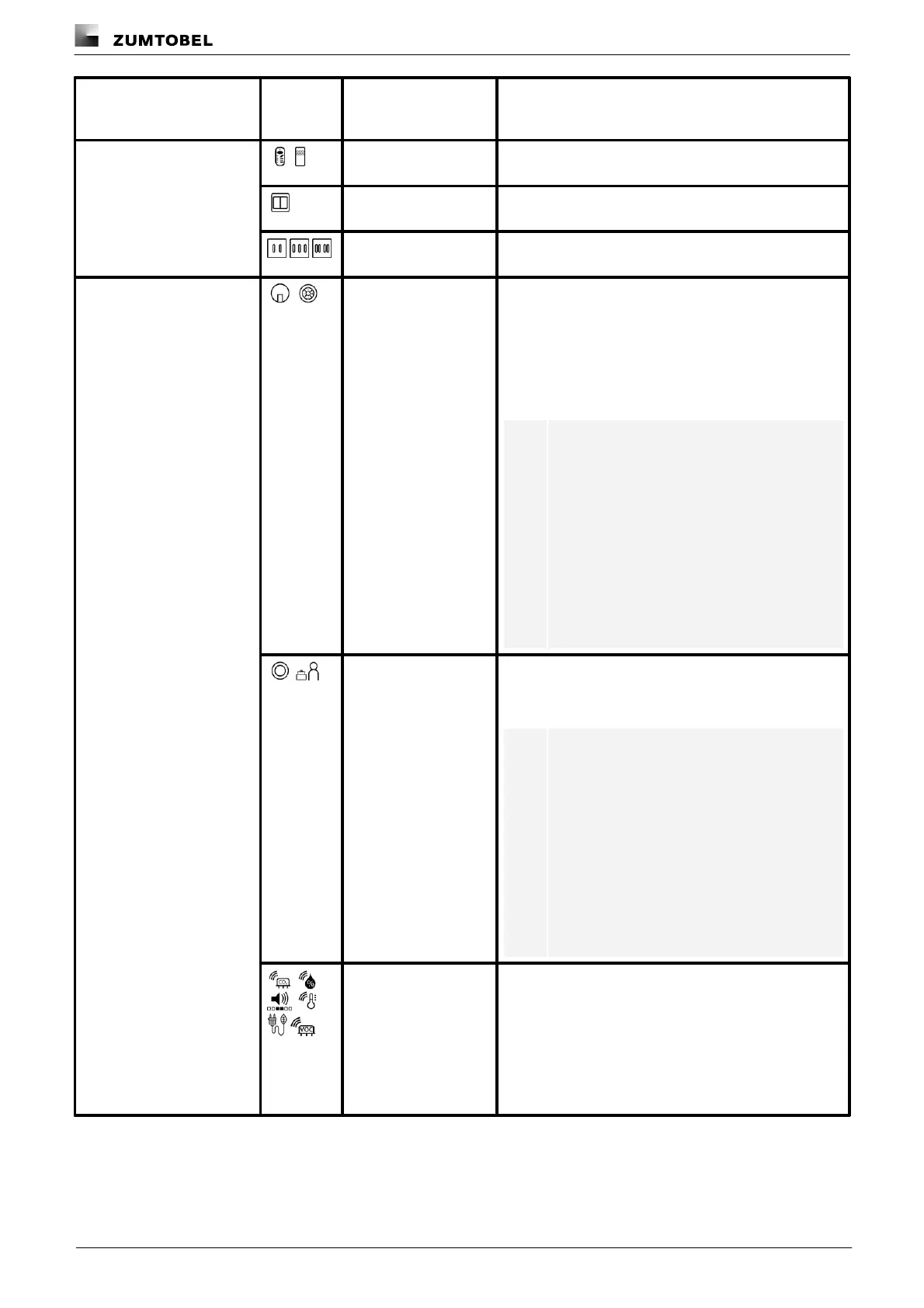
Remote controls from Zumtobel (e.g. IRTOUCH 2) or
Tridonic (e.g. IR6)
EnOcean switches (battery-free wireless switches based
on EnOcean technology)
Rocker (2x), rocker
(3x), rocker (4x)
Rocker switches in double, triple and quadruple design,
e.g. LM-RCx.
Sensors that detect the available daylight in the room.
Includes daylight sensors and ambient light sensors.
· Daylight sensors: sensors for detecting the available
daylight in the room (e.g. ED-EYE).
· Ambient light sensors: sensors for detecting the
reflected artificial light and daylight in the room (e.g.
ED-SENS).
Note
ED-SENS mini: although physically speaking
the ED-SENS mini multi-function sensor is
just one device, it must be addressed as two
devices for both light detection and
presence detection. As a result, the ED-
SENS mini appears twice in the system
image:
· once for light detection
· once for presence detection
Presence detector
(generic and
MSensorG3)
Presence detectors that detect the presence of moving
people and output a corresponding signal to the control
system.
Note
ED-SENS mini: although physically speaking
the ED-SENS mini multi-function sensor is
just one device, it must be addressed as two
devices for both light detection and
presence detection. As a result, the ED-
SENS mini appears twice in the system
image:
· once for light detection
· once for presence detection
Sensors that detect certain values in a room. The
environment sensors detect:
· CO2 concentration
· Humidity
· Noise
· Temperature
· Power consumption
· VOC concentration



 To Next Page