6253 DC Voltage Current Source/Monitor Operation Manual
4.2.14 Error Log
4-73
4.2.14 Error Log
The 6253 holds the error number in the error log memory when it detects an error.
1. Operation
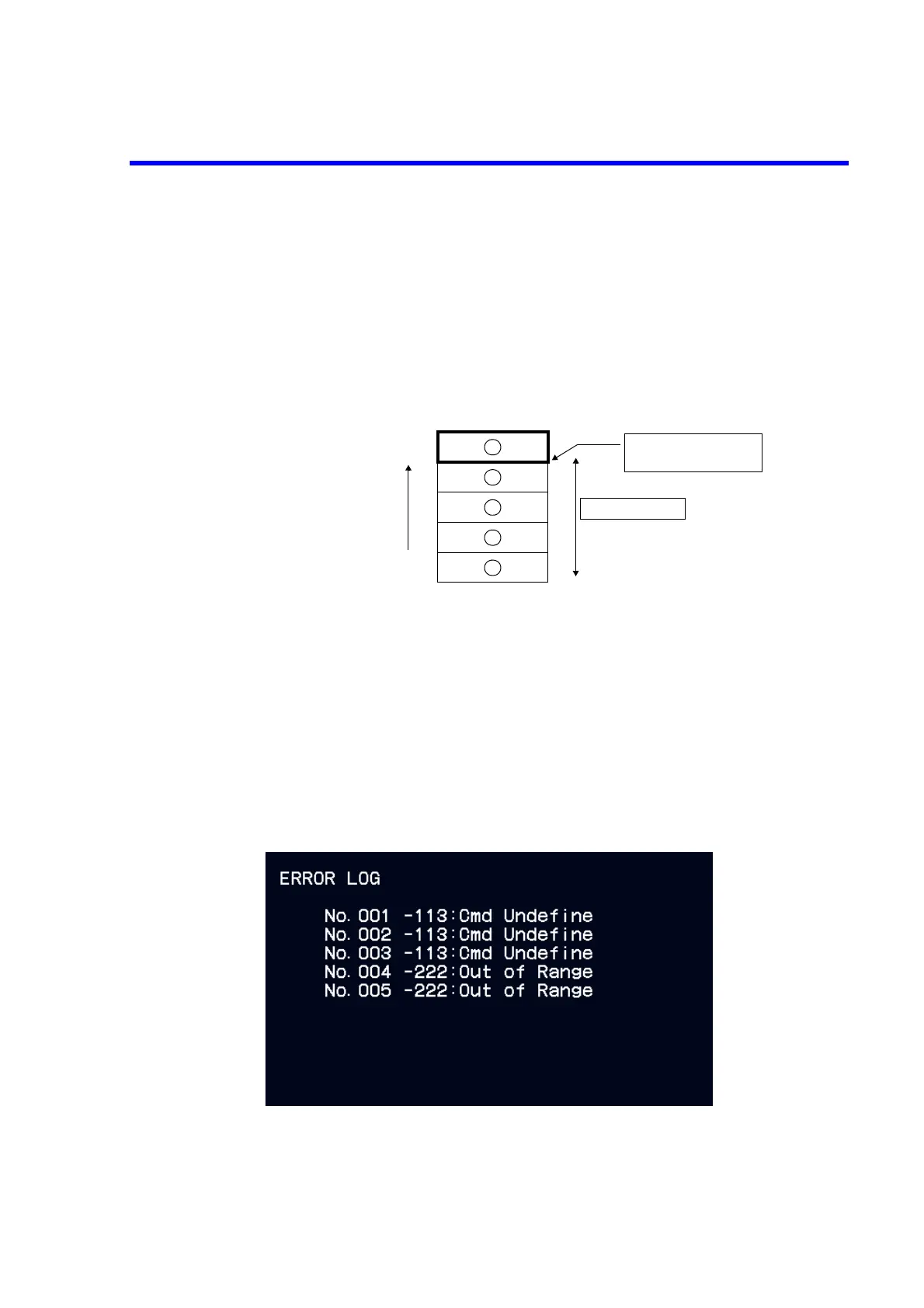
The error log has five memory areas and operates as follows:
2. Clearing error log
The error log is cleared in any of the following conditions and the “ERR” indicator disappears.
•Power ON
• When reading the error log (The error log is cleared after displaying the error log screen.)
• When the ERL? or *CLS command is executed.
*Not cleared by *RST.
3. Reading out the error log
Select the parameters, 13) System and 9) Error Log in the menu.
• Errors are stored in the order of detection.
• If more than five errors are detected, then the last stored error is overwritten.
•The “ERR” is displayed when errors are stored.
Order of storing
Overwrites the 6th or later
error here.
Number of errors
Error log



 To Next Page