6253 DC Voltage Current Source/Monitor Operation Manual
2.3 Soft Keys
2-7
2.3 Soft Keys
To set parameters, utilize the MENU hierarchy or the soft keys located on the lower side of the screen.
This section describes the soft key details and operations.
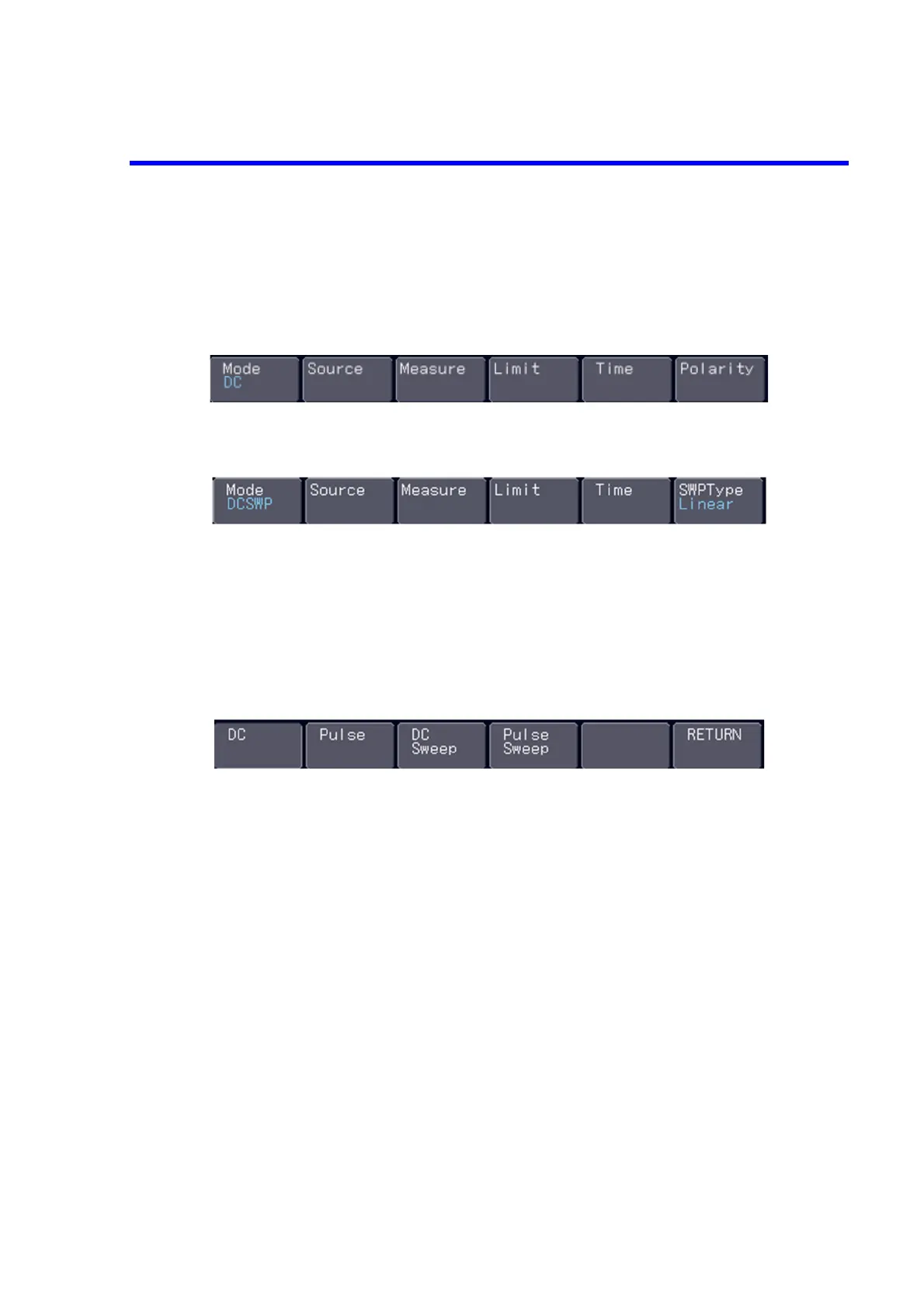
Figure 2-4 Soft Keys at DC or Pulse Source (Top Layer)
Figure 2-5 Soft Keys at Sweep Source (Top Layer)
At the top layer of the soft keys, six parameters are displayed for DC or pulse source, and also six parameters
for sweep source.
Selecting any parameter will display its corresponding soft key layer.
Then, press your desired soft keys at each layer to make detailed settings.
1. Mode Selecting the source mode
•DC DC source
• Pulse Pulse source
• DC Sweep DC sweep source
• Pulse Sweep Pulse sweep source
• RETURN Returning to the top



 To Next Page