6253 DC Voltage Current Source/Monitor Operation Manual
1.5 Operating Check
1-12
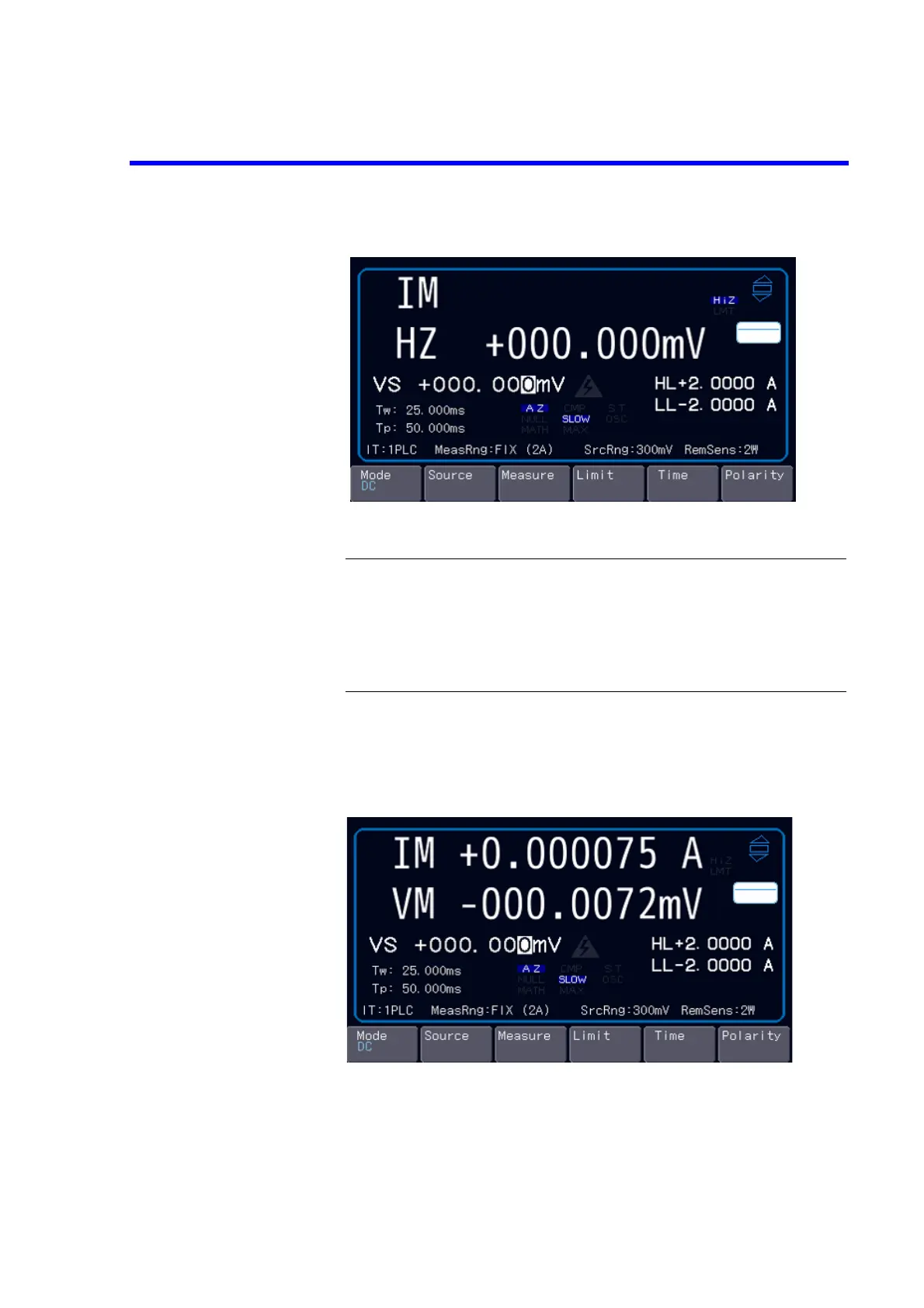
Figure 1-9 Start-Up Screen
NOTE:
1. Depending on the previous conditions, the screen display may be
different from Figure 1-9.
2. If a problem occurs, an error message appears on the screen.
Refer to the error message list to address the problem. (Refer to
Appendix 2, “Error Message List.”)
5. Press the OPR key on the front panel.
Confirm that the measured current value falls within 300 A in the current
measurement range of 2 A, and that the measured voltage value falls within
150 V in the voltage range of 300 mV.
Figure 1-10 VSIM Measurement Display (Output ON)
6. Press the STBY key.
The OPR key goes OFF and the 6253 enters the Standby (output OFF) status.
The operation check is complete.



 To Next Page