6253 DC Voltage Current Source/Monitor Operation Manual
1.5 Operating Check
1-11
4. Set the POWER switch on the front panel to ON.
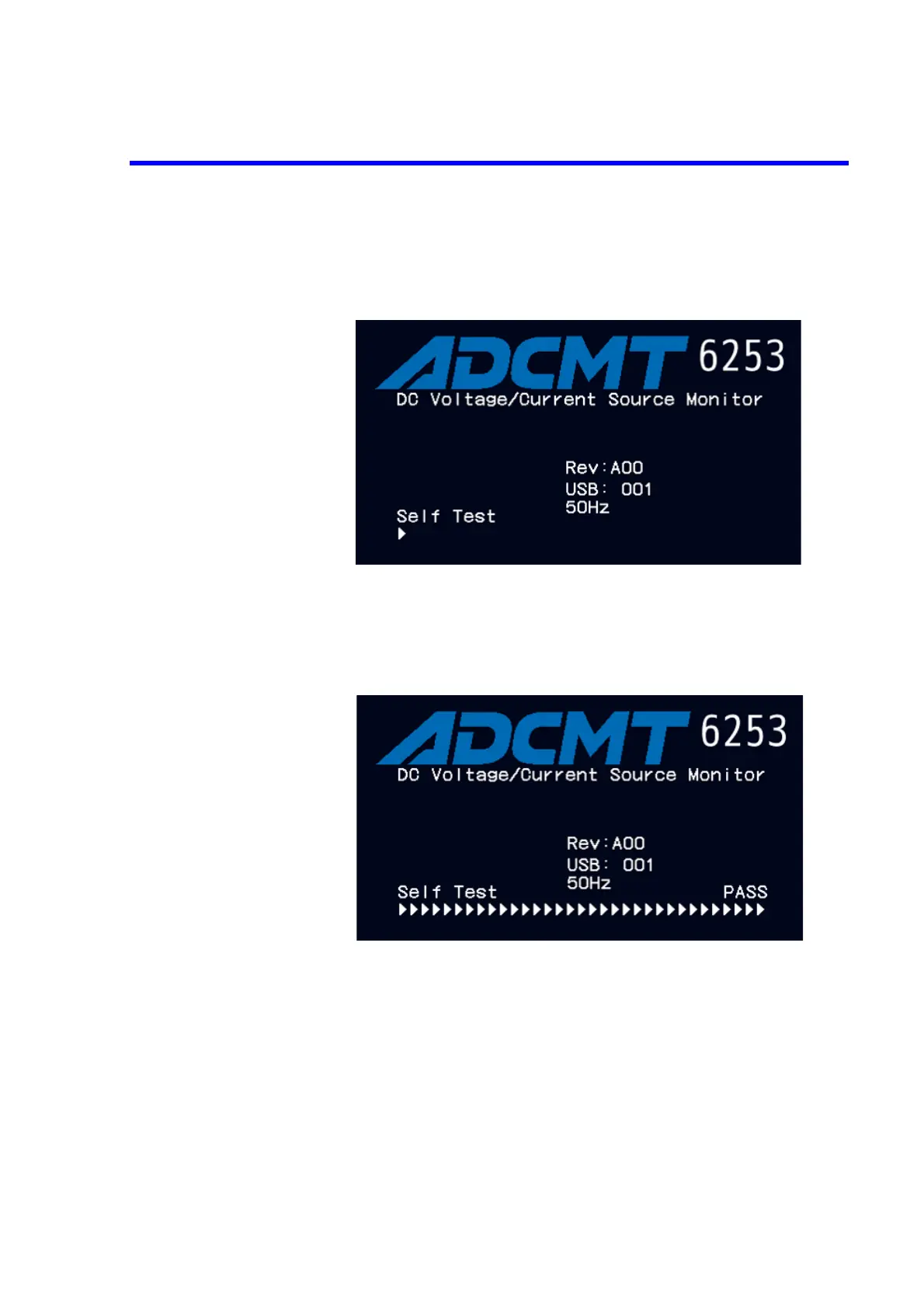
After all the indicators turn ON, a self-test is performed. (Duration: approx. 15
sec. Figure 1-7)
Figure 1-7 Self-Test in Progress
When the test is complete, the model name, line frequency, interface setting, and
software revision appear (Figure 1-8). After that, the start-up screen is displayed
(Figure 1-9).
Figure 1-8 Self Test Completion



 To Next Page