6253 DC Voltage Current Source/Monitor Operation Manual
2.4.1 Numerical Input
2-12
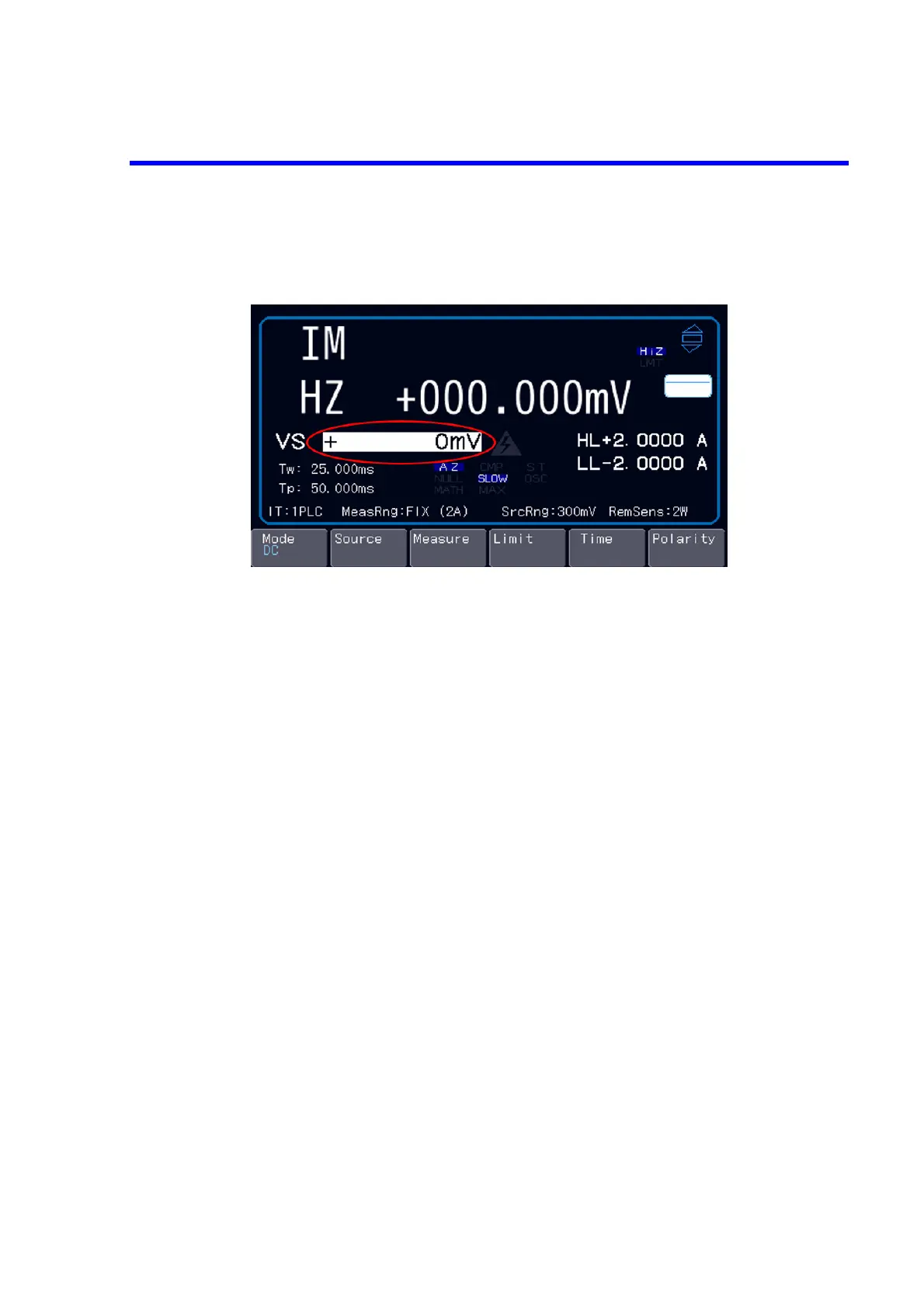
2.4.1.2 Numerical Input in Direct Input Mode
Pressing any numerical input key switches to the direct input mode.
The ENTER key goes ON at this time.
Here, the rotary knob changes units.
Input numbers directly and fix them by pressing the ENTER key. To cancel them, press the EXIT key.
Press the BS key to delete specific figures or the CE key to clear all the entry.



 To Next Page