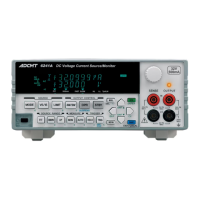
6253 DC Voltage Current Source/Monitor Operation Manual
5.4 LAN
5-7
5.4 LAN
5.4.1 Overview
To remotely control the 6253 via the LAN interface, connect the LAN port on the panel to a personal
computer.
The 6253 can be controlled by plugging in a network or directly connecting to a host computer.
The LAN interface is a factory option. (LAN interface: 6253+06)
5.4.2 Setting Up LAN
Set I/F BUS on the interface menu to “LAN.”
Using the LAN interface requires the following settings. (These settings cannot be changed by remote
control.)
5.4.3 Communication Setting on Personal Computer
When controlling the 6253 remotely via the LAN interface, make the communication settings of the
control software on the computer side as follows:
Table 5-3 LAN Setting Items
Setting item Description
IP address
IP address setting
The default value is 192.168.0.1.
Default gateway
Default gateway setting
The default value is 192.168.0.1.
Subnet mask
Subnet mask setting
The default value is 255.255.255.0.
MAC address
A unique MAC address is displayed for each unit.
This address cannot be changed.
*For the setting details, verify with the network manager.
Table 5-4 Communication Settings when Using LAN
Item Setting value
TCP/IP port number (destination) 5025
Delimiter LF or CR + LF


 To Next Page