6253 DC Voltage Current Source/Monitor Operation Manual
2.4 Basic Operation
2-11
2.4 Basic Operation
This section describes the basic operations of the 6253.
2.4.1 Numerical Input
You can input numbers in two ways. One is by using the right and left keys and the rotary knob, and the
other is by using “direct input mode.”
Numbers such as source values and limit values can be input in the parameter edit status.
2.4.1.1 Numerical Input with Right and Left Keys and Rotary Knob
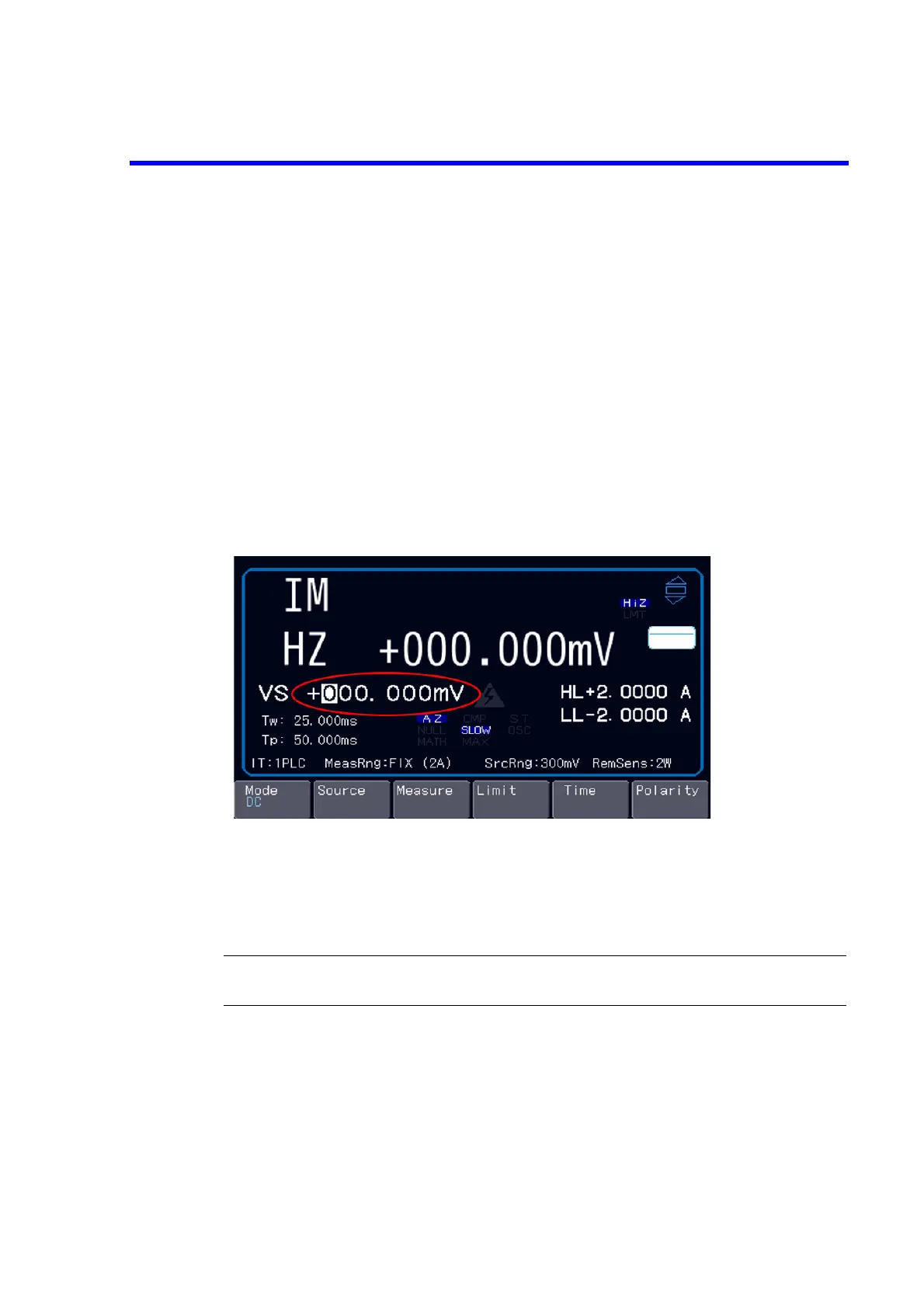
Move the cursor with the right and left keys, and increase or decrease numbers with the rotary knob.
• Right and left key Moving the cursor
• Rotary knob Increasing or decreasing numbers and switching the polarities depending on
the cursor position.
NOTE: Any changes to the source value or limit values with the rotary knob are immediately
applied.



 To Next Page