6253 DC Voltage Current Source/Monitor Operation Manual
1.5 Operating Check
1-10
1.5 Operating Check
This section describes the simple self-test which must be performed when operating the 6253 for the first
time. Follow the procedure below to ensure the 6253 operates correctly.
1. Ensure that the POWER switch on the front panel is set to OFF.
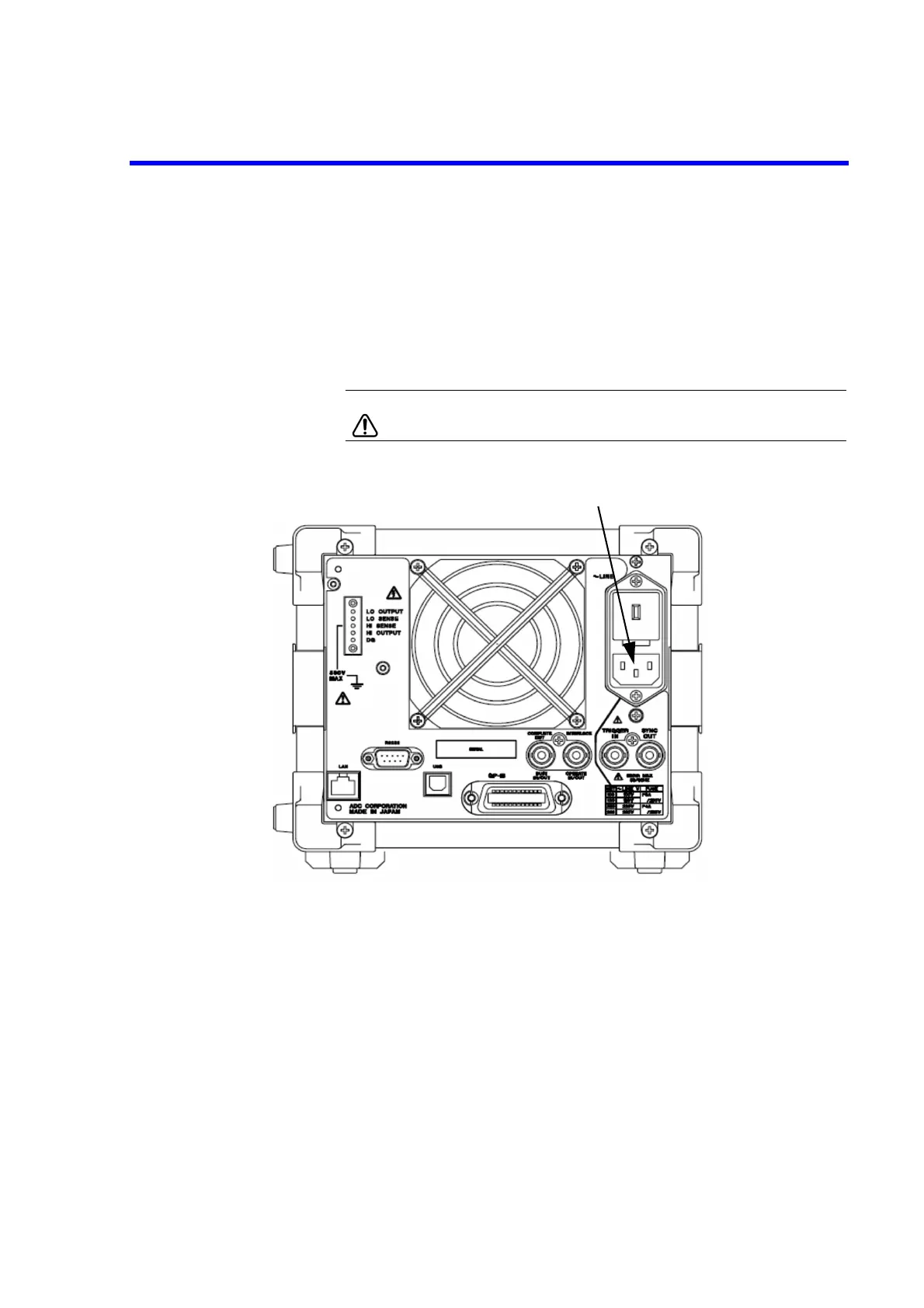
2. Plug the supplied power cable into the AC power connector on the rear panel.
CAUTION: To prevent damage to the 6253, do not apply a voltage or
frequency that exceeds the specified range.
Figure 1-6 Connecting Power Cable
3. Plug the power cable into an AC wall outlet.



 To Next Page