6253 DC Voltage Current Source/Monitor Operation Manual
4.1.2 Remote Sensing (2-Wire/4-Wire Connection)
4-2
4.1.2 Remote Sensing (2-Wire/4-Wire Connection)
When connecting a DUT to the 6253, use 2-wire or 4-wire connection while considering the following
conditions:
• Apply 2-wire connection if the output current is relatively low and the cable line resistance does not
matter.
• Apply 4-wire connection if the output current is relatively high and the cable line resistance matters.
• When using within the specified accuracy:
(Line resistance output current) 10 V 2-wire connection
(Line resistance output current) > 10 V 4-wire connection
The line resistance of the supplied cable A01044 is approximately 100 m.
Thus, when the output current is 100 A or higher, use the 4-wire connection.
• When allowing the error voltage (ev):
(Line resistance output current) ev 2-wire connection
(Line resistance output current) > ev 4-wire connection
When the supplied cable A01044 is used and the error voltage of 10 mV is allowed, the 2-wire
connection can be used up to 100 mA.
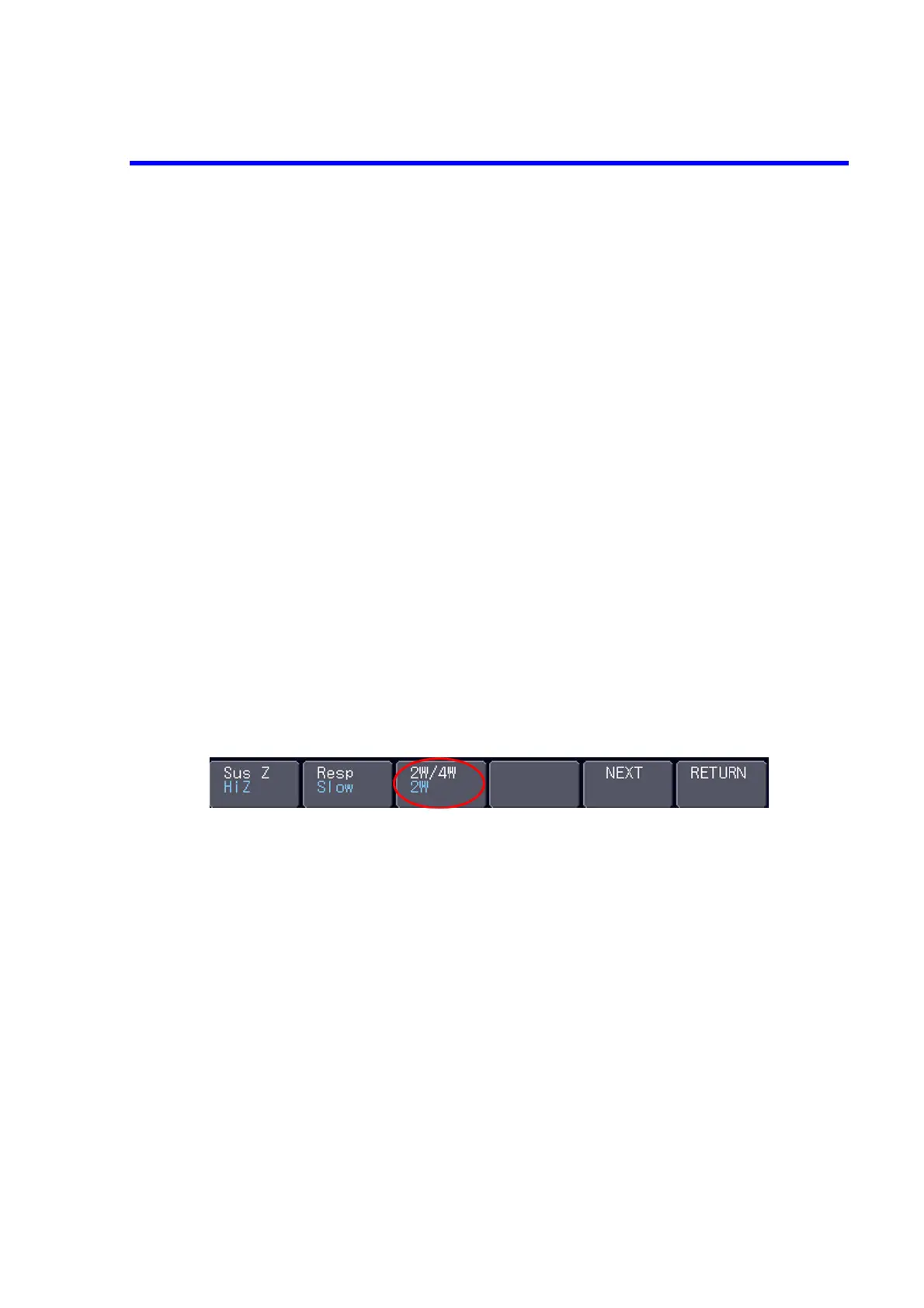
Use the following procedure to apply 2-wire or 4-wire connection.
1. Press the soft key Source.
2. Press the soft key NEXT.
3. Press the soft key 2W/4W, and choose 2W for 2-wire connection or 4W for 4-wire connection.



 To Next Page