6253 DC Voltage Current Source/Monitor Operation Manual
2.5.2 Pulse Source and Measurement
2-17
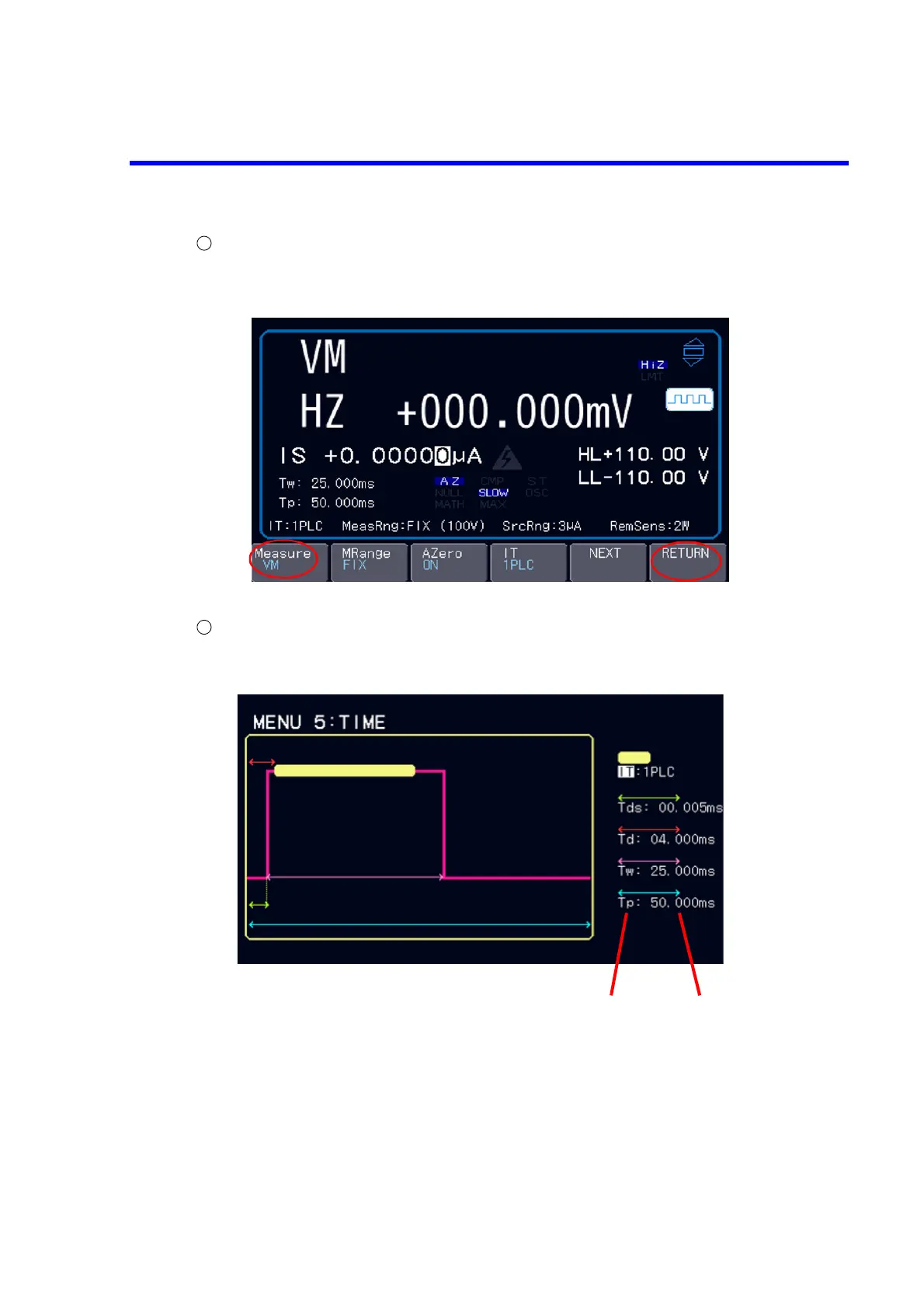
Selecting the measurement function.
Choose “VM” with the soft key Measure.
Press the soft key RETURN to return to the top layer.
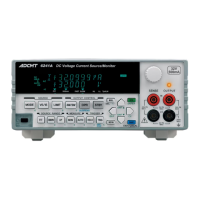
Time settings
Display the time setting screen with the soft key Time.
Set the relevant parameters such as IT and Tp on the time setting screen.
The parameter details and how to operate the Input/Run level are described in Section 2.6.1, “MENU
Operation.”
Press the EXIT key to return to the home screen.
Select level Input/Run level


 To Next Page