GreenDrill control terminal 3.2
52
GreenDrill BAH0054-9 11.17
6.2 Initial operation of control terminal 3.2
6.2.1 Switching on the control terminal
1. Instruct any people in the area to stand at a minimum distance of 10 m from the implement.
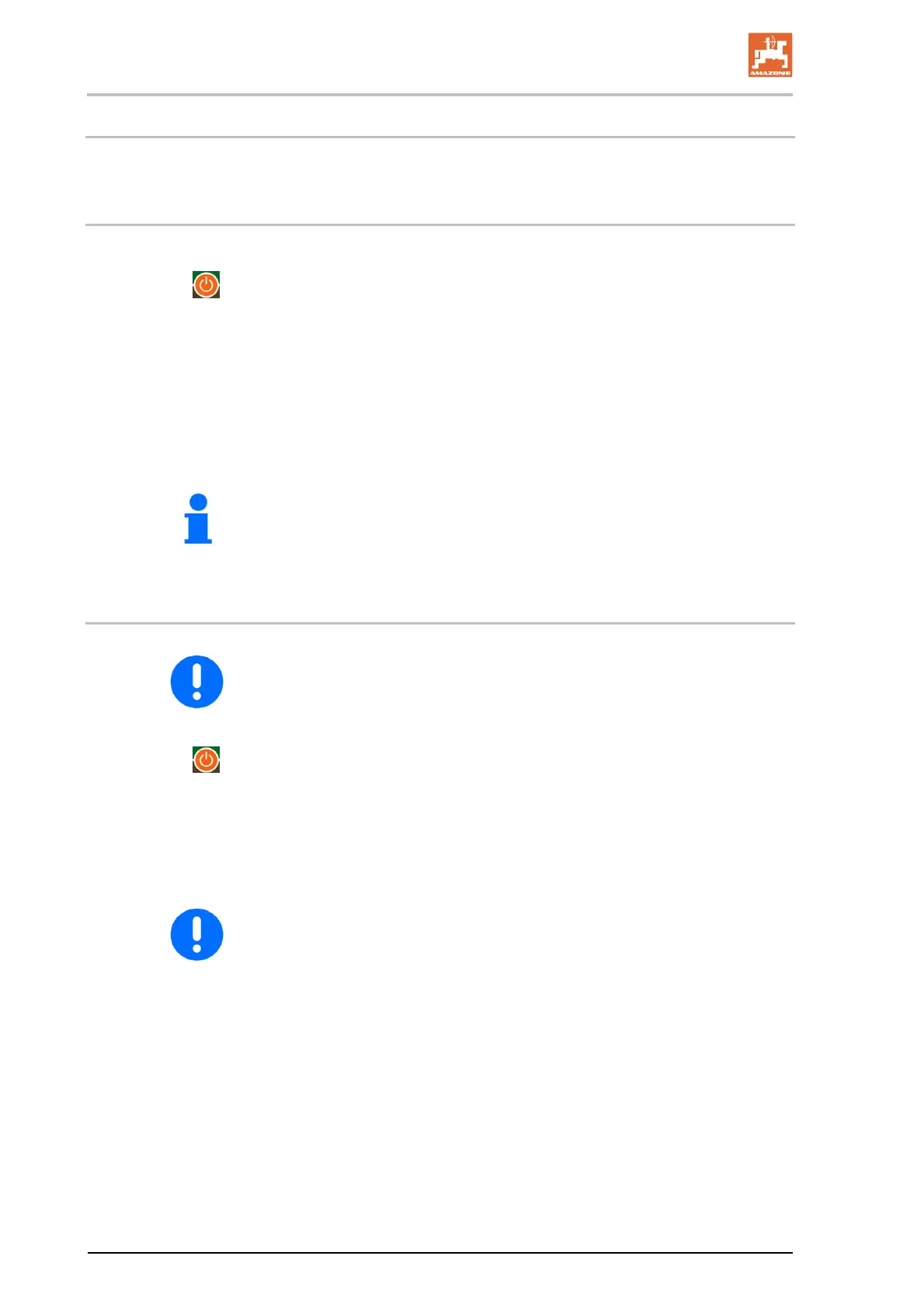
2. Press the
button.
The control lamp above the button is illuminated
The control terminal is switched on
The two-part display shows
the device version
then the last set seeding shaft speed, e.g., 50 %.
The seeding shaft motor and blower fan motor do not rotate.
The control terminal is switched off after 1.5 hours if no button has
been pressed in this time and the seeding shaft is switched off.
6.2.2 Switching off the control terminal
When work is completed, first switch off the seeding shaft, then the
blower fan, and finally the control terminal.
1. Press the
button.
the control lamp above the button is turned off
the control terminal is switched off.
2. Pull the power cable plug for the control terminal out of the socket.
After switching off the control terminal, pull the power cable plug out
for the control terminal out of the socket.





 To Next Page