GreenDrill control terminal 5.2
84
GreenDrill BAH0054-9 11.17
7.16 Emptying the seed hopper
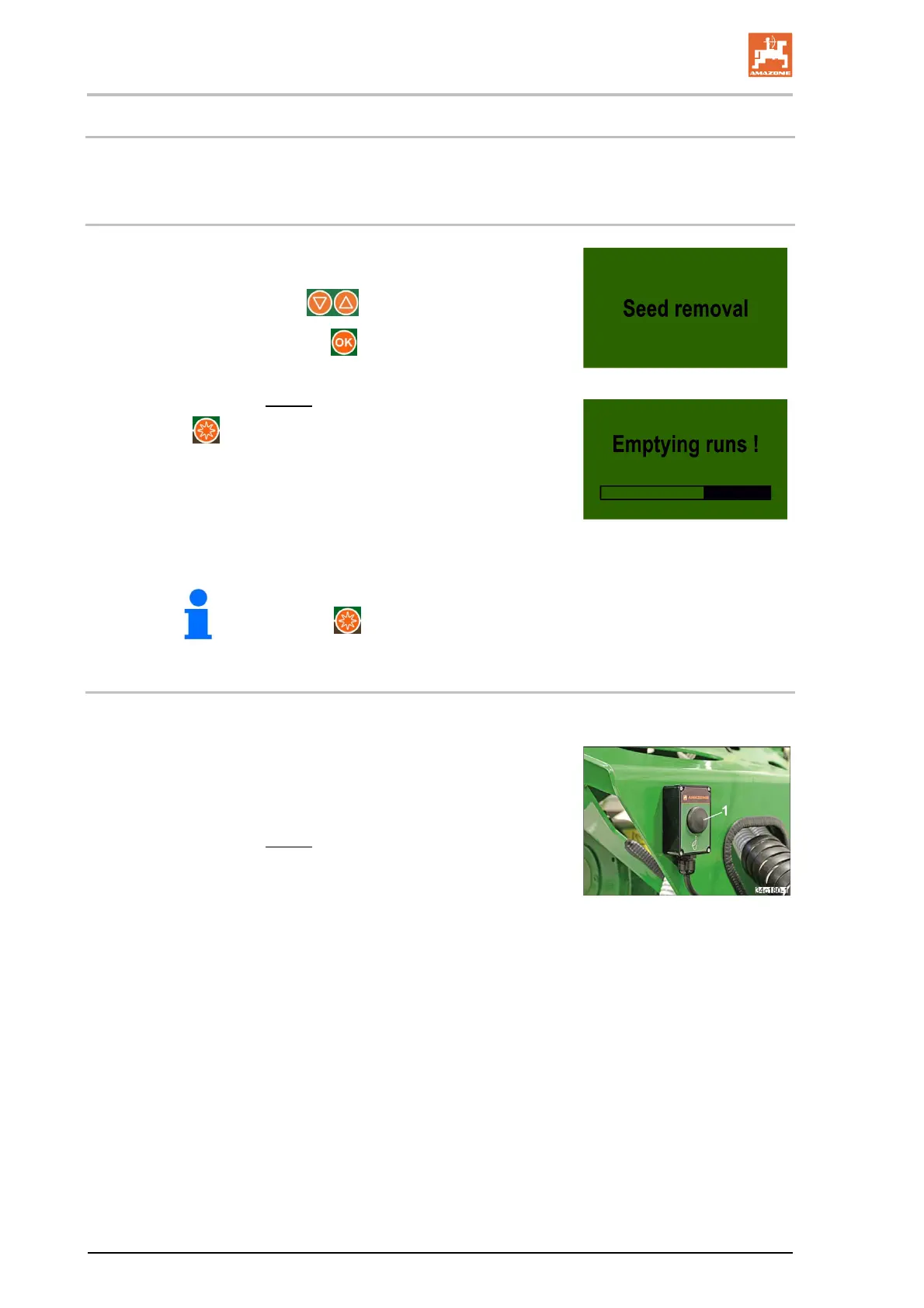
The seed hopper can be emptied through the menu controls or with the calibration button.
7.16.1 Emptying the seed hopper through the menu controls
1. Prepare the implement for emptying the seed hopper (see sec-
tion 5.6, page 46).
2. Select the display with the
buttons.
3. Confirm the selection with the
button.
The seeding shaft motor is rotating at maximum speed.
The blower fan cannot be switched on.
4. Press the button
as soon as the seed hopper is empty and the seed metering
wheels no longer convey seed.
The seeding shaft stops
The display switches to the main menu.
The seeding shaft drive can be switched off at any time by pressing
the
button.
7.16.2 Emptying the seed hopper with the calibration button
The calibration button must be signed in (see section 7.20.10, page 104).
1. Prepare the implement for emptying the seed hopper (see sec-
tion 5.6, page 46).
2. Press the calibration button.
The seeding shaft motor is rotating at maximum speed.
The blower fan cannot be switched on.
3. Keep pressing the calibration button until the seed hopper is
empty and the seed metering wheels no longer convey seed.





 To Next Page