GreenDrill control terminal 5.2
80
GreenDrill BAH0054-9 11.17
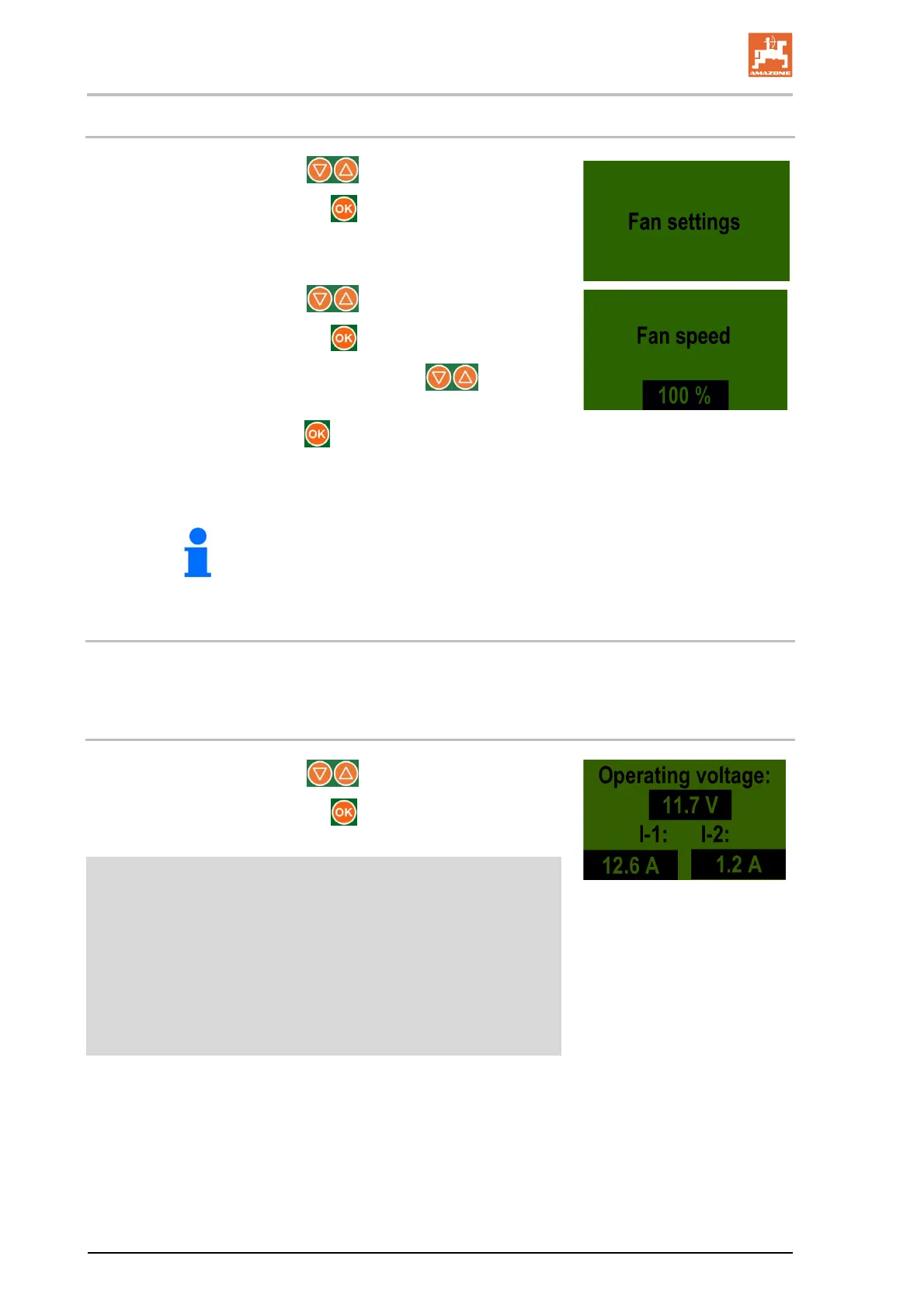
7.10 Adjusting the blower fan speed (electric blower fan drive)
1. Select the display with the buttons.
2. Confirm the selection with the
button.
3. Select the display with the buttons.
4. Confirm the selection with the
button.
5. Enter the desired blower fan speed with the
buttons
(e.g., 100 %).
6. Confirm the entry with the
button.
If no button is pressed, the display switches to the main menu
after approx. 5 seconds.
The blower fan speed of the electrically driven blower fan can also be
adjusted during operation.
7.11 Adjusting the blower fan speed (hydraulic blower drive)
The section "Hydraulic blower fan drive", page 47, describes the adjustment of the blower fan speed.
7.12 Operating voltage
1. Select the display with the buttons.
2. Confirm the selection with the
button.
Display:
[V] Operating voltage [volt]
I-1 Shows the current consumption [amps]
of the electrically driven blower fan motor.
I-2 Shows the current consumption [amps]
of the seeding shaft motor.
If there are strong fluctuations in the operating voltage during op-
eration, there may be errors in the seeding rate.





 To Next Page