GreenDrill control terminal 5.2
78
GreenDrill BAH0054-9 11.17
7.7.4 Restoring the factory setting for the calibration value (reset)
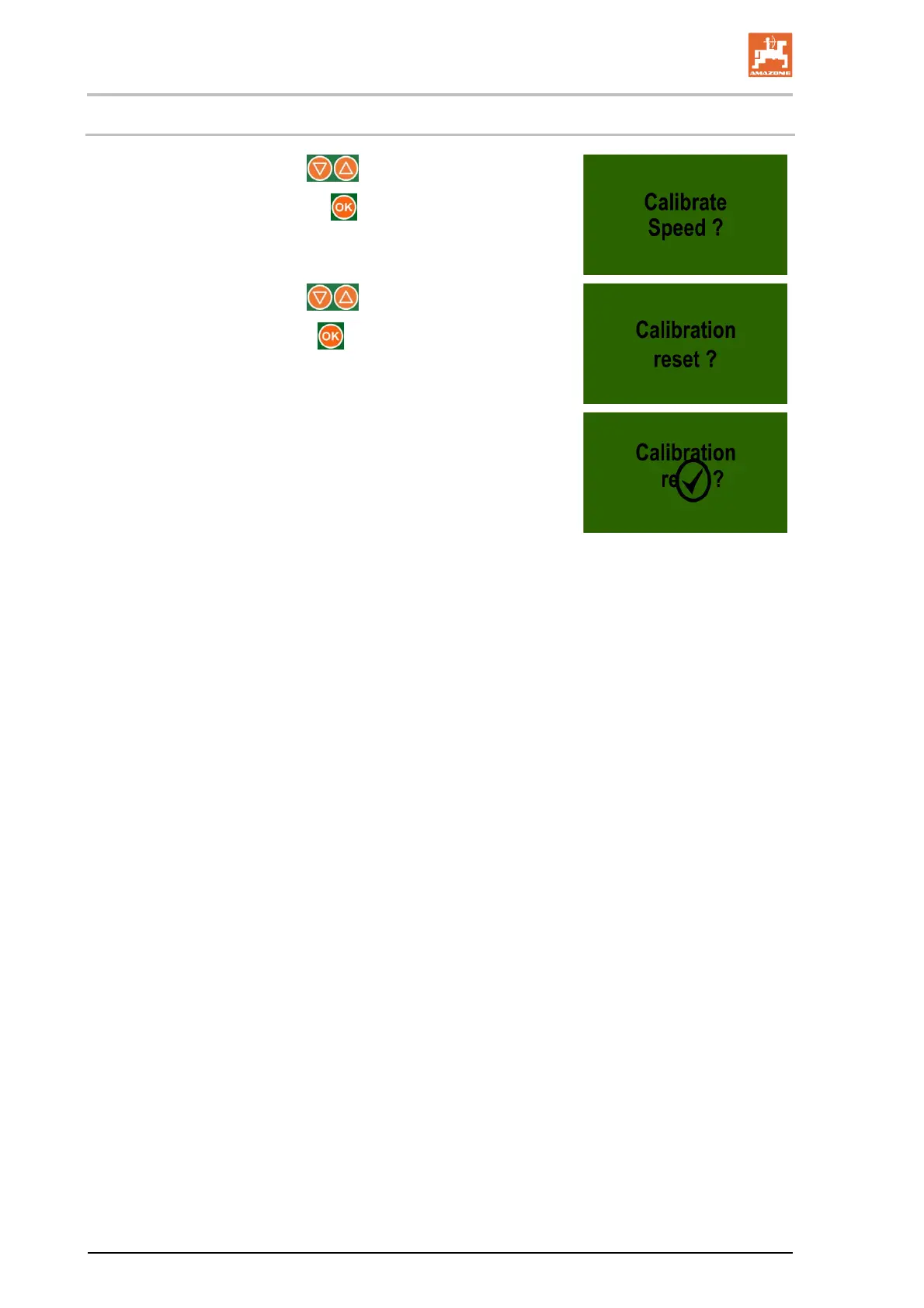
1. Select the display with the buttons.
2. Confirm the selection with the
button.
3. Select the display with the buttons.
4. Confirm the display with the
button.
The factory setting for the calibration value has been re-
stored.
Display after completed reset
If no button is pressed, the display switches to the main menu
after approx. 5 seconds.







 To Next Page