Chapter 3 Software Navigation
Part Number: 0160-6411, Rev A, 02/2019 Page 119 of 314
Software Release: cOS 5.00
Home Panel (Mobile Patient Bed only)
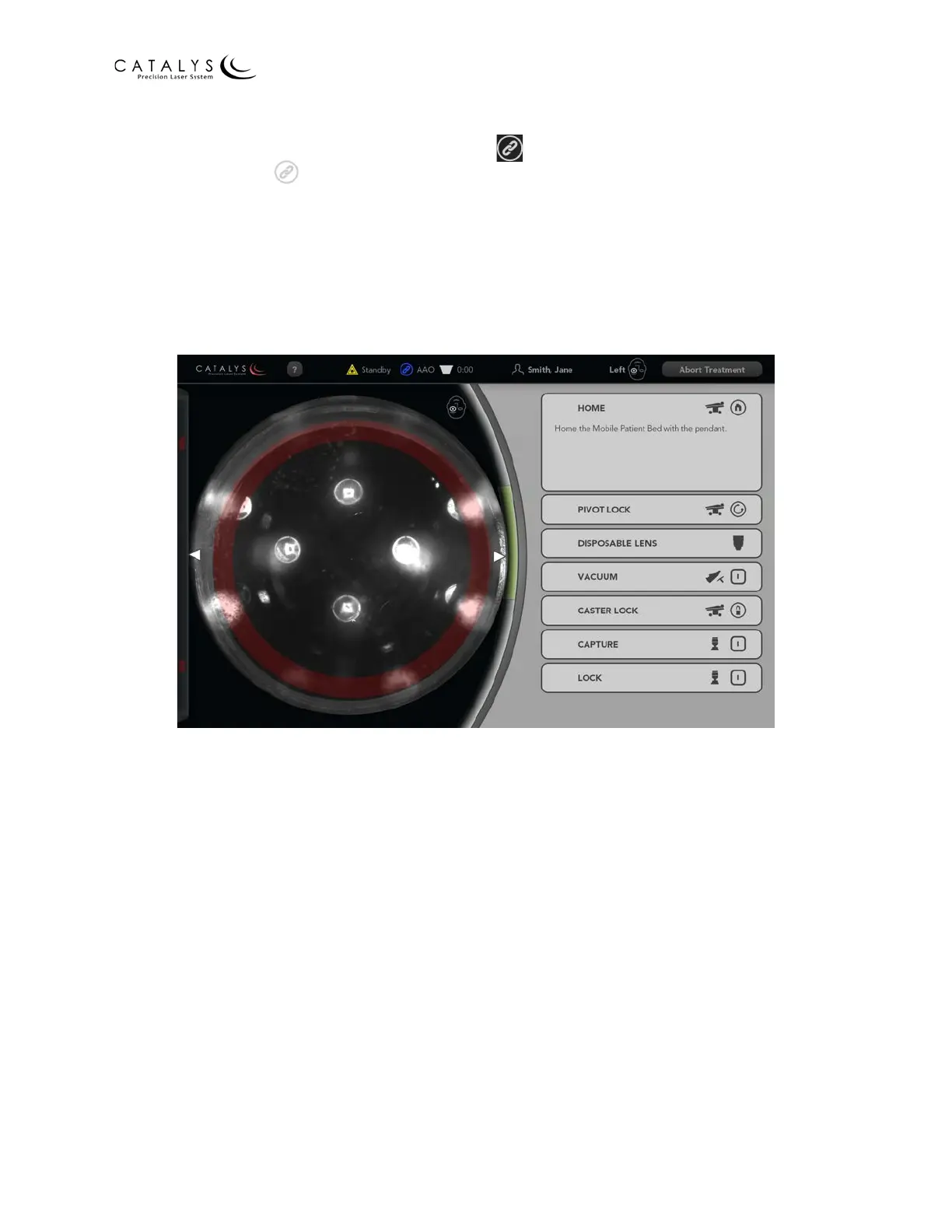
When the Bluetooth connection is successful, the (connect) button on the control pendant
illuminates blue; the (Bluetooth connection status) icon at the top of the CATALYS® System
screen turns from gray to blue; the Mobile Patient Bed name displays to the right of the icon;
and the Home panel opens. As instructed in the panel, return the Mobile Patient Bed to the
Home position.
NOTE
Refer to Homing the Mobile Patient Bed on page 182 for detailed instructions.
Figure 3.73 Docking Screen with Home Panel Open



 To Next Page