Chapter 3 Software Navigation
Page 124 of 314 Part Number: 0160-6411, Rev A, 02/2019
Software Release: cOS 5.00
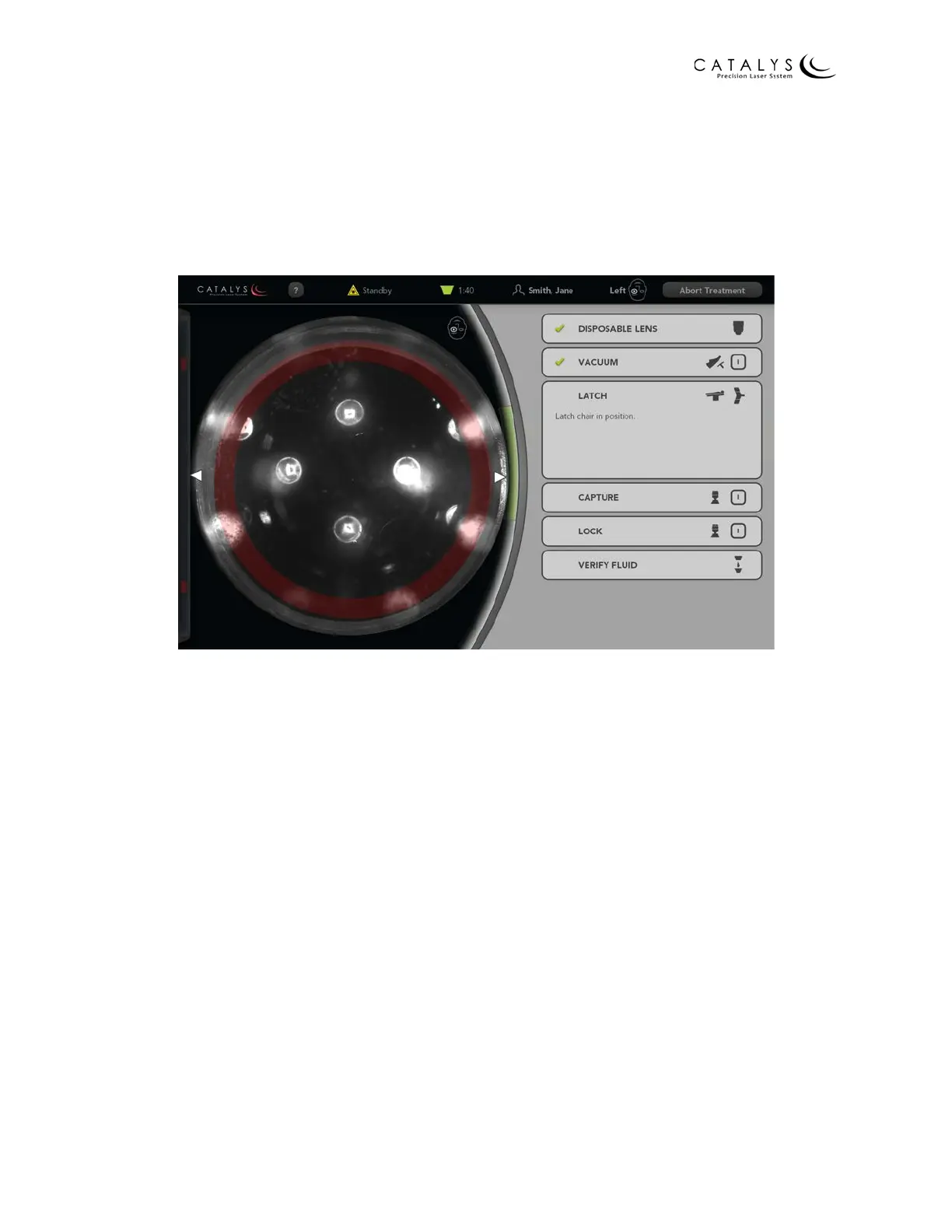
Latch Panel (patient chair only)
If using the patient chair, the Latch panel opens after the system verifies application of the
suction ring of the LIQUID OPTICS™ Interface and patient vacuum. As instructed in the panel,
latch the patient chair in the treatment position using the chair’s foot-activated chair latching
lever located at the chair base.
Figure 3.78 Docking Screen with Latch Panel Open



 To Next Page