Chapter 3 Software Navigation
Page 76 of 314 Part Number: 0160-6411, Rev A, 02/2019
Software Release: cOS 5.00
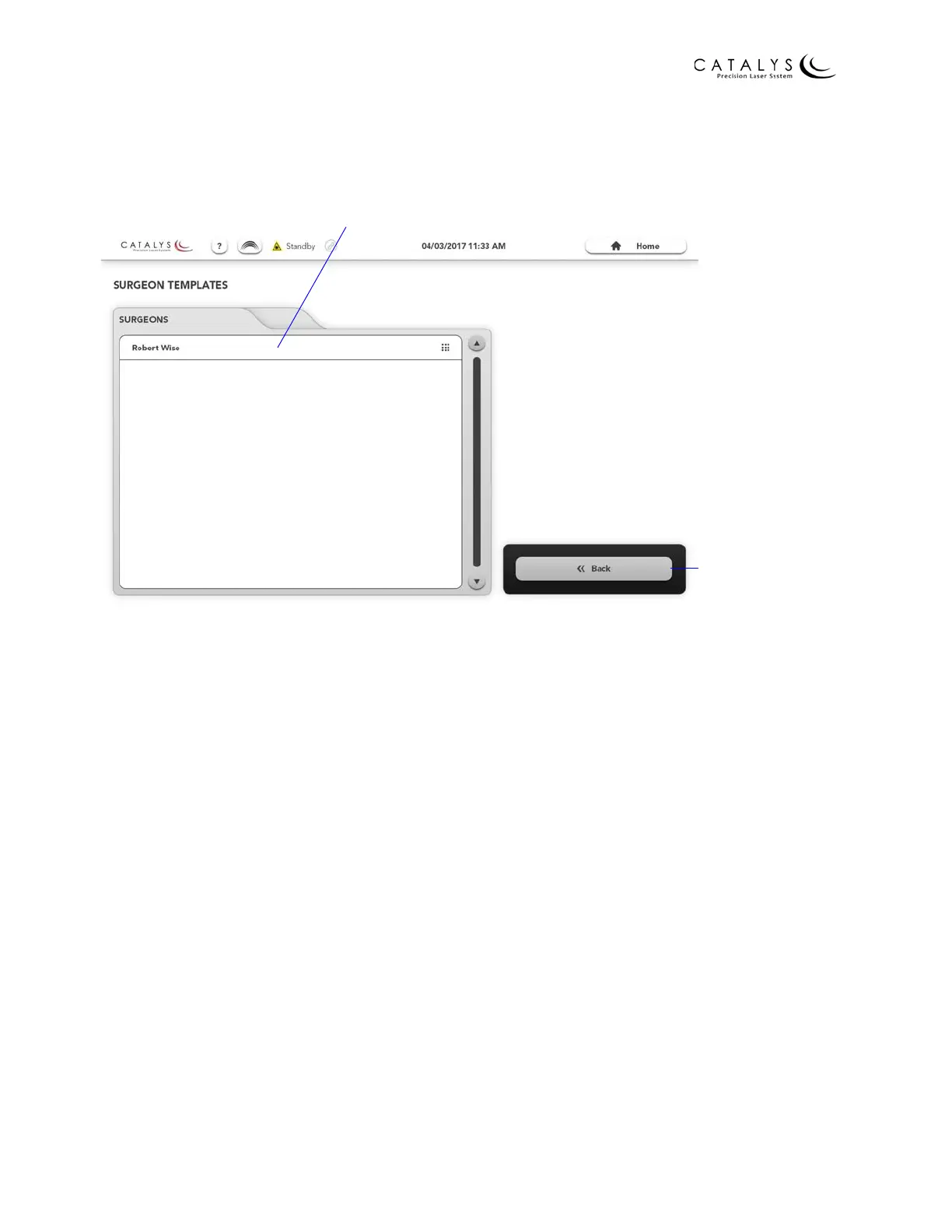
From the Surgeon Templates Overview Screen for general users, you can edit previously created
surgeon template sets.
Figure 3.25 Surgeon Templates Overview Screen for General Users
Surgeon Template Screens
From the Surgeon Templates Overview Screen for administrators, select a surgeon name and
press the EDIT button to go to the Surgeon Template Screens for that surgeon. From the
Surgeon Templates Overview Screen for general users, select a surgeon name to go to the
Surgeon Template Screens for that surgeon. From the Surgeon Template Screens, you can:
• Add a new template and edit previously added templates
• Set default parameters
• Adjust overlay settings for this surgeon
• Adjust general preferences for this surgeon
NOTE
Refer to Planning Screens on page 83 for detailed information on creating and editing surgeon
templates and setting default parameters.
Return to Previous
Screen
Edit Surgeon Template Set



 To Next Page