Chapter 2 System Overview
Page 42 of 314 Part Number: 0160-6411, Rev A, 02/2019
Software Release: cOS 5.00
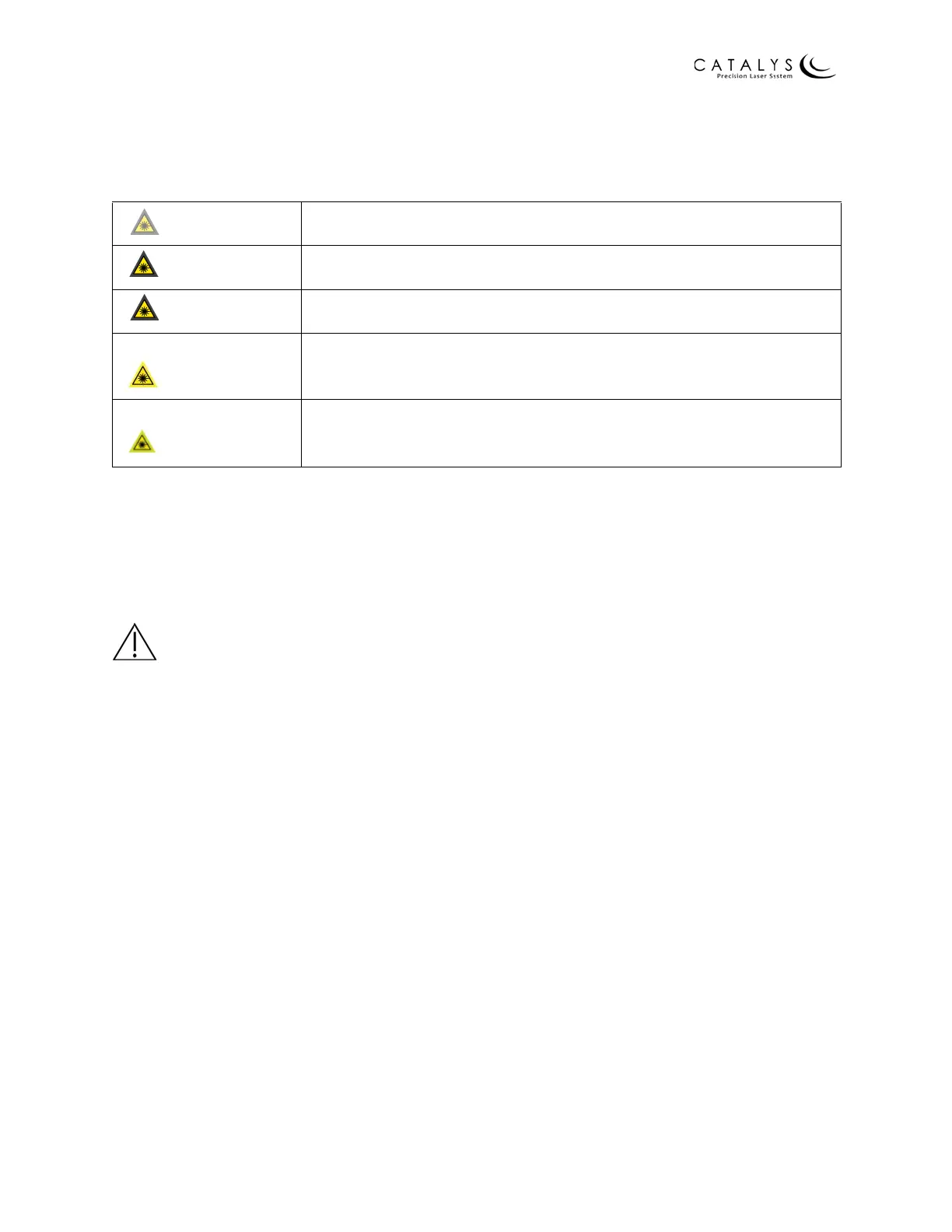
One of the following laser status icons displays at the top of each screen to alert you to the laser
status:
Table 2.3 Laser Status Icons
Verifying System Alignment
Every day, prior to use, a trained operator must verify that the CATALYS® System is aligned. To
verify that the system is in alignment, a simulated capsulotomy and fragmentation is performed
on a plastic test hemisphere that serves as the simulated lens. Order test hemispheres by calling
Customer Service at +1-408-273-4100.
WARNINGS
Use only OPTIMEDICA part number SA‐08044 for verifying system alignment. Previous versions
of the plastic hemispheres are obsolete and should not be used.
System alignment verification must be performed by a trained operator on a daily basis prior to
use, per the following instructions.
NOTE
Refer to Intraoperative Instructions on page 175 for detailed instructions on the docking and
undocking procedures described in the following steps.
Asleep Laser is disabled/asleep; no laser energy is available
Waking Laser is powering up; no laser energy is available
Standby Laser power-up is complete, but treatment energy is not available
Ready
Laser is ready to treat; footswitch is enabled (displays on Final
Review Screen and Treatment Paused Screen only)
Treat
Laser energy is being delivered (displays on Treatment Progress
Screen only)



 To Next Page